The MPC Sample receives a significant boost with the 1.4 firmware update, and Akai Professional continues its tradition of integrating user-driven features and developer innovation. This walkthrough covers everything from custom knob effects and SDK-based plugin creation to streamlined effect stacking and new expressive performance modes. We explore how the new tools reshape workflow, enhance sample manipulation, and open up fresh creative territory—while keeping a close eye on what’s actually demonstrated versus what remains to be tested in real-world setups.
25. November 2026
LYRA
Akai Professional Ups the Game: MPC Sample 1.4 Update Unleashed
Firmware Evolution: What’s New in 1.4?
The 1.4 update for the MPC Sample arrives with a strong focus on both creative expansion and workflow refinement. According to Akai Professional, this release brings together several features requested by the user community, showing a clear awareness of what modern producers are seeking from their grooveboxes and samplers.
From the outset, Akai positions this update as more than just incremental—it’s about unlocking new developer tools, enhancing performance modes, and introducing functionality that supports rapid, hands-on music making. The video immediately teases deeper integration with the Akai developer ecosystem, setting the stage for a walkthrough that’s all about actionable improvements rather than abstract promises.
Custom FX and Pad Resampling: The Developer’s Playground
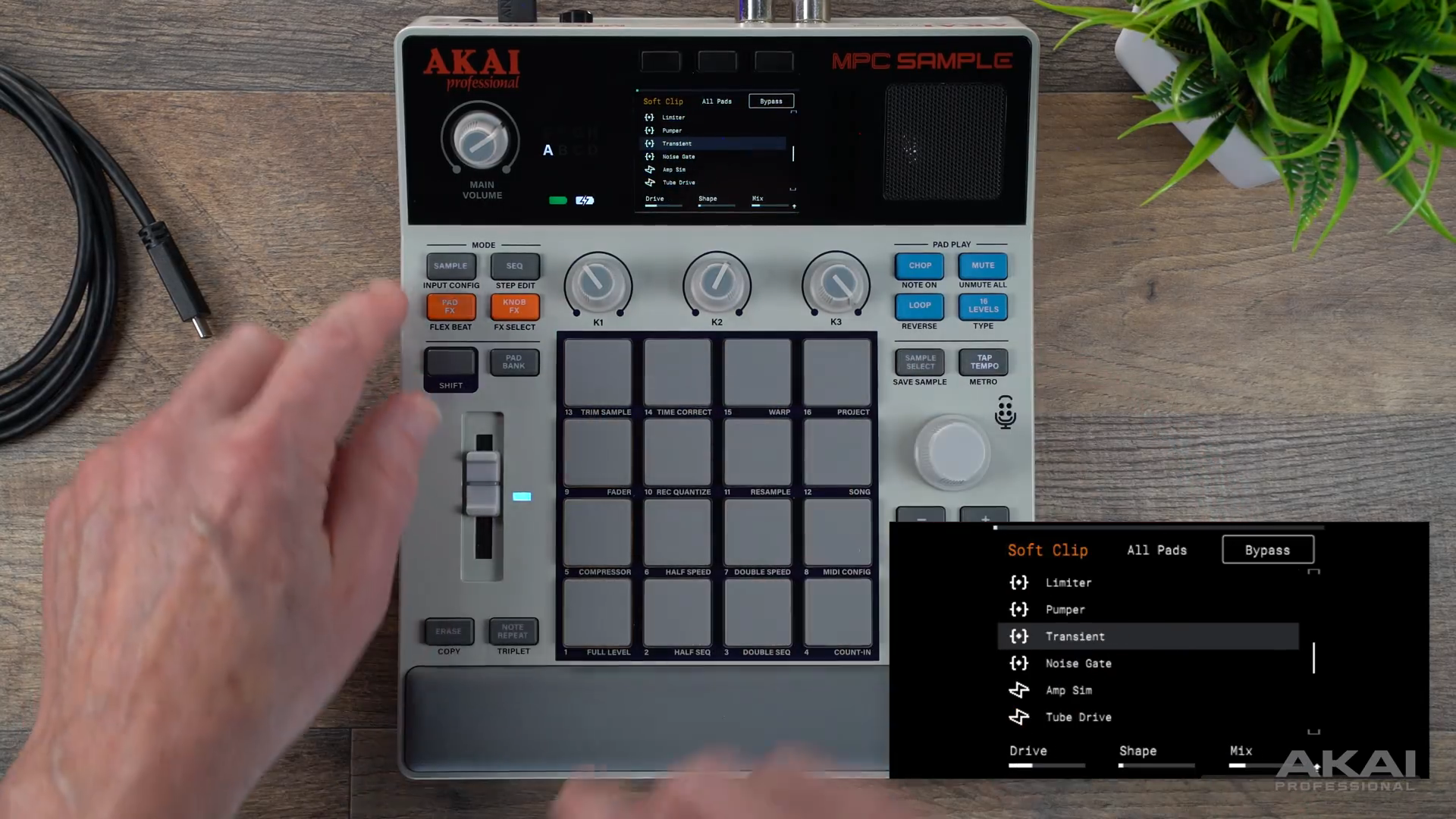
One of the standout features in 1.4 is the new developer enhancement tools, accessible right from the MIDI configuration screen. By enabling the Dev Enhancement Beta options, users gain access to the MPC Plugin Builder SDK, which allows the creation and integration of custom knob effect plugins. These plugins, once loaded onto an SD card, appear natively within the MPC Sample’s knob effects list. Notably, there’s cross-compatibility: any custom plugin built for MPC Sample will also run on standalone MPC hardware with the latest firmware, fostering a true community-driven ecosystem for effects.
Equally significant is the introduction of the Flatten Pad function. This workflow tool lets users render a drum pad’s audio—including any active knob effects—directly into the pad sample. The demonstration shows how a dry snare can be transformed by adding a large reverb, flattening the result, and then stacking further effects like delay, each time baking the effect into the pad. Previously, only one effect could be active at a time on a pad, but now, users can quickly build complex effect chains and commit them as part of the sample, making layered sound design much more streamlined.
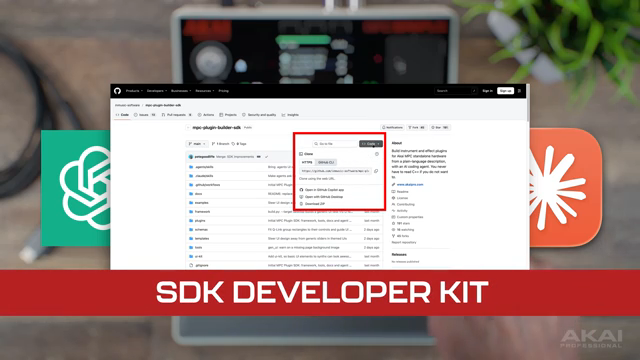
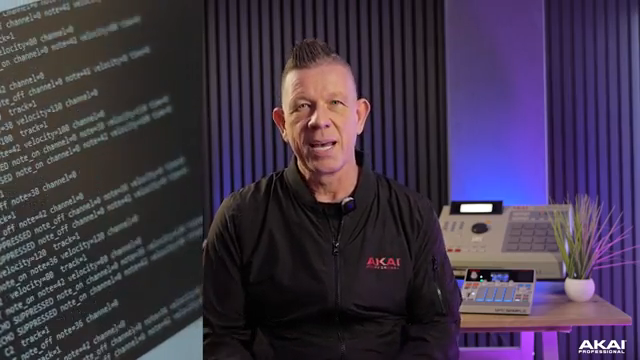
"Once you have custom plugin support enabled, you'll see any and all custom knob effects plugins you have on your SD card appear at the bottom of the knob effects list."
© Screenshot/Quote: Akai Pro (YouTube)
Performance Boost: Sequence Record Auto-Play and Scales Mode
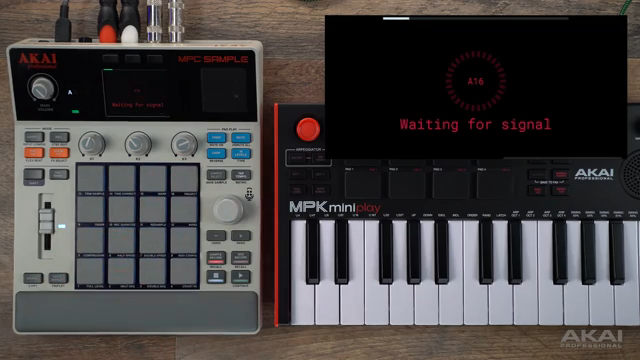
"This allows a looper type experience and affords even faster real-time recording from external devices."
© Screenshot/Quote: Akai Pro (YouTube)
The update also brings practical enhancements aimed at live and studio performance. Sequence Record Auto-Play means that when recording a sample to sequence length, the sequence will automatically play back upon completion. This essentially enables a ‘looper’ workflow, where external audio can be recorded and auditioned in real time, speeding up sampling and overdubbing without menu diving.
With 16 Levels Scales Mode, Akai answers a top user request. Now, when using 16 levels mode on a sample pad, holding the 16 Levels button cycles through a set of scale options beyond simple chromatic transposition. This opens up new melodic possibilities for working with samples, especially in performance scenarios where quick access to different scales can inspire more expressive playing and creative manipulation.
Preview and Edit: Smoother Browsing and Sequence Building
Workflow refinements continue with new audio preview and editing options. In the sample select browser, holding Shift now reveals a preview volume slider, giving precise control over how loud samples play back while browsing—a small but crucial touch for studio and stage environments. This kind of detail can help avoid unwanted jumps in monitoring level or missing subtle sounds during selection.
Step Edit mode receives its own boost: with the new automatic preview function, users can audibly step through each event in their sequence, directly matching what’s heard with the visual representation on the timeline. This should make it easier to fine-tune patterns and catch timing or sound issues without switching modes or relying on memory.
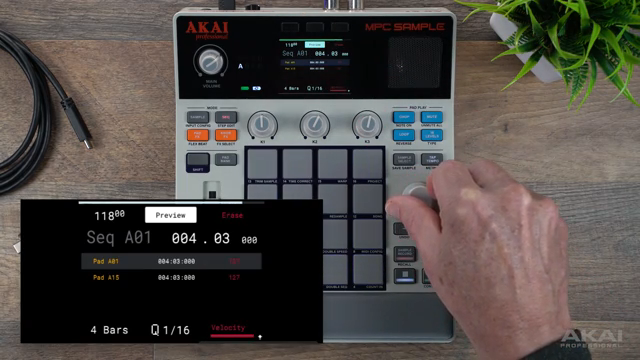
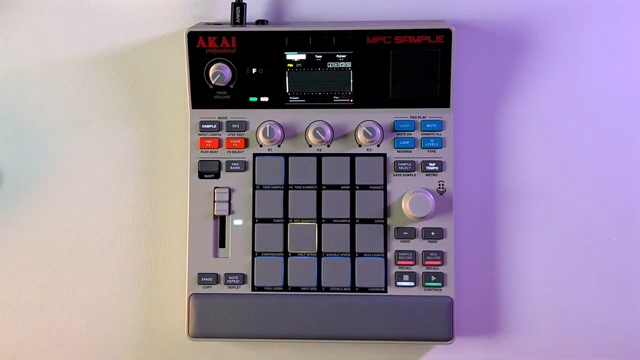
"This makes it much easier to match what you see with what you hear along the sequence timeline."
© Screenshot/Quote: Akai Pro (YouTube)
More Power, More Possibility: The Update in Context
Cumulatively, the 1.4 update marks a notable leap for MPC Sample users, marrying new creative tools with process-oriented enhancements. From expanded developer support and robust pad resampling to smarter previewing and expressive performance modes, Akai Professional is clearly committed to evolving the MPC Sample as a modern, flexible centerpiece for digital production. As always, real-world workflows and integration with wider setups will reveal the true depth of these features, but the official walkthrough makes a convincing case for updating and exploring what’s now possible.
This article is also available in German. Read it here: https://synthmagazin.at/akai-professional-legt-nach-das-mpc-sample-1-4-update-ist-da/
More articles about these products:
 Akai Professional Pushes Boundaries with MPC 3.10.1 Update
 MPC Sample: Different Software, Same Pads?
 Akai MPC Sample: How Much MPC Do You Really Need?
 MPC Sample Reality Check: Sunwarper Spills the Good, the Bad & the Groovy
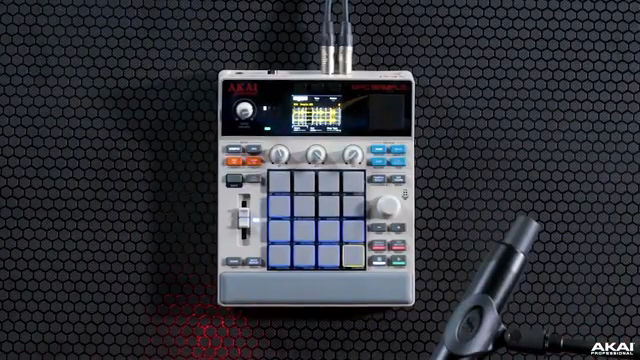 Akai Professional’s MPC Sample: Chopping, Grooving, and Crafting Without Barriers
 TAETRO vs. Pocket-Sized FM Fury: The MVAVE FM-1 Reviewed
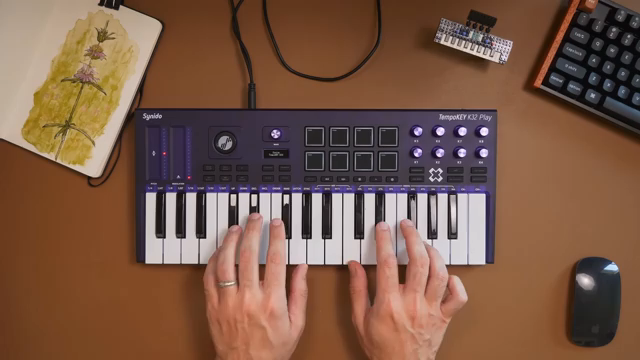 TAETRO vs. Creative Block: Chasing Beats with the MPC Sample & TempoKEY K32 Play
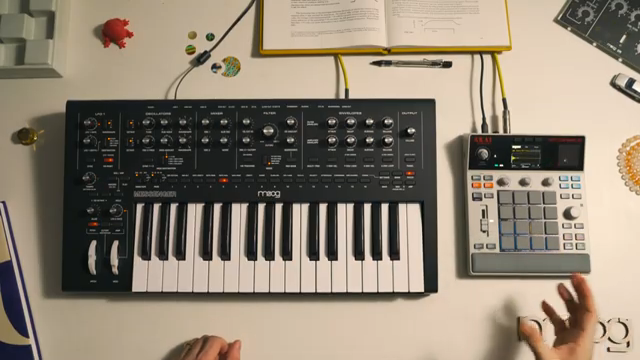 Moog Music: Layering the Messenger with Akai MPC Sample – A Workflow Deep Dive
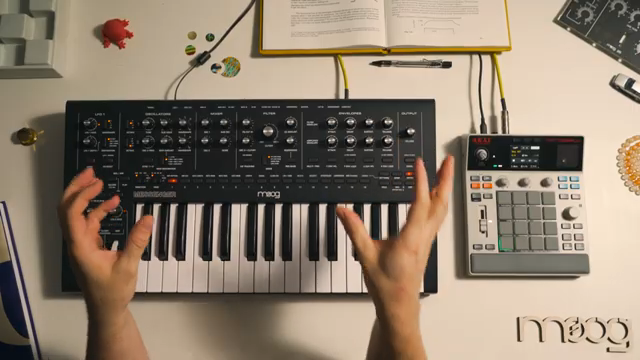 Moog Music: Analog Drum Synthesis Meets Modern Sampling with Messenger & MPC Sample
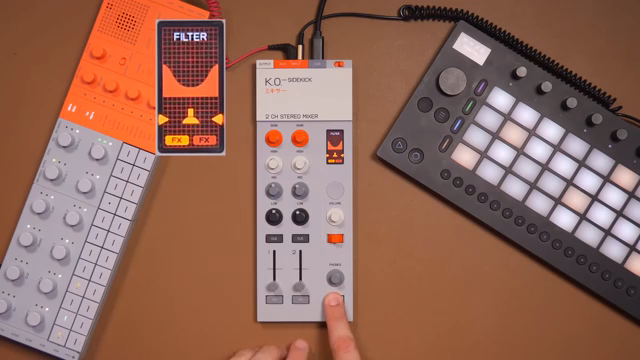 TAETRO’s Sidekick Obsession: Teenage Engineering Finds the Missing Link
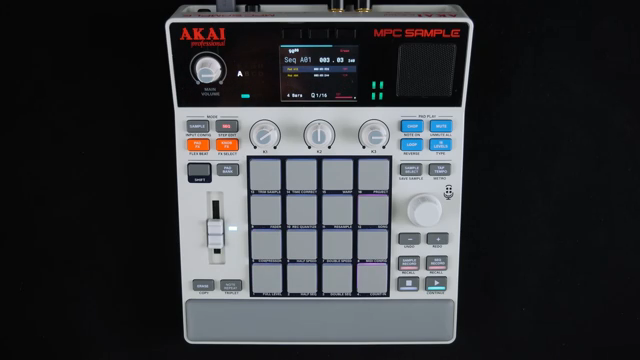 AudioPilz Toys with the MPC Sample: Teenage Engineering Vibes, Akai Grit
 Why MALO BEATS Thinks the MPC Sample Outguns the Rest
Watch on YouTube:
All about
Akai MPC SampleWhen the community rewrites your workflow
What doesn’t fit needn’t have the final say: one creator sees community firmware as a way to fix workflow problems in code while keeping the form factor and pads.
4 creator perspectives · 3 software projects · 2 forum stories
MoreLatest articles
Watch on YouTube:
Visit the channel:
https://www.youtube.com/Akai_Pro
Links from Akai_Pro:
website: https://akaipro.com
instagram: https://instagram.com/akai_pro
facebook: https://www.facebook.com/AkaiPro
twitter: https://twitter.com/akai_pro
google_plus: https://plus.google.com/107127819149441645522/posts
Sponsored links:
If you purchase via these links, we may earn a small commission – at no extra cost to you. The link opens an Amazon keyword search, and results may vary depending on availability.
Akai MPC Sample
🔗 Check price on Amazon