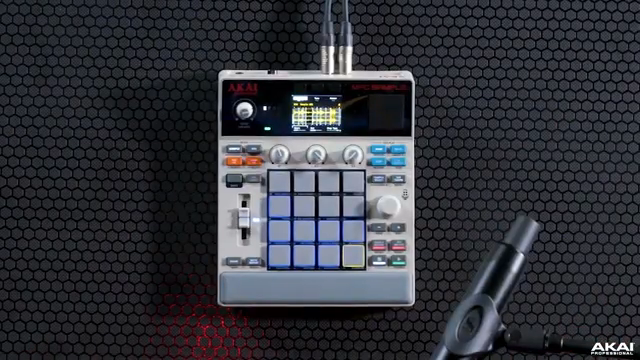
At Guitar Center’s LA BeatLab, Akai Professional’s Andy Mac presents a deep-dive into the MPC Sample, aiming to demystify beatmaking for those without a background in music theory. This session is all about accessible creativity, as Andy guides viewers through sample chopping, intuitive pad workflows, and performance tools that streamline the process from idea to finished beat. The focus stays firmly on hands-on control, user interface minimalism, and the flexible, experimentation-driven nature of the MPC Sample. For anyone curious about how modern Akai design translates to real-world workflows, this demonstration is a revealing look behind the pads.
29. August 2026
LYRA
Akai Professional’s MPC Sample: Chopping, Grooving, and Crafting Without Barriers
Beatmaking Unlocked: No Theory Required
The MPC Sample is positioned as a tool that breaks down barriers for creators who may not have formal music theory training. Andy Mac, with two decades at Akai Professional, opens the session by highlighting the product’s accessibility, emphasizing that inspiration can strike from any sound source—even a sample captured straight from a phone. The underlying message is clear: creativity isn’t gated by theoretical knowledge, but by the willingness to experiment.
What stands out in the introduction is the focus on immediacy and personal interpretation. As Andy notes, every sample offers a unique pathway for each user, reflecting Akai’s philosophy of empowering producers to follow their intuition. This approach encourages users to trust their ears and ideas rather than overthinking the technicalities, setting a relaxed yet energetic tone for the workflow demonstration that follows.
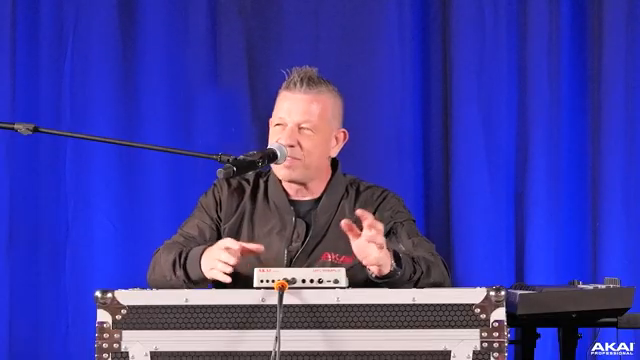
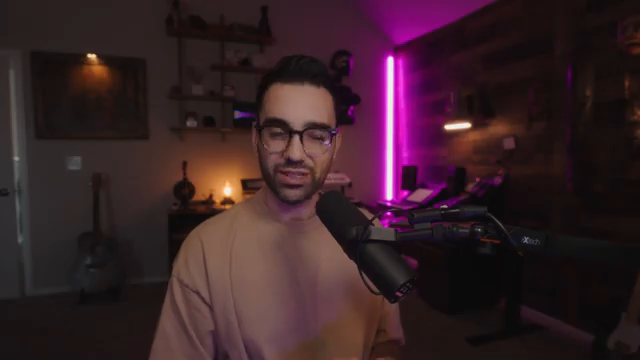
"There's something about it and every sample that you hear you'll hear something different to the other person, right?"
© Screenshot/Quote: Akai Pro (YouTube)
Chop to It: Intuitive Sample Manipulation
"All I've hit is a chop button, right?"
© Screenshot/Quote: Akai Pro (YouTube)
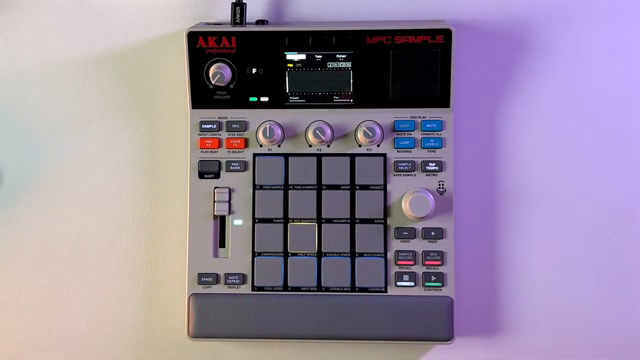
One of the core strengths demonstrated is the MPC Sample’s chopping feature, which allows users to quickly segment audio and map slices across pads. Andy demonstrates how a single button press—’chop’—drops you straight into an intuitive editing mode, minimizing menu-diving and maximizing creative flow. Users can opt for manual chopping, selecting their own start and end points, or let the device’s transient detection handle the slicing automatically.
This dual approach to chopping opens up different creative avenues: manual mode for precise control and happy accidents, and auto-chop for fast experimentation. The result is a workflow that caters both to methodical beatmakers and spontaneous samplists. The demonstration underscores that the MPC Sample is as much about playfulness as precision, with every chopped segment offering a new groove or melodic fragment to explore.
Layered Workflows: Building Grooves, Textures, and Basslines
Once the initial chops are laid out, Andy moves into sequencing, highlighting how the MPC Sample’s interface enables smooth transitions from sampling to groove creation. The sequence page, with color-coded pads, gives immediate visual feedback on which elements have active sequences. Quantization options are front-and-center, allowing users to quickly toggle between rigid and loose timing—essential for dialing in the right rhythmic feel.
Layering is shown both in terms of adding classic drum elements and experimenting with textures and basslines. The fader is given special attention as a fast-access macro controller for pad volume, panning, tuning, or envelope shaping, depending on user assignment. Andy also illustrates how layering samples from different records is frictionless, encouraging the construction of complex, genre-blending soundscapes. The MPC Sample’s design, drawing from Akai’s legacy while stripping away menu clutter, consistently keeps the focus on creative flow.
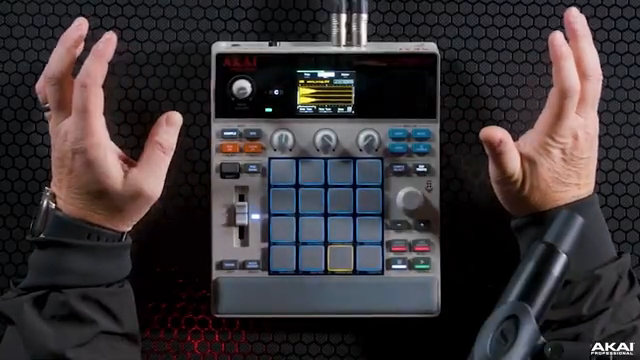
"But the magic is do you want to do it with quantize on or quantize off?"
© Screenshot/Quote: Akai Pro (YouTube)
Performance Tools: Effects, Filters, and Quantization in Action
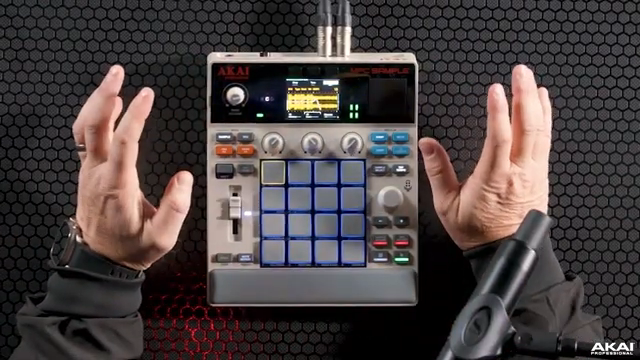
"Now every sample, every sample has a filter on it as well so you've got like seven different filter types."
© Screenshot/Quote: Akai Pro (YouTube)
Performance and sound design tools take center stage as Andy explores the MPC Sample’s effects and modulation options. Every sample can be processed with a choice of filter types, with parameters like cutoff and resonance available for real-time tweaking via hardware controls. Automation is as simple as hitting record and moving a parameter, making it easy to inject organic movement into loops and textures.
The workflow demonstration continues with effects assignment, including tape emulation and lo-fi processing, which can be targeted at specific pads. Quantize can be toggled on or off during performance, providing flexible timing control to suit both tight production and humanized grooves. Throughout, Andy reinforces that the MPC Sample is designed to stay out of the way: minimal button presses, clear visual cues, and shallow menu structures all contribute to a workflow that’s immediate and adaptable to both studio and stage.
This article is also available in German. Read it here: https://synthmagazin.at/akai-professional-mpc-sample-chopping-grooves-und-kreatives-sampling-ohne-huerden/
More articles about these products:
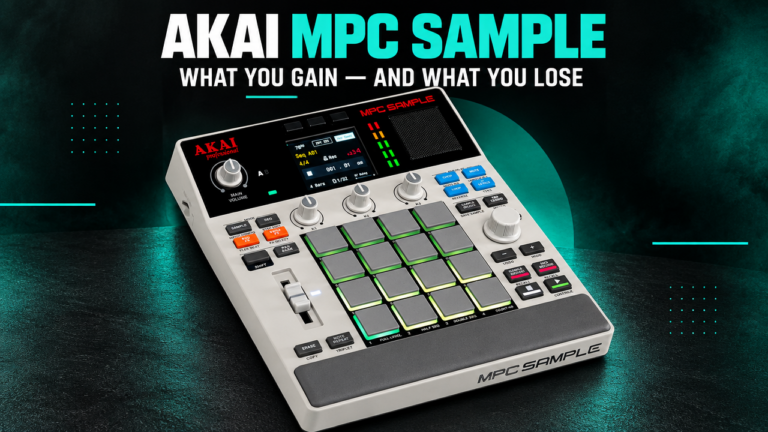 Akai MPC Sample: How Much MPC Do You Really Need?
 MPC Sample Reality Check: Sunwarper Spills the Good, the Bad & the Groovy
 TAETRO vs. Pocket-Sized FM Fury: The MVAVE FM-1 Reviewed
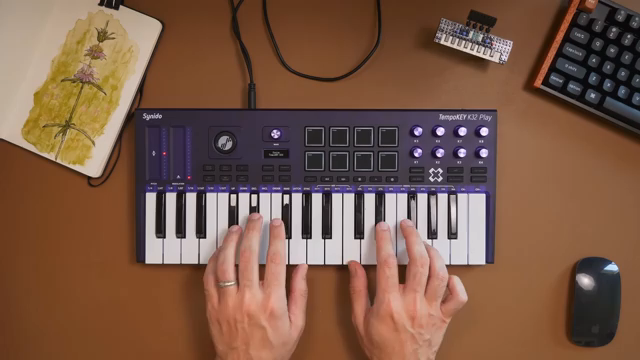 TAETRO vs. Creative Block: Chasing Beats with the MPC Sample & TempoKEY K32 Play
 Moog Music: Layering the Messenger with Akai MPC Sample – A Workflow Deep Dive
 Moog Music: Analog Drum Synthesis Meets Modern Sampling with Messenger & MPC Sample
 TAETRO’s Sidekick Obsession: Teenage Engineering Finds the Missing Link
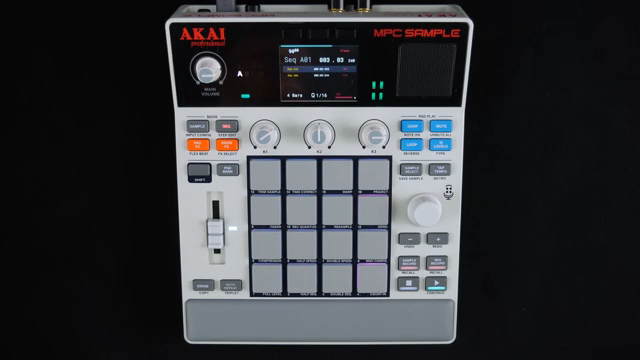 AudioPilz Toys with the MPC Sample: Teenage Engineering Vibes, Akai Grit
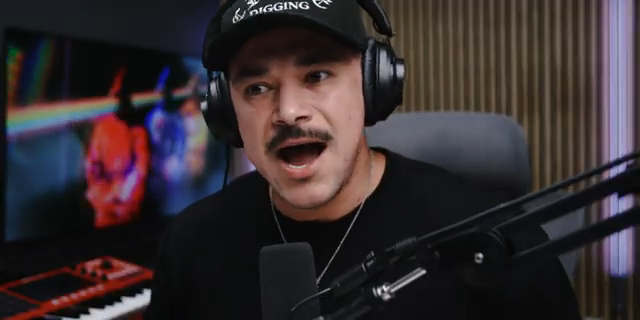 Why MALO BEATS Thinks the MPC Sample Outguns the Rest
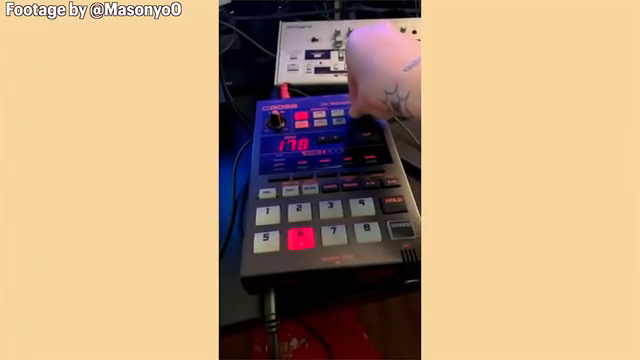 Sunwarper vs. The DAW: Why Portable Samplers Rule the Studio Streets
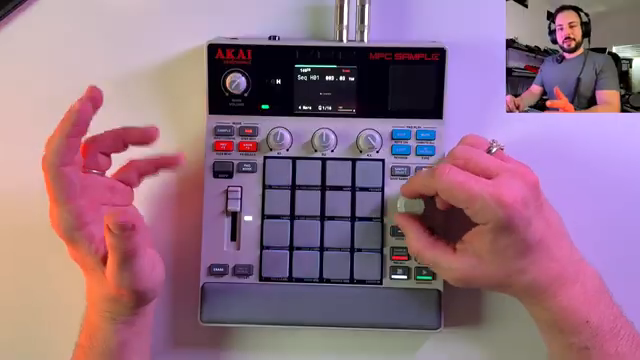 sunwarper’s MPC Sample: The Beatmaker’s Sketchbook That’ll Make You Rethink Your Workflow
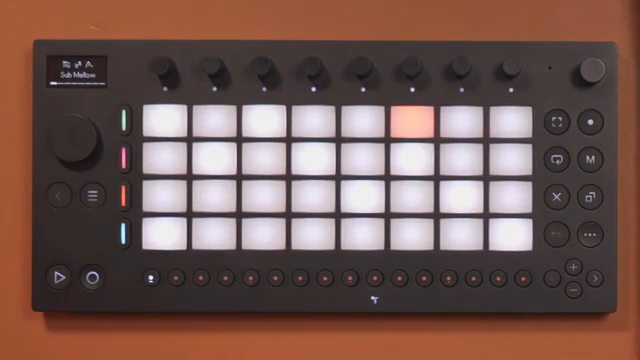 TAETRO Throws Down: Ableton Move vs MPC Sample – Which Groovebox Wins the Street Fight?
Watch on YouTube:
Latest articles
Watch on YouTube:
Visit the channel:
https://www.youtube.com/Akai_Pro
https://www.youtube.com/Akai_Pro
Links from Akai_Pro:
website: https://akaipro.com
instagram: https://instagram.com/akai_pro
facebook: https://www.facebook.com/AkaiPro
twitter: https://twitter.com/akai_pro
google_plus: https://plus.google.com/107127819149441645522/posts
Sponsored links:
If you purchase via these links, we may earn a small commission – at no extra cost to you. The link opens an Amazon keyword search, and results may vary depending on availability.
Akai MPC Sample
🔗 Check price on Amazon
🔗 Check price on Amazon