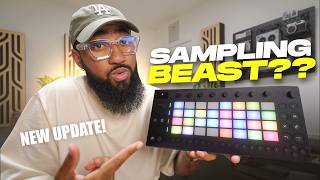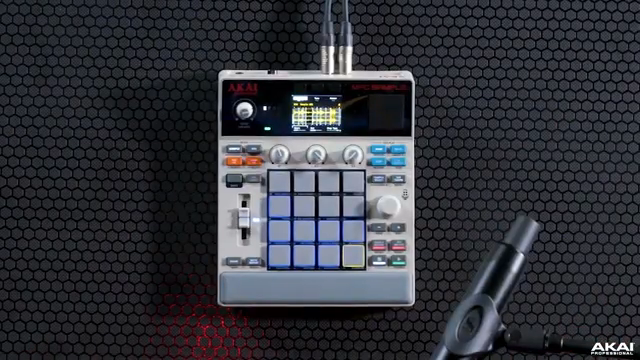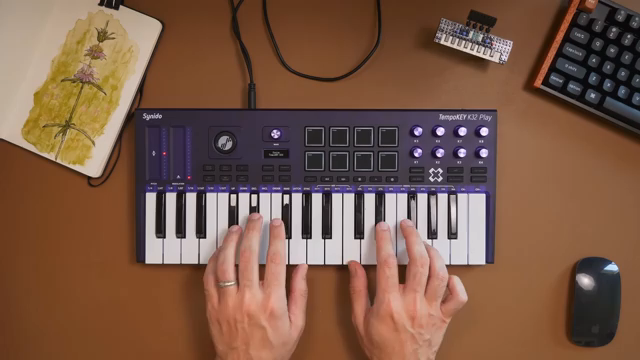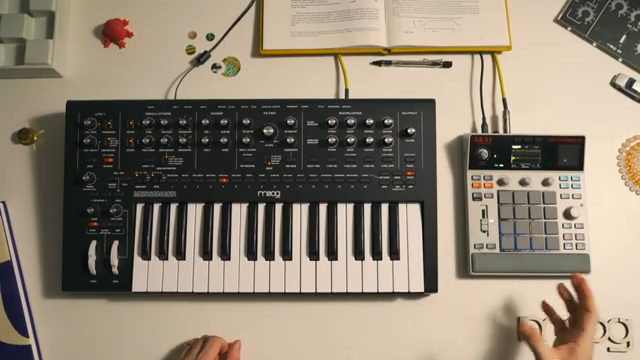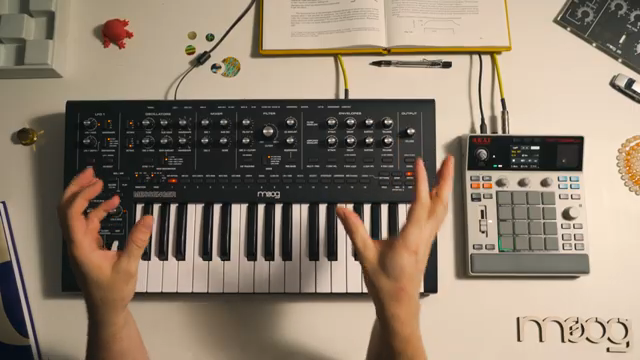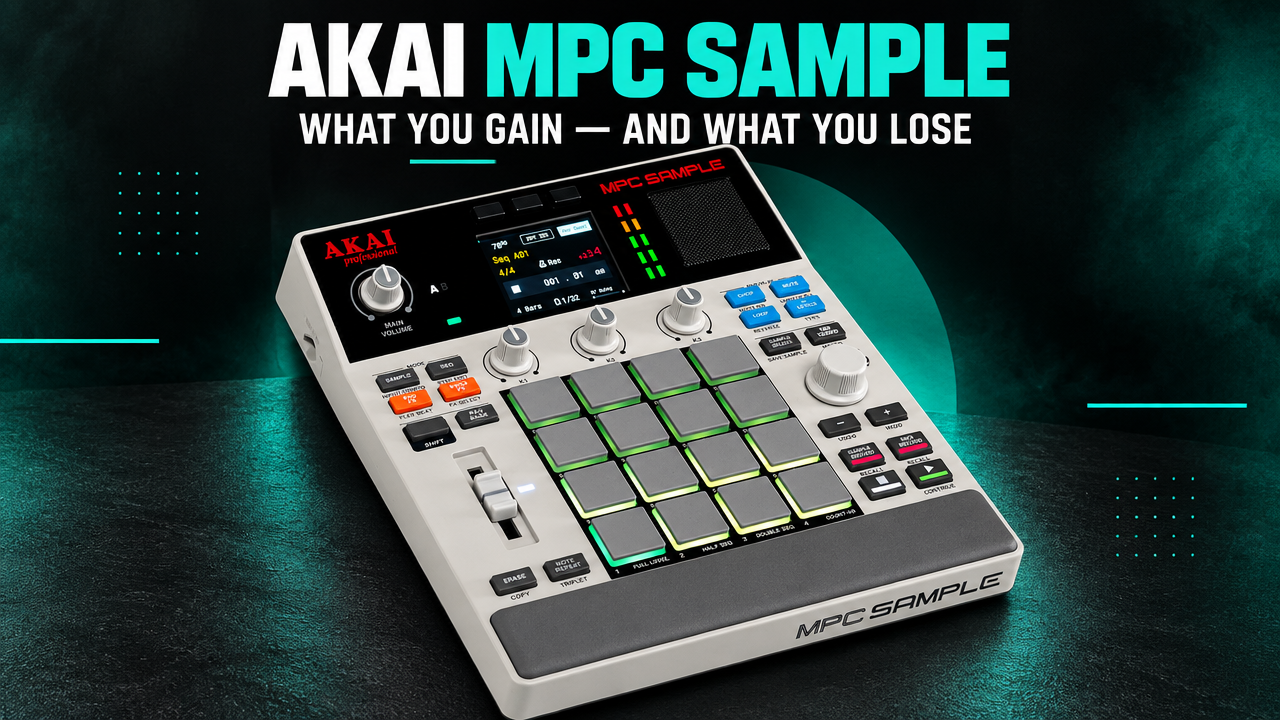
With the MPC Sample, Akai hasn’t simply made a classic MPC smaller and cheaper. The device follows a much more focused idea: record samples, chop them, assign them to pads, play beats, and turn them into an arrangement as quickly as possible. Much of what turns the MPC One or MPC Live into complete production environments has deliberately been left out.
That reduction is exactly what determines whether the MPC Sample feels refreshingly immediate or simply too stripped down. The hands-on experiences we reviewed paint a fairly clear picture: sampling and chopping are among its greatest strengths, the MPC pads remain at the heart of the workflow – while sequencing, plugins, and deeper production features are much more limited.
So the key question isn’t really how much the MPC Sample can do compared with a full-size MPC. What matters more is whether Akai has kept the functions you actually need for fast, sample-based beatmaking.
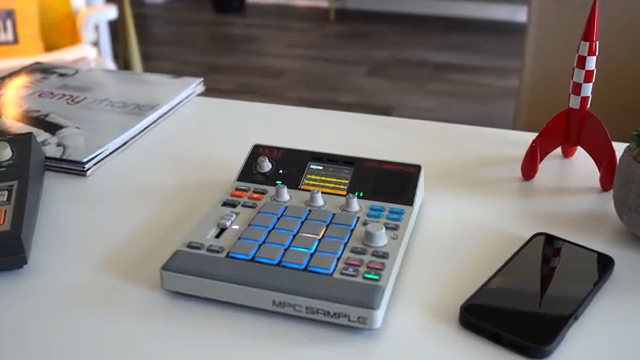
“I think the big advantage here is the balance between everything else that’s out there.”
© Screenshot/quote: Sanjay C (YouTube)
Akai MPC Sample – Price & Availability
Standalone sampler · 16 MPC pads · Battery · USB-C sampling
Check price & availability on Amazon →
Advertising – affiliate link. If you make a purchase through this link, we may receive a commission at no additional cost to you.
An MPC That Starts With Sampling Again
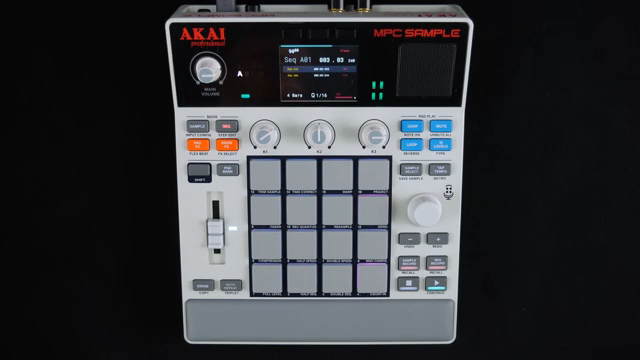
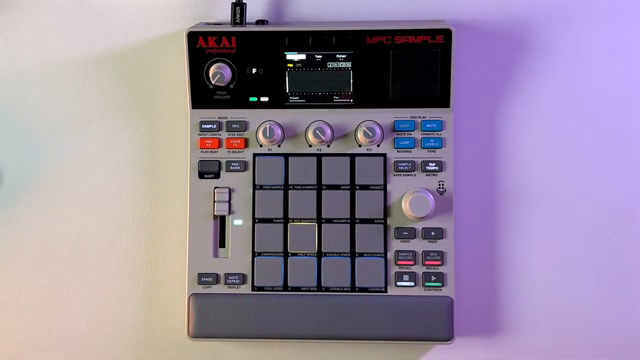
The MPC Sample is a standalone sampler and sequencer with 16 velocity-sensitive RGB pads with aftertouch, a 2.4-inch color display, built-in microphone, 3-watt speaker, and rechargeable battery. Each project can hold up to 128 samples and 128 sequences. It also comes with 2 GB of RAM, 8 GB of internal storage with around 2 GB of factory content, and microSD expansion.
On paper, those are simply technical specifications. In practice, what Akai leaves out is more important. Plugins, virtual instruments, and a DAW-like production environment are not the focus. Comparing it with Ableton Move, TAETRO describes the concept as a sample-first workflow: capture material, chop it, assign it to pads, play it, and turn it into an arrangement.
Samples can be recorded through the analog inputs, the built-in microphone, or digitally via USB-C. USB-C in particular makes the mobile concept considerably more useful: a smartphone, tablet, or computer can serve directly as a sampling source without necessarily requiring a separate audio interface.
Start and end points can be edited, samples can be assigned to pads, pitched, stretched, and internally resampled. Several of the hands-on experiences we reviewed describe these core tasks as remarkably immediate.
“What stands out immediately is how fast it is to use – and chopping is one of the best examples of that.”
© Screenshot/quote: sunwarper (YouTube)
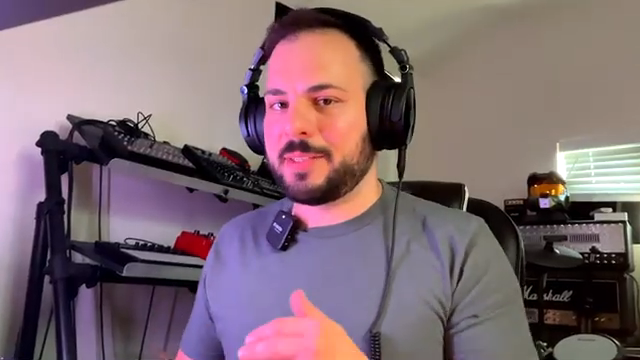
That is an important point, because the reduced feature set doesn’t only feel like a limitation. Fewer layers and fewer functions available at the same time can also make a workflow easier to understand. MALO BEATS therefore describes the MPC Sample as considerably less complicated than his larger MPCs.
That doesn’t mean the smaller device offers more functional depth. Quite the opposite. But for the specific tasks it was designed to handle, there is simply less standing between a sample and a playable beat.
The Pads Remain the Real Instrument
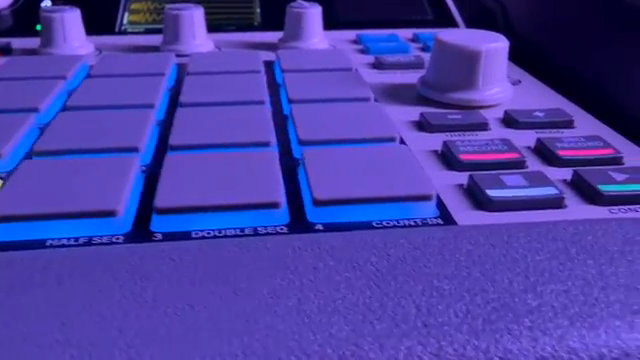
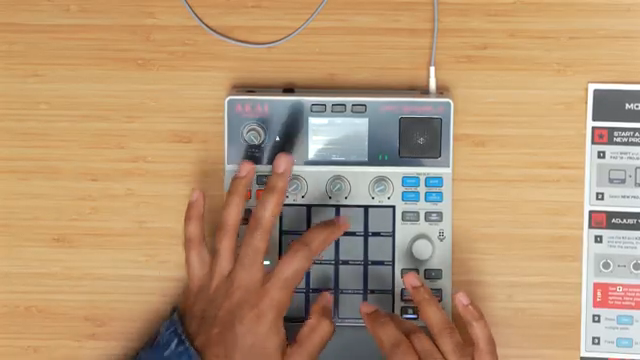
Even in the smaller enclosure, the classic MPC concept remains intact: the 16 RGB pads are the main way of interacting with the device. They are velocity-sensitive and support aftertouch, although their compact dimensions make them smaller than the pads on larger MPC models.
For finger drumming, dynamic playing, or velocity-sensitive hi-hats, the MPC Sample therefore remains firmly within the MPC tradition. Functions such as 16 Levels spread a sample across different pitches or velocity levels, while Note Repeat performs its familiar role for fast rhythmic repetitions.
Sanjay C also speaks positively about the pads while pointing out their smaller size. That combination is typical of the device as a whole: the fundamental MPC playing experience remains intact, but the compact format requires compromises in a few areas.
The Sequencer Reveals Its Most Important Limitation
Anyone who primarily plays an MPC using the pads and corrects the performance afterwards should feel at home relatively quickly. Those who prefer programming beats step by step on a permanently visible 16-step grid should take a closer look.
The MPC Sample does not have the classic running-light step sequencer found on many modern grooveboxes. Swing, quantization, automation, and longer arrangements are all possible, and there is a step editor. But the fundamental approach remains more performance-oriented: play first, edit afterwards.
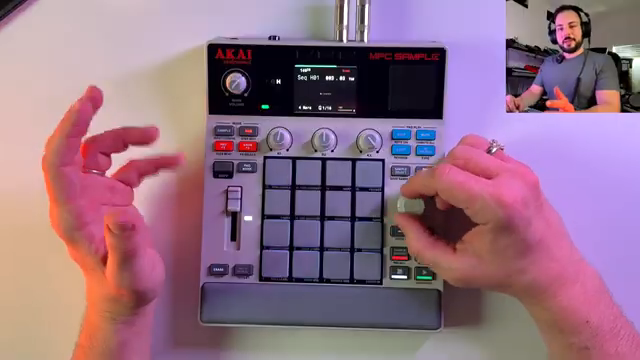
“There’s no step sequencer here. You can go into the step editor, and it’s okay. Sequencing works, but it’s a little cumbersome.”
© Screenshot/quote: sunwarper (YouTube)
This isn’t a minor detail. It is probably the most important point to consider before buying. If you prefer constructing rhythmic patterns on a step grid, other groovebox concepts provide a more direct approach. If you prefer actually playing your beats, the MPC Sample offers the more familiar MPC logic.
This also shows why feature lists alone don’t say much about the device. Technically, the MPC Sample has a fully capable sequencer. What matters is how you personally prefer to sequence.
Effects as Part of the Performance
There are 60 effect variations in total: 28 Knob FX, 16 Pad FX, and 16 Flex Beat effects. Effects can be assigned to individual or multiple pads, triggered live, and in some cases recorded as automation within a sequence.
That means they are more than simply post-processing tools. The Pad FX in particular turn effects into a playable part of the performance.
Compared directly with a Roland SP-404MKII, however, the approach remains more conservative. Roland’s sampler places far greater emphasis on resampling, effect chains, and extensive sound manipulation. With the MPC Sample, the beat itself remains the starting point; effects modify and shape it without dominating the entire concept of the device.
If you want to see how large the current price difference to alternatives like these actually is, you can check the price and availability of the MPC Sample on Amazon.
A Small Display Used Where It Matters
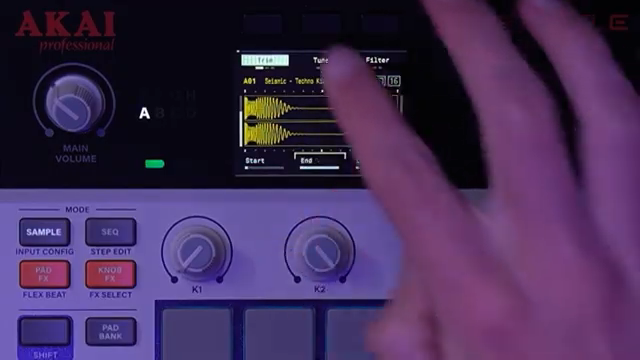
During sampling, the 2.4-inch color display handles exactly those tasks where visual feedback is useful. Start and end points are easy to follow, chopping modes are displayed clearly, and the screen also helps with navigating samples and projects.
This puts the MPC Sample somewhere between more screenless concepts and the larger touchscreen-based MPCs. The display is a tool and navigation element, but it is not the center of the entire workflow.
That fits the device’s overall philosophy: enough visual feedback for precise work without turning it into a miniature desktop production environment.
Where the Reduction Helps – and Where It Gets in the Way
This is ultimately where the concept either works for you or it doesn’t.
Anyone expecting complex plugin instruments, deep audio routing, extensive production features, or a sophisticated step sequencer will run into limitations fairly quickly. The MPC Sample is explicitly not a replacement for an MPC One or MPC Live.
For sample-based beatmaking, however, those same limitations can be an advantage. Instead of constantly switching between instruments, plugins, routing options, and different production modes, the focus remains on samples, pads, sequences, effects, and a handful of essential editing tools.
That is the real core of the device: flexibility within a deliberately restricted framework.
“That flexibility within a limited workflow is a powerful combination.”
© Screenshot/quote: sunwarper (YouTube)
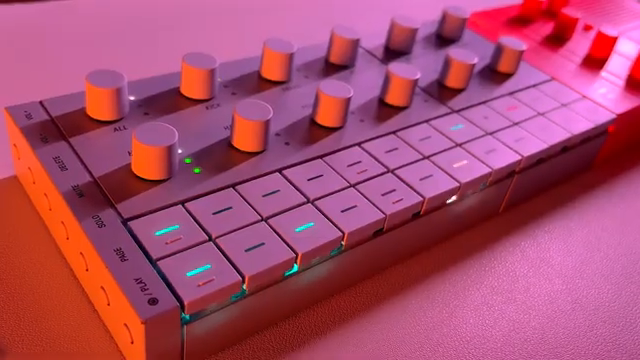
Whether that feels liberating or restrictive depends heavily on your own working style. That is precisely why it would be misleading to judge the MPC Sample solely by which features of a larger MPC are missing.
A Mobile Musical Sketchbook
The built-in microphone, speaker, and battery give the MPC Sample another clearly defined role: it can be used wherever a larger production setup simply isn’t available or desirable.
The microphone enables spontaneous sampling, the integrated 3-watt speaker is sufficient for immediately checking an idea, and the battery frees the device from the desk. Depending on the documentation, Akai states around five hours of continuous playback or up to six hours of typical battery life.
The speaker obviously isn’t a replacement for proper monitoring. Its value lies elsewhere: switch on the device, record a sample, build a beat – without first having to connect headphones, monitors, or additional hardware.
For experienced MPC users, this gives the device an interesting role. The MPC Sample doesn’t have to replace a larger MPC. Instead, it can become the device that gets taken along more often – the place where ideas begin before being developed further in a larger production environment.
Bolo Da Producer sums up this character succinctly:
“It’s supposed to be fun. It’s supposed to help you come up with ideas.”
© Screenshot/quote: Bolo Da Producer (YouTube)
Small, but Not an Isolated System
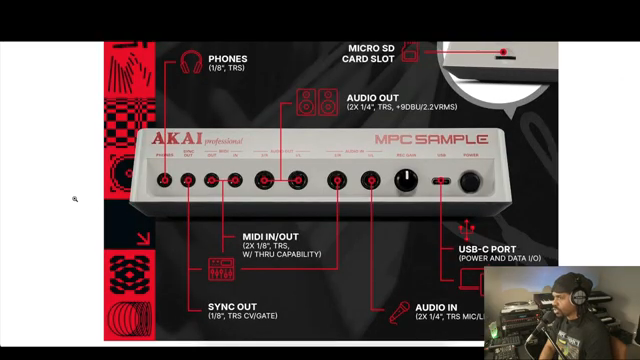
Two 1/4-inch audio inputs and two corresponding outputs, a headphone connection, MIDI In and Out, Sync Out, USB-C, and microSD allow the MPC Sample to become part of larger setups as well.
External synthesizers can be recorded, other devices can be controlled via MIDI, and digital sampling sources can be connected over USB.
MPC Sample projects can subsequently be developed further using MPC hardware and MPC Desktop version 3.8 or later. The workflow does not operate fully in both directions, however: more complex MPC 3 projects cannot simply be transferred back onto the smaller MPC Sample.
The device therefore works better as the starting point of a production chain than as its all-encompassing center.
MPC Sample, Ableton Move, or SP-404MKII?
Within this category, several very different concepts sit surprisingly close together.
Ableton Move is designed more as a general-purpose idea and production instrument and is particularly interesting for musicians already working within the Ableton ecosystem. The MPC Sample places a much clearer emphasis on sampling, pads, and traditional beatmaking logic.
With the Roland SP-404MKII, effects, resampling, and sound manipulation take a much more central role. If you want to reshape samples extensively and use effects almost as instruments in their own right, the Roland offers a different emphasis.
And the larger MPC models? The MPC One and MPC Live simply provide a much more complete production environment. Plugins, more extensive controls, and greater system depth make them more versatile – but also more complex.
That makes the alternatives relatively easy to distinguish:
- More complete production system: larger MPC.
- Greater focus on effects and resampling: SP-404MKII.
- Deeper Ableton integration: Move.
- Sampling, pads, and fast beat ideas in a compact MPC workflow: MPC Sample.
Who Is the MPC Sample For?
For beginners, the device is interesting because the essential techniques of sampling and beatmaking remain accessible without requiring them to learn the entire architecture of a modern full-size MPC at the same time.
Sampling, chopping, velocity, sequencing, swing, quantization, automation, and resampling are all available. At the same time, the system remains more manageable than a complete production workstation.
Experienced MPC users, on the other hand, aren’t getting a replacement for their larger machine. The MPC Sample is more interesting as a mobile sidekick or idea generator.
AudioPilz therefore sees the device as relevant both for newcomers and experienced Akai users, describing it as an accessible travel companion for larger setups.
The MPC Sample is less suitable for users who primarily construct their music with a traditional step sequencer, require an extensive plugin ecosystem, or want to complete as many stages of production as possible within a single device.
Technical Specifications at a Glance
| Category | Akai MPC Sample |
|---|---|
| Device type | Standalone sampler and sequencer |
| Pads | 16 velocity-sensitive RGB MPC pads with aftertouch |
| Display | 2.4-inch color display |
| Polyphony | 32 stereo voices |
| Projects | Up to 128 samples and 128 sequences |
| RAM | 2 GB |
| Internal storage | 8 GB, including around 2 GB of factory content |
| Storage expansion | microSD |
| Sampling | Analog input, built-in microphone, and USB-C |
| Effects | 28 Knob FX, 16 Pad FX, 16 Flex Beat effects |
| Audio | 2 × 1/4-inch TRS In, 2 × 1/4-inch TRS Out, 3.5 mm headphone output |
| MIDI / Sync | 3.5 mm TRS MIDI In and Out, 3.5 mm Sync Out |
| USB | USB-C for power, audio, MIDI, and storage access |
| Microphone / Speaker | Built-in microphone, built-in 3-watt speaker |
| Battery | Approx. 5 hours of continuous playback; up to 6 hours according to Akai’s FAQ |
| Dimensions | Approx. 19.4 × 23.6 × 5.0 cm |
| Weight | Approx. 0.92 kg |
| MPC integration | Projects can be continued on MPC hardware and MPC Desktop version 3.8 or later |
MILES’ Verdict
The MPC Sample is most interesting when you stop trying to see it as a smaller MPC Live.
Its strengths are exactly where its concept is clearest: quickly recording samples, chopping them, playing them across pads, and turning an idea into a beat without a lot of organizational overhead. For precisely these tasks, several of the hands-on experiences we reviewed describe the device as particularly accessible.
The limitations are equally clear. If you expect a sophisticated step sequencer, a large plugin ecosystem, or a complete production center, other devices offer more possibilities. An MPC One or MPC Live also remains considerably more flexible.
But the MPC Sample isn’t really trying to win that feature comparison. It takes one part of the classic MPC idea and reduces it to sampling, pads, sequencing, and performance in a mobile format.
For sample-first beatmaking, spontaneous ideas, and an accessible introduction to the MPC workflow, that makes for a coherent instrument. If you want as much production depth as possible inside a single machine, however, the reduction is likely to feel more limiting.
View the Akai MPC Sample
Standalone sampler · 16 MPC pads · Battery · USB-C sampling
Check price & availability on Amazon →
Advertising – affiliate link. If you make a purchase through this link, we may receive a commission at no additional cost to you.
Sources for this product feature
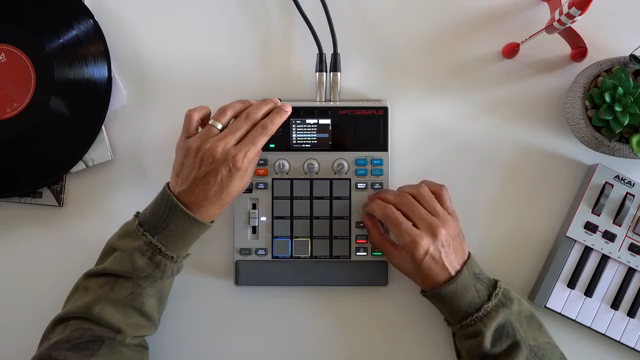 Sanjay C’s Akai MPC Sample: Pocket-Sized Beat Powerhouse or Just Hype?
 TAETRO’s MPC Sample: Workflow Weapon or Missed Beat?
 TAETRO Throws Down: Ableton Move vs MPC Sample – Which Groovebox Wins the Street Fight?
 AudioPilz Toys with the MPC Sample: Teenage Engineering Vibes, Akai Grit
 sunwarper’s MPC Sample: The Beatmaker’s Sketchbook That’ll Make You Rethink Your Workflow
 Sunwarper vs. The DAW: Why Portable Samplers Rule the Studio Streets
 Why MALO BEATS Thinks the MPC Sample Outguns the Rest
 L.Dre Throws Down: Which Portable Sampler Actually Slaps in 2026?
 Bolo Da Producer’s MPC Sample Reality Check: Old School Vibes, New School Gripes
All other articles featuring the Akai MPC Sample
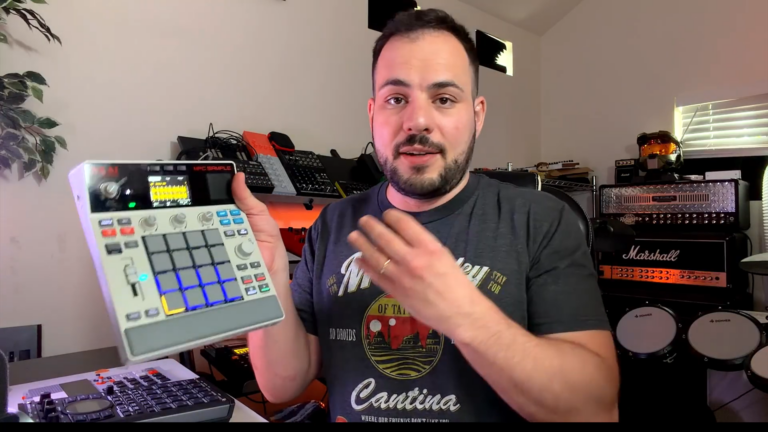 MPC Sample: Different Software, Same Pads?
 MPC Sample Reality Check: Sunwarper Spills the Good, the Bad & the Groovy
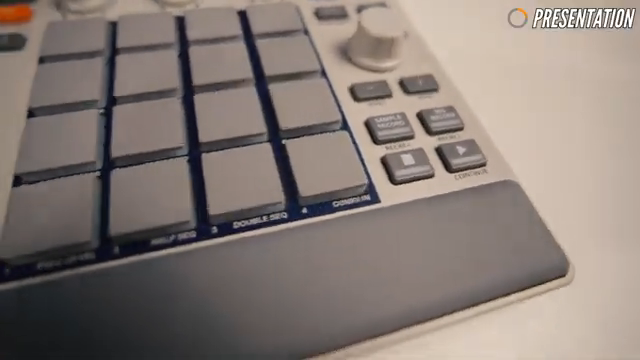 Stamatis Stabos Unboxes the Akai MPC Sample: Pocket-Sized Beatmaking with Big Vibes
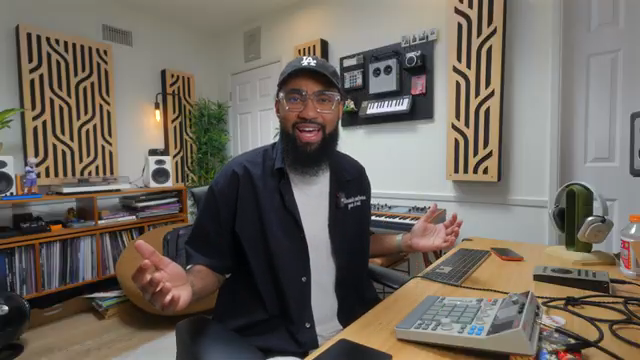 L.Dre’s MPC Sample: One Week Later and Still Bumping?
 sunwarper vs. the MPC Sample: One Sitting, Zero Manuals, All Groove
 L.Dre Flips the Akai MPC Sample: Streetwise First Impressions
 MALO BEATS Flips the Script: Why Chopping Samples on One Pad with the MPC Sample Just Hits Different
 Verysickbeats Drops the Real on the MPC Sample: No Hype, Just Facts
 Gabe Miller Music Throws the MPC Sample into the Rave Bunker
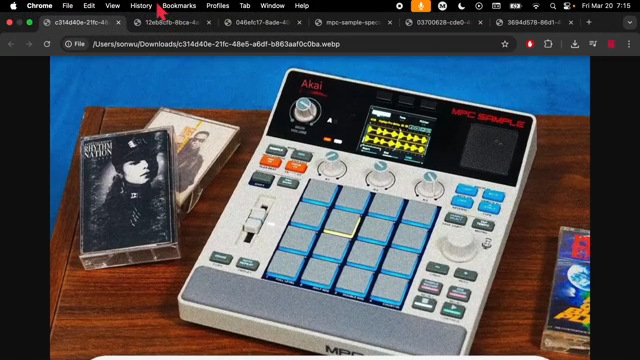 SON WU Digs Into the MPC Sample Leak: Classic Vibes, Modern Tricks
All YouTube videos featuring the Akai MPC Sample
Primary – main topic (57)
 Akai MPC Sample & Behringer Kick Are Embracing Custom Firmware... Here's What It Means for Samplers
 THE BATTLE FOR KING Of OPEN SOURCE HEATS UP!!
 Akai Claps Back!! MPC Sample Key is Coming Soon & its Open Source!
 MPC Sample chops versus loops, when to use each and why
 How I FLIP samples with GUITAR Pedals - The MPC SAMPLE Workflow
 5 Mistakes every beginner MPC SAMPLE user makes.
 5 Things I Wish I Knew Before Buying the MPC Sample
 How to mix a Beat on the MPC SAMPLE using only VOLUME
Show all (49 more)
 MPC Sample: From Mud to Punch
 Making Beats with the MPC Sample and TempoKEY K32 Play
 Don't Buy the Wrong MPC! | MPC One vs MPC Sample
 Moog Messenger x Akai Pro MPC Sample | Building Layers with a Sampler Pt. 1
 The MPC Sample is more than a “Toy” | Made a Crazy Sampled Beat 🔥
 MPC Sample + SSL Super 9000 = This Sounds INSANE!
 Bad Gear - Looks like TEENAGE ENGINEERING
 3 Standout Features: Why the MPC SAMPLE beats all other MPCs
 Why I Make More Music On This Than Any DAW
 MPC Sample or iPad for Music Production?
 The MPC Sample Changed My Workflow… But Not How I Expected
 This MPC Sample workflow is actually amazing // MPC 3.8
 MPC 3.8 Update Just Changed The WHOLE Workflow! (MPC Sample x Standalone FINALLY CONNECTED)
 I Turned My Desk Chair Into a Beat
 Ableton Move vs MPC Sample: Which Should You Buy?
 MPC Sample BEAT MAKING VIDEO: Building a Latin Sample
 MPC SAMPLE Workflow: Latin House Rhythm BreakDown
 Which portable sampler is actually worth buying in 2026?
 Recording External Synthesizers Into MPC SAMPLE Is EASY!
 Cumbia Beat On Akai MPC Sample | Sampling
 LATIN FUNK meets MPC SAMPLE: Effortless Sampling
 Why are People Buying the MPC SAMPLE Even Though they Don't NEED IT?
 AKAI Professional MPC SAMPLE | Unboxing / Tutorial / Demo
 Still Worth It After 1 Week? MPC Sample Review
 The MPC Sample Doesn't Need to Be PERFECT... But It could use some Updates
 How To Warp Sample Chops in MPC Sample
 DAW vs Sampler: Which Setup Fits Your Workflow?
 I Tried Learning the MPC Sample in One Sitting… Here’s What Happened
 MPC Sample Fatigue | Dopamine Trap Part 2
 Why I Choose This Sampling Approach Over the Other: My Preferred Method on the MPC Sample.
 I bought the MPC Sample. Was it worth it?
 Molten Music Monthly March 2026
 Sampling Directly From Smartphone Into MPC Sample!
 MPC SAMPLE: My FXs Workflow
 The Honest MPC Sample Review Without Having One
 Akai MPC Sample - A Classic Workflow, Now More Affordable & Portable than Ever!?
 MPC SAMPLE! My review and the overall experience with it
 New MPC SAMPLE in ACTION: Beat-Making Magic on Day One!
 Akai MPC SAMPLE - noch nie war Beats bauen so günstig! + Freeware Juno, Ensoniq und Erica Filterbank
 MPC Sample – The $400 Sampling Beast
 First Day with the MPC Sample
 The MPC Sample is Finally Here!
 The New AKAI MPC Sample - Andy Mac Presents
 MPC Sample: 3 Pros and 3 Cons You Need to Know
 Akai MPC Sample ... Fastest Way to Make Beats?
 MPC Sample…more Info leaked!
 Jetzt greift AKAI mit der billig MPC Sample an 😱 + Tembo, Roto-Control & Syntakt 1.4, MIDI Tools
 NEW MPC SAMPLE LEAKED?! Is This Real?
 AKAI MPC Sample edit & Chop - tutorial guide EP12