MALO BEATS dives into the MPC Sample and tears up the myth that all MPCs are created equal. If you’re sick of fiddling through endless menus and want fast, surgical sample chops, this video’s your rave bunker. MALO’s style is all about getting to the good stuff without the fluff – direct, hands-on, and ready for a beat battle. He breaks down why this little grey box might just be the street weapon your arsenal’s missing, especially if you value workflow over firmware drama. Don’t expect a bedtime story – this is for producers who want to move quick, chop tight, and warp reality. Let’s get stuck in.
5. June 2026
SPARKY
Why MALO BEATS Thinks the MPC Sample Outguns the Rest
Chop Shop: Precise Sample Slicing, No Nonsense
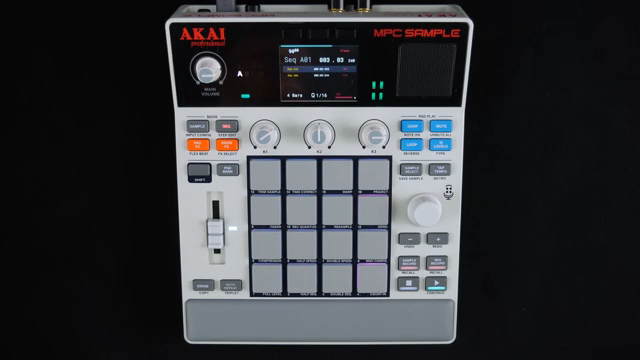
Let’s kick things off with what really matters: how fast and accurate you can carve up samples. MALO BEATS doesn’t mince words – he says the MPC Sample makes chopping easier and more precise than its pricier siblings like the X, One, or Keys. The trick? A loop button that keeps your selected slice looping endlessly while you dial in the perfect start and end points. No more stabbing in the dark or jumping through hoops – just hold a pad and tweak until you nail it.
There’s a raw efficiency here that’ll make anyone coming from older MPCs or even current models a bit jealous. Zoom in, grab the transient, and fine-tune while the pad keeps looping, so you’re not guessing where the snare hits. It’s a minor feature, but as MALO points out, it’s these subtle improvements that make the workflow genuinely better for chopping heads. If you ever felt like you were wrestling with your MPC instead of making music, this is the upgrade you didn’t know you needed.
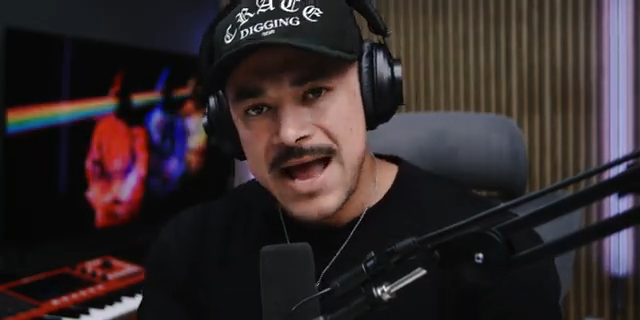
"I can go pad per pad and that loop function stays looping whatever pad I have pressed and I can dial in to start and end point."
© Screenshot/Quote: Malobeats (YouTube)
Workflow: Less Menu Diving, More Beat Making
"I find this a lot less complicated versus my other MPCs."
© Screenshot/Quote: Malobeats (YouTube)
If you’re tired of getting lost in a labyrinth of menus, the MPC Sample is your escape route. MALO BEATS praises how quick it is to lay down an intro, verse, and main sequence—no faffing about. You can jump into the sequencer, set your global tempo, and start stacking kicks, hats, and snares without breaking a sweat. It’s all about keeping that creative spark alive before the room starts smelling like stale ideas.
What’s refreshing is how this device lets you move at the speed of inspiration, not the speed of a firmware update. MALO is clear: the workflow is simple, not because it’s dumbed down, but because it cuts the fat. The energy you get from those first minutes of beatmaking? The MPC Sample helps you capture it before it fades—like catching a whiff of a fresh rave before the crowd tramples it flat.
Warp Speed: Time-Stretching Without the Headache
Next up, let’s talk time-stretching—usually the zone where samplers go from groovebox to groove-brick. Not here. Warping on the MPC Sample is dead simple: bring in a new drum break, select your bar, set the number of beats, and the box does the rest. No need to know your original BPM or tangle with arcane settings. Just tell it how many beats, hit shift, and you’re locked to your sequence’s tempo. Even if your sample’s from another planet, it’s syncing up before you can say ‘quantise’.
The magic is that you can stack all sorts of percussive sounds and textures from different records and have them glued together tight. MALO shows how warping keeps things in sync whether you speed up or slow down, meaning you can get weird with your sources and still land on your feet. If you want to see the exact workflow and hear the congas stay locked when the BPM changes, this bit’s best caught in the video—trust me, words barely do it justice.
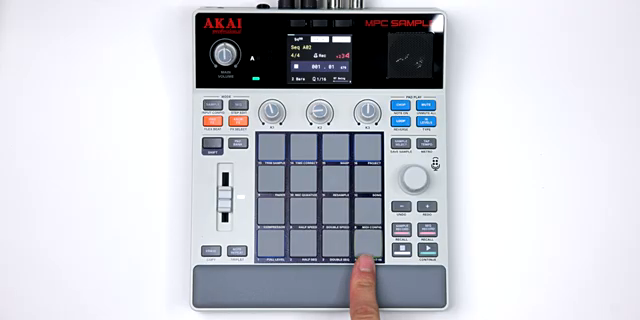
"It's going to warp the audio."
© Screenshot/Quote: Malobeats (YouTube)
Real-Time Beat Surgery: Watch and Learn
"I feel so at home with the sample."
© Screenshot/Quote: Malobeats (YouTube)
You get plenty of talk online about features, but MALO actually shows the MPC Sample in action. Real pads, real slices, real grit. He runs his MPC Sample through a Chroma Console for extra texture and rides the effects live while building out the beat. There’s no hiding behind post-production or magic plugins—just hands-on control and a workflow that invites experimentation.
This is the kind of demo that separates hype from reality. If you want pristine, static beats, look elsewhere. Here, you see the quirks and the rawness, but also why this unit’s workflow is winning hearts in the trenches. It’s a reminder: sometimes you need to see and hear the thing to really get it. For the full texture and those little performance tricks, you’ll want to hit play on MALO’s video.
Want More? Dive Deeper with the MPC Sample Course
If this quick-fire walkthrough leaves you hungry, MALO’s got a full MPC Sample course that covers everything step by step. The YouTube video keeps it tight and to the point, but the course goes slow and deep for those who want the whole workflow broken down. Think of it as rave bunker bootcamp—no question too basic, no workflow stone left unturned.
This article is also available in German. Read it here: https://synthmagazin.at/warum-malo-beats-meint-dass-der-mpc-sample-die-konkurrenz-alt-aussehen-laesst/
More articles about these products:
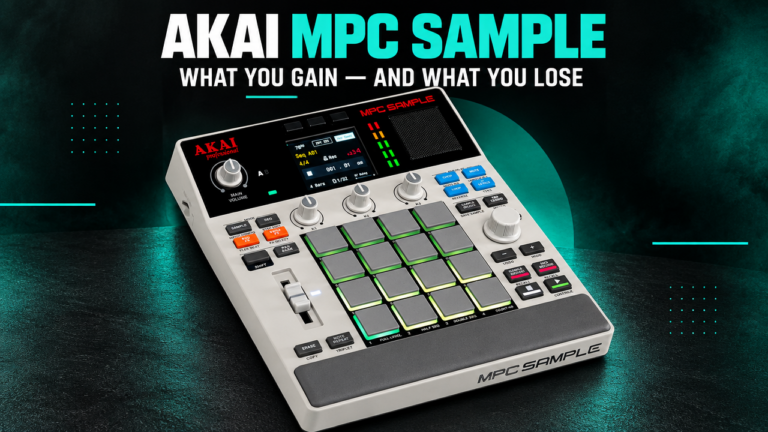 Akai MPC Sample: How Much MPC Do You Really Need?
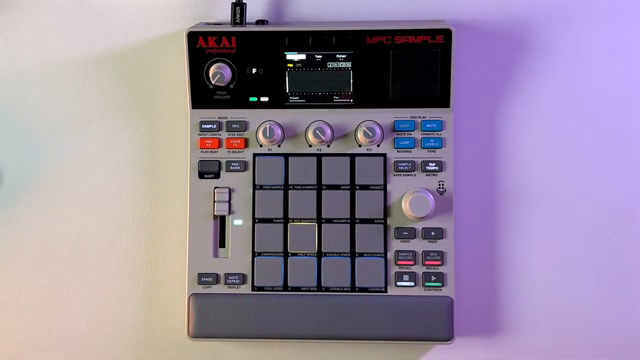 MPC Sample Reality Check: Sunwarper Spills the Good, the Bad & the Groovy
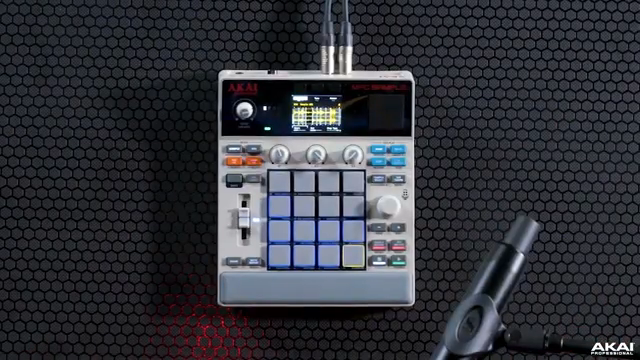 Akai Professional’s MPC Sample: Chopping, Grooving, and Crafting Without Barriers
 TAETRO vs. Pocket-Sized FM Fury: The MVAVE FM-1 Reviewed
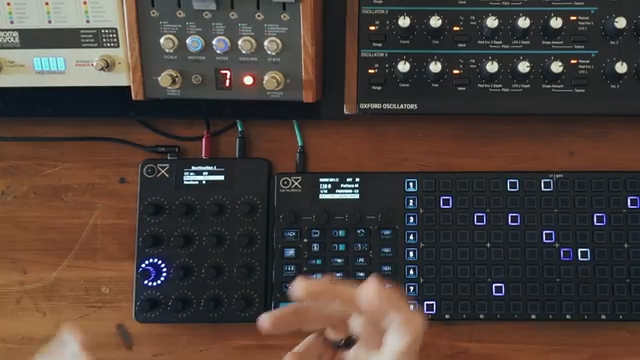 OXI Instruments E16: Dual MIDI Destinations Demystified
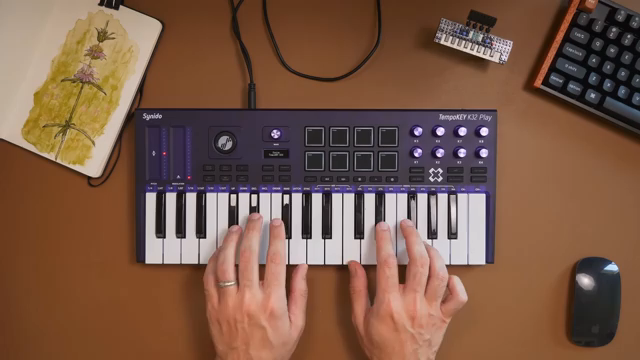 TAETRO vs. Creative Block: Chasing Beats with the MPC Sample & TempoKEY K32 Play
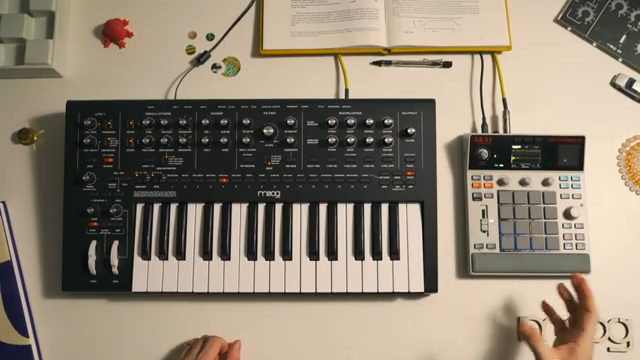 Moog Music: Layering the Messenger with Akai MPC Sample – A Workflow Deep Dive
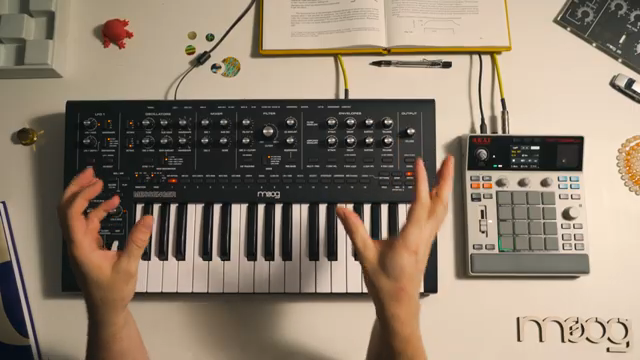 Moog Music: Analog Drum Synthesis Meets Modern Sampling with Messenger & MPC Sample
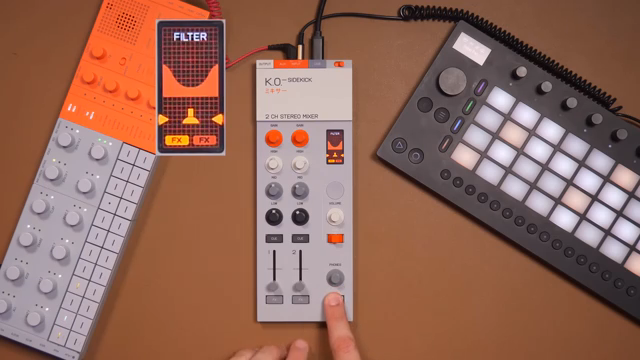 TAETRO’s Sidekick Obsession: Teenage Engineering Finds the Missing Link
 AudioPilz Toys with the MPC Sample: Teenage Engineering Vibes, Akai Grit
 Sunwarper vs. The DAW: Why Portable Samplers Rule the Studio Streets
 sunwarper’s MPC Sample: The Beatmaker’s Sketchbook That’ll Make You Rethink Your Workflow
Watch on YouTube:
Latest articles
Watch on YouTube:
Visit the channel:
https://www.youtube.com/malobeats
https://www.youtube.com/malobeats
Links from malobeats:
Extras on Patreon: https://patreon.com/malobeats
Instagram: https://instagram.com/malo_beats/
Sponsored links:
If you purchase via these links, we may earn a small commission – at no extra cost to you. The link opens an Amazon keyword search, and results may vary depending on availability.
Akai MPC Sample
🔗 Check price on Amazon
🔗 Check price on Amazon
Chroma Console
🔗 Check price on Amazon
🔗 Check price on Amazon