Tired of drums that sound like they’re stuck in traffic? Pick Yourself rolls through with a Max for Live trick that’ll have your beats ducking, weaving, and grooving like they just heard payday is early. In this video, the creator drops the traditional MIDI grind and hands you the secret sauce: MDD Snake—a freebie that turns robotic patterns into straight-up street food for your ears. Get ready for a wild ride through custom mappings, velocity madness, and enough groove to break your gridlines. If you’re after that pro feel without the PhD, this video’s got the goods.
18. June 2026
RILEY
Pick Yourself’s Drum Hack: How MDD Snake Makes Your Beats Bite Back
Ditch the MIDI Hamster Wheel
Let’s be real—most folks are still click-clacking beats into the piano roll like it’s their day job, and the results? About as lively as a broken subwoofer. Pick Yourself doesn’t mince words: if you’re penciling in drums the old way, you’re probably ending up with grooves that are more ‘spreadsheet’ than ‘street heat.’
That tried-and-true MIDI method works for your basic four-on-the-floor, but when you want the hi-hats and percs to actually breathe, that piano roll starts feeling like a straightjacket. Programming unique velocities and grooves gets tedious, fast. The video makes it clear—if you want your drums to vibe, you gotta break out of the grid.

"Most producers still program midi drums in the piano roll, but that's the exact reason why their drums sound robotic and boring."
© Screenshot/Quote: Pickyourselfofficial (YouTube)
Enter MDD Snake: Free Your Patterns
"This is completely free. It's a Max for Live device called MDD Snake."
© Screenshot/Quote: Pickyourselfofficial (YouTube)
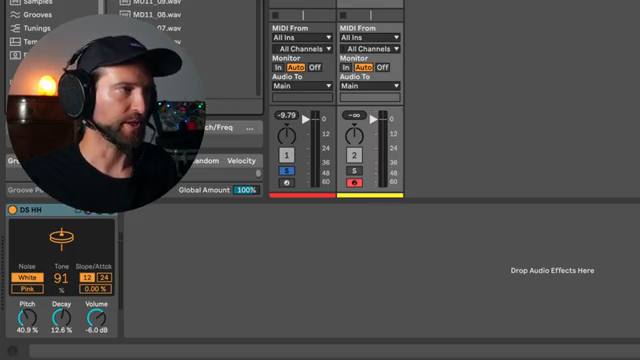
Here’s the streetwise tip: Pick Yourself pulls out MDD Snake, a free Max for Live device that throws your boring patterns out with yesterday’s takeout. No more endless note penciling—this tool lets you shape your rhythm like molding dough for the best beat pizza in town.
Forget paying for fancy plugins; this device is all about quick results and wild flexibility. Even in its default state, it’s nothing special—but start flipping gates and the vibe shifts instantly. The creator’s style is all about giving you practical, no-BS tools, and this one’s pure gold.
Groove Tweaks: Velocity and Mapping Mayhem
Now comes the sauce: MDD Snake lets you randomize velocities with a flick and map controls to whatever you fancy. You want hi-hats that stutter, sway, and snap? Just twist those velocity slots or hit random, and suddenly your drums are dancing like they’re dodging traffic on a Friday night.
But hold up—it gets deeper. With custom mappings, you can tie those steps to decay, pitch, or tone, flipping your groove from ‘meh’ to ‘madness.’ The best part? You’re not stuck with happy accidents—just dial in what you want, and the vibe follows. It’s the kind of tool that lets you go from basic to bonkers in a couple of clicks.
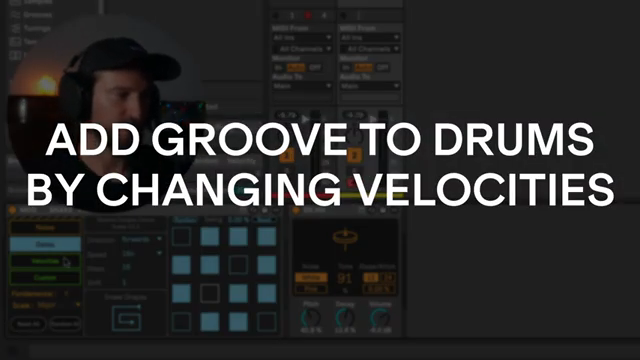
"And once again, this is super easy to do here."
© Screenshot/Quote: Pickyourselfofficial (YouTube)
Snake Shapes: Rhythms on the Edge
This is where the magic gets wild—experiment with snake shapes and you’ll stumble on grooves you never knew you needed. Each shape is like a different route through the city, and the results can be anything from a tight backbeat to full-on chaos, depending on how you twist it.
The video shows off how every tweak can send your patterns into left field—sometimes you’ll land a groove so dirty it needs a warning label. Trust me, some of these tricks make way more sense when you hear them in action, so you’ll want to peep the video for full effect.
Arrangement Hacks: Flip Your Track on the Fly
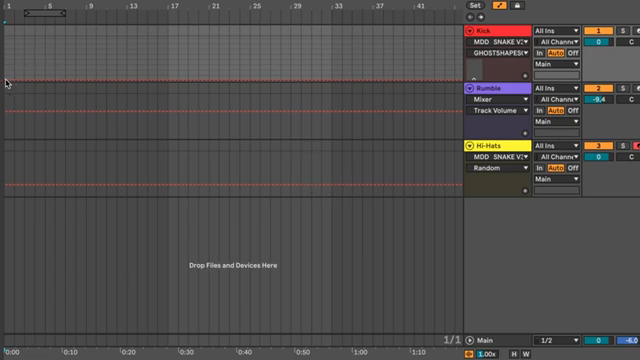
"And now you can super quickly go through different shapes here and just change the arrangement on the fly like this."
© Screenshot/Quote: Pickyourselfofficial (YouTube)
Last but not least, Pick Yourself shows how to drop these tricks straight into your arrangement, automating snake shapes and gate changes for next-level movement. No more static loops—now your beats flip and morph across the track, keeping things unpredictable and hype.
The best part? You can go experimental or keep it tight, all without ever leaving Ableton’s familiar turf. If you’re hungry for arrangement hacks that don’t require a doctorate, this is the kind of shortcut your workflow’s been begging for. Don’t sleep on the video—some details you gotta see (and hear) for yourself.
This article is also available in German. Read it here: https://synthmagazin.at/pick-yourselfs-drum-hack-wie-mdd-snake-deinen-beats-richtig-biss-verleiht/
More articles about these products:
 Architecting Performances: Novation Launch Control and Ableton Live Macro Workflows
 Nebula Machines: Bahadırhan Koçer and the Sonic Physics of Dub Techno
 Pick Yourself’s Hypnotic Bass Hack: Rumble Kicks Are Out, Sliding Grooves Are In
 Mad Moments & Club Tactics: Tom VR Gets Real with MusicRadar Tech
 Bonedo Synthesizers: How to Make Any Synth Scream Acid Like a 303
 LNA Does Audio Stuff: Making Beats on the Cheap with Ableton Note—Beach Edition
 Andrew Huang’s Remix Rodeo: Four Producers, One Song, Total Mayhem
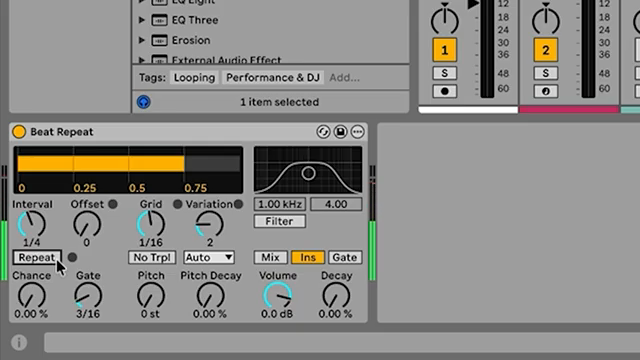 MusicRadar Tech Unleash Ableton Beat Repeat: From Lazy Slicer to Glitch Mayhem
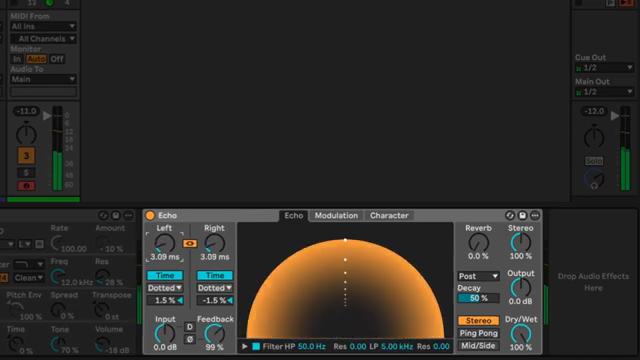 Pick Yourself Makes Echo Bang: Delay as Synth Weapon
 Underdog Electronic Music School: Don’t Let Your Beats Collect Dust
 Polyend Play+ in the Hot Seat: Nu-Trix The Synth Guy Gets Real
 Reason Rack Unleashed: TAETRO Turns Software into a Sonic Street Weapon
Watch on YouTube:
Latest articles
Watch on YouTube:
Visit the channel:
https://www.youtube.com/pickyourselfofficial
https://www.youtube.com/pickyourselfofficial
Links from pickyourselfofficial:
Work with me: https://pickyourself.com/coaching/
FREE Guide: https://pickyourself.com/framework/
Sponsored links:
If you purchase via these links, we may earn a small commission – at no extra cost to you. The link opens an Amazon keyword search, and results may vary depending on availability.
Ableton Live
🔗 Check price on Amazon
🔗 Check price on Amazon
MDD Snake
🔗 Check price on Amazon
🔗 Check price on Amazon