If you’ve ever stared at an empty Ableton project and broken out in a cold sweat, Rapid Flow’s latest walkthrough of omniGRID 1.1 will save your night. Erik is your synth Sherpa, dragging step-sequencer rookies up the mountain with no-nonsense routing tips, scene tricks, and groove hacks. Forget hand-holding—this is about getting dirty, stacking arps, and bending MIDI to your will. If you want your tracks to slap straight out of the box, this is the kind of deep-dive you need. Just don’t expect Erik to sugarcoat it—he’s here to make your workflow ruthless and fun.
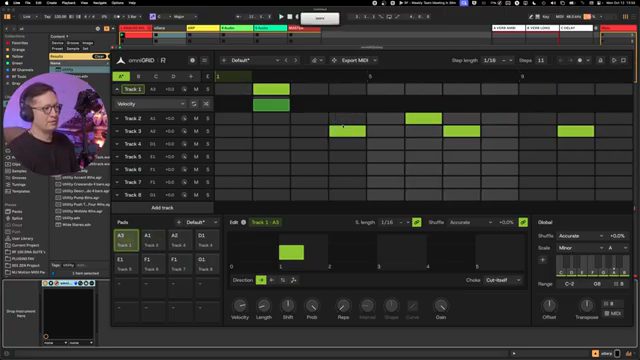
14. October 2026
SPARKY
Rapid Flow’s Step Sequencer Survival Kit: omniGRID 1.1 from Blank Slate to Bass Face
Ableton Live, DNA Suite, Intech MIDI controller, omniGRID 1.1, Waldorf Iridium, Zensphere
Blank Project, Big Ambitions
Erik from Rapid Flow doesn’t faff about: it’s straight into omniGRID 1.1 with an empty Ableton project, no safety net. Forget endless template tweaking—he drops a kick, throws in the DNA Suite’s mastering chain, and slaps on a couple of reverbs and delays. The man’s got a colour-coded method to the madness, labelling tracks so you don’t get lost in the DAW labyrinth. If you’re expecting handholding, look elsewhere—this is a synth bunker initiation, not a beginner’s yoga class.
Once omniGRID is on deck, Erik’s workflow is about keeping things clear and ruthlessly functional. Tracks get named, colours assigned, and the routing’s prepped for action. He’s not one for ceremony; it’s all about prepping the launchpad so the step sequencer can do what it does best: spit out ideas at the speed of thought. It’s the kind of setup that’ll make you wonder why you ever bothered with those clunky default templates.
Routing Mayhem & Arp Beginnings
Here’s where the magic (and the mess) happens: MIDI routing. Erik hammers home that you can’t skip this step. He walks you through making sure omniGRID is firing notes into your chosen instrument—in this case, Zensphere—without any DAW drama. He’s dropping dB left and right to keep the levels under control, because nothing kills a vibe faster than screaming hot signals. This isn’t just technical box-ticking; it’s about getting the foundation solid so you can actually trust what you hear.
Once the MIDI’s flowing, Erik dives into sound selection. His approach? Skip the menu-diving and grab a killer preset that works for bass or arp, then start playing. He layers effects with the same no-nonsense vibe—just enough reverb, a dash of delay, and a quick tweak of the filter. By the time he’s building the first arp, everything’s in key thanks to scale awareness. No random note salad here, just locked-in sequences and polyrhythms that demand attention. It’s controlled chaos, as every good groovebox session should be.
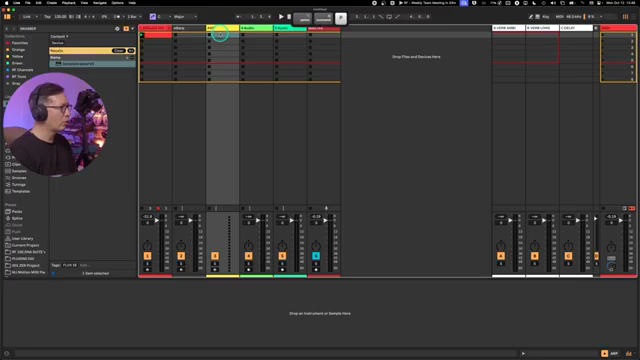
"For this to work, you need to go to your input settings, which as you can see from the keyboard shortcut you can do with option command I on a Mac."
© Screenshot/Quote: Rapidflow Shop (YouTube)
Basslines & Groove Surgery
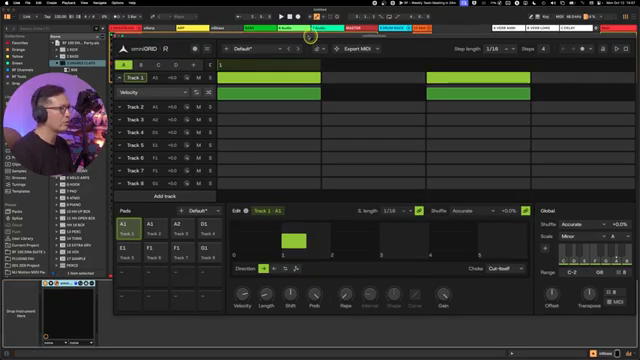
"This is so important for how your track will feel later, check it out."
© Screenshot/Quote: Rapidflow Shop (YouTube)
With a foundation in place, it’s time for some low-end surgery. Erik’s method: duplicate the arp track, strip the fluff, and get a bass line pumping four-to-the-floor. He’s not chasing jazz odysseys—just straight, pulsing bass that anchors everything. There’s talk about keeping it simple: if you try to get too clever with timing, things go off the rails faster than a dodgy MIDI clock. But a bit of offset, a touch of polyrhythm, and suddenly the groove hits that elusive pocket.
Erik spends time nudging the timing, soloing parts, and listening obsessively until the kick and bass are locked tighter than a warehouse party’s fire door. He’s adjusting groove and offset per scene and track, showing how even a 10ms shift can transform the feel. This is the kind of groove obsession that separates the bangers from the bedroom demos. And if you want to see the real magic, you’ll need to catch the video—words can’t do that pocket justice.
Twist, Map, Repeat: Live MIDI Mayhem
Now for the bit that makes or breaks a live set: MIDI mapping and real-time tweaking. Erik’s all about mapping filter sweeps, note controls, and even scene switches to his controller arsenal—Intech rotaries, keyboards, the works. He shows how assigning parameters to hardware transforms omniGRID from a static sequence machine into a performance street weapon. Forget endless mouse-clicking—this is about grabbing knobs and twisting your way into new ideas on the fly.
There are workflow hacks galore: limiting controller ranges so you don’t accidentally pitch things into oblivion, rapid mapping of scenes and transpose controls, and saving everything as scenes for instant recall. Erik’s approach is: if you’re not having fun mangling your sequences in real time, you’re missing the point. You’ll see him mess up, re-route, and fix things on the fly—proof that even the pros have to fight their DAW sometimes. But when it locks in, it’s pure synth bunker bliss.
Experiment and Wreck Stuff (Seriously)
After all the routing, mapping, and groove-polishing, Erik’s parting advice is classic Rapid Flow: don’t get precious. Just experiment, destroy patterns, mute stuff, twist parameters, and keep hunting for the jaw-droppers. The best sequences, he reckons, come out of intuition and a bit of chaos—not overthinking. If you want to get the most out of omniGRID, you’ve got to be willing to break it and start again. And honestly, the video’s full of tricks you’ll only catch if you watch it. Go get messy—your next rave anthem is hiding in those happy accidents.
"Just experiment, delete patterns that you think are cool and just keep searching, finding, eventually you'll land on stuff."
© Screenshot/Quote: Rapidflow Shop (YouTube)
This article is also available in German. Read it here: https://synthmagazin.at/rapid-flows-step-sequencer-survival-kit-omnigrid-1-1-von-null-auf-bassline/
More articles about these products:
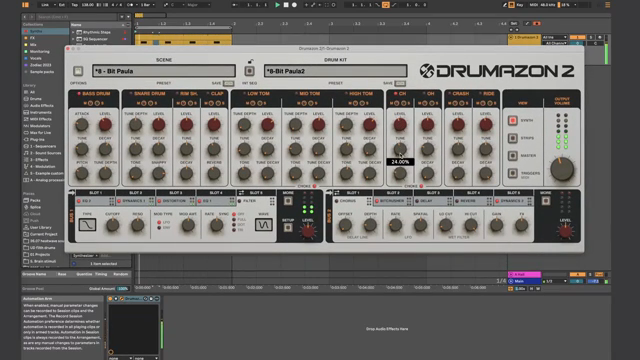 Underdog Electronic Music School: When One Pulse is Enough to Break Your Brain
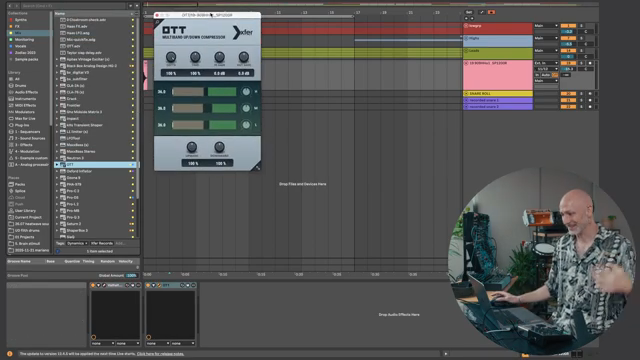 Markers That Splash: Underdog Electronic Music School’s Guide to Kickstarting Your Phrases
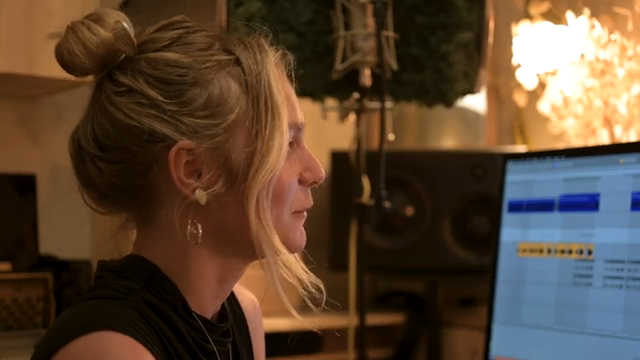 Kairos as Living Sculpture: MusicRadar Tech Enters Laura Misch’s Sonic Sanctuary
 Voltage Labs: Berlin’s Sonic Mosaic – Studios, Shadows and the Pulse of Creation
 Architecting Performances: Novation Launch Control and Ableton Live Macro Workflows
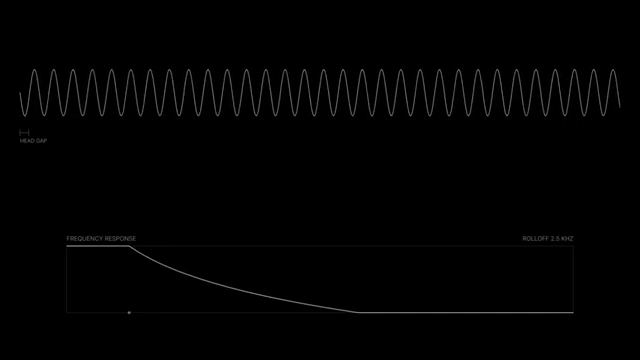 Nebula Machines: Bahadırhan Koçer and the Sonic Physics of Dub Techno
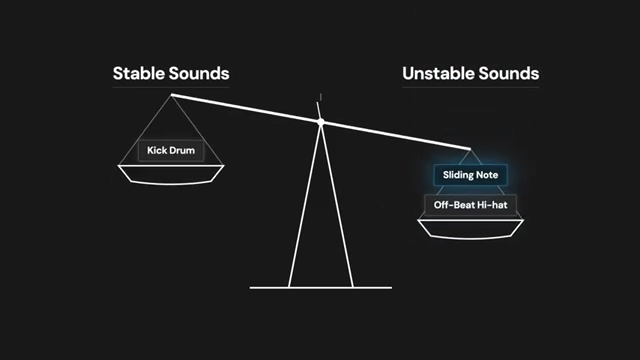 Pick Yourself’s Hypnotic Bass Hack: Rumble Kicks Are Out, Sliding Grooves Are In
 Mad Moments & Club Tactics: Tom VR Gets Real with MusicRadar Tech
 Bonedo Synthesizers: How to Make Any Synth Scream Acid Like a 303
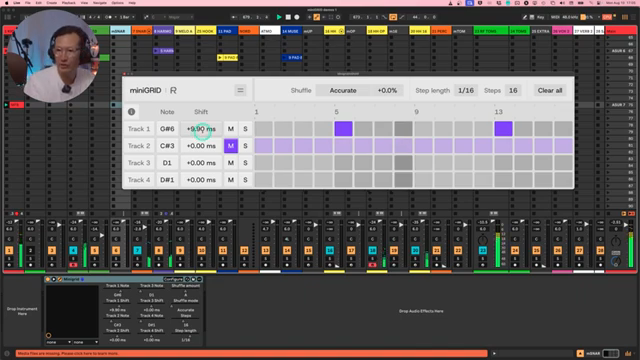 MiniGRID: Rapid Flow’s Groove Weapon for DAW Maniacs
 LNA Does Audio Stuff: Making Beats on the Cheap with Ableton Note—Beach Edition
 Andrew Huang’s Remix Rodeo: Four Producers, One Song, Total Mayhem
Watch on YouTube:
Latest articles
Watch on YouTube:
Visit the channel:
https://www.youtube.com/RapidFlow_Shop
https://www.youtube.com/RapidFlow_Shop
Links from RapidFlow_Shop:
Rapid Flow Store: https://rapidflow.shop
Instagram: https://www.instagram.com/rapidflow_shop/
Facebook: https://facebook.com/SetsunaMusic
Sponsored links:
If you purchase via these links, we may earn a small commission – at no extra cost to you. The link opens an Amazon keyword search, and results may vary depending on availability.
Ableton Live
🔗 Check price on Amazon
🔗 Check price on Amazon
DNA Suite
🔗 Check price on Amazon
🔗 Check price on Amazon
Intech MIDI controller
🔗 Check price on Amazon
🔗 Check price on Amazon
omniGRID 1.1
🔗 Check price on Amazon
🔗 Check price on Amazon
Waldorf Iridium
🔗 Check price on Amazon
🔗 Check price on Amazon
Zensphere
🔗 Check price on Amazon
🔗 Check price on Amazon