Ever wished your phone or tablet could morph into a hardware sampler tougher than a ute at a bush doof? sunwarper’s latest video is a ripper, showing how Koala Sampler goes from touchscreen toy to hands-on performance weapon with a few clever MIDI hookups. From the official SP-404 integration to wild custom grid mapping and classic keyboard tricks, he’s got the workflow hacks to make Koala feel like a real bit of kit. If you’re keen to ditch the glass and get your fingers dirty, this one’s for you. Grab a snag, crack a cold one, and let’s see how sunwarper makes mobile music-making as rowdy as a Melbourne laneway party.
19. April 2026
TAS
sunwarper Turns Koala Sampler Into a Hardware Beast: MIDI Mayhem Unleashed
203 Mystrix Pro, Koala Sampler, MIDI Keyboard, Roland SP-404
From App to Hardware: Koala’s Big Glow-Up
Koala Sampler’s always been a top pick for mobile beatmakers, but as sunwarper shows, plug in a MIDI controller and suddenly it’s like your phone’s been hitting the gym. No more poking at glass—now you’re slapping pads and twisting knobs like it’s a real-deal groovebox. This shift isn’t just about convenience; it’s a total game-changer for how you approach making beats on the go.
With the right hardware, Koala transforms from a pocket-sized app into a performance powerhouse. Whether you’re jamming at home or sneaking in a set at your mate’s BBQ, the tactile control means you can get hands-on, improvise, and actually feel the music. It’s the sort of upgrade that makes you wonder how you ever put up with just the touchscreen.
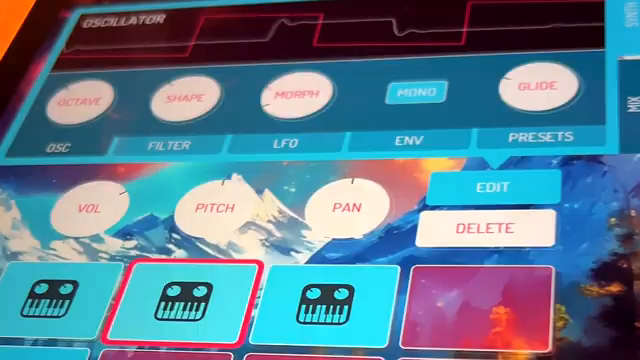
"Once you add MIDI control, it stops feeling like an app and starts to feel more like hardware."
© Screenshot/Quote: Sunwarper (YouTube)
SP-404 Integration: Double Trouble
"I like to think of this integration as extending the capabilities of both the SP and Koala and really offsetting some of the weaknesses of both."
© Screenshot/Quote: Sunwarper (YouTube)
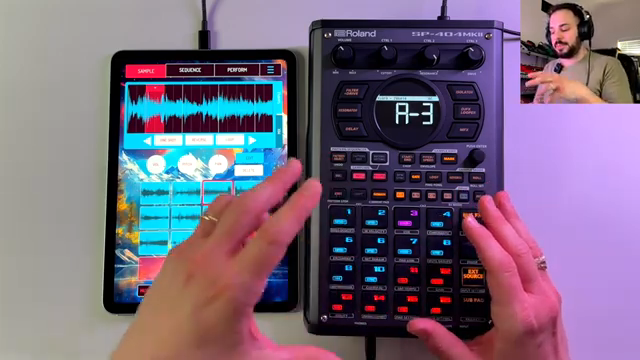
First cab off the rank is the official SP-404 integration, and mate, it’s a beauty. With just a USB-C cable, your SP-404 and Koala become best mates, letting you trigger samples, switch banks, and even control patterns straight from the hardware. The pads light up to show what’s loaded, and you can bounce between SP and Koala banks like a kangaroo dodging traffic.
sunwarper digs into how this setup lets you juggle samples, patterns, and effects with ease. You can even use the SP’s effects on Koala’s output, and there’s a heap of clever shortcuts—like stem splitting and quick sampling—that make this combo more than the sum of its parts. Sure, there are a few quirks (chromatic mode doesn’t show up on the SP, which is a bit of a stitch-up), but the workflow’s so smooth you’ll barely notice. Watching the video is a must if you want to see all the tricks in action.
Grid Controllers: Blank Slate, Endless Chaos
If you’re the type who likes to do things your own way, grid controllers are where Koala really lets loose. sunwarper shows off the 203 Mystrix Pro, but any grid will do the trick. With custom MIDI mapping, you can assign pads, buttons, and knobs to whatever you fancy—samples, patterns, mutes, you name it. It’s like building your own mutant groovebox out of Lego and leftover sausage sizzles.
There are a few limitations—Koala only handles one MIDI channel at a time, so don’t expect to run a full orchestra—but the flexibility is wild. You can set up workarounds for chromatic mode, map out drum hits, and even control external synths if you’re clever. It’s a bit of a puzzle, but once you’ve got your template dialled in, the creative possibilities are as endless as an outback horizon.
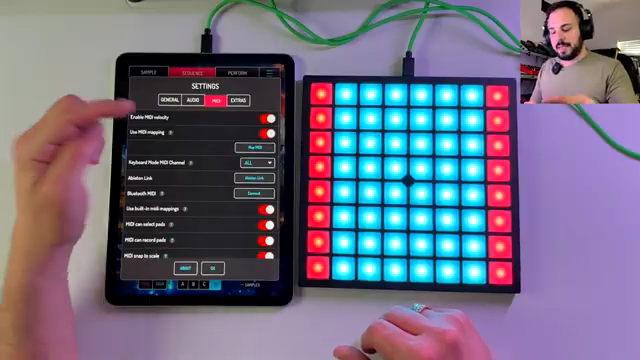
"You'll see this map MIDI button. Let's click that. And now everything gets highlighted that is MIDI programmable in green."
© Screenshot/Quote: Sunwarper (YouTube)
MIDI Keyboards: Melodic Mischief (and Some Hiccups)
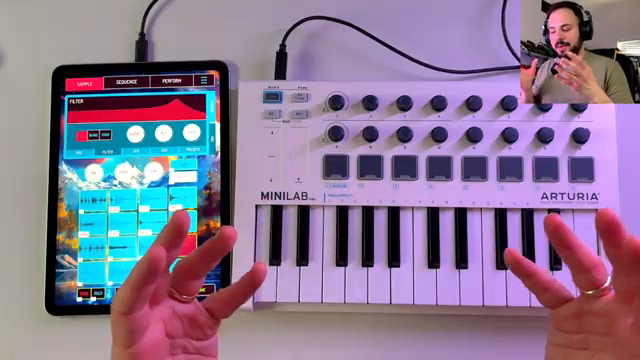
"We only have the one MIDI channel to work with."
© Screenshot/Quote: Sunwarper (YouTube)
Bringing a MIDI keyboard into the mix is like giving Koala a set of piano keys and telling it to go wild. sunwarper reckons this is the go-to for melodic performance, especially if you’re keen on playing synth lines or spreading samples across the keys. Got some encoders? Even better—you can map them to volume, pitch, or pan for extra control.
But it’s not all smooth sailing. Koala’s single MIDI channel means your drum pads and keyboard notes can clash like two drummers at a pub jam. Play a C1 and you might trigger a pattern and a sample at the same time—bit of a BBQ mishap, that one. Still, with a bit of planning, you can get around most of these quirks and keep the jams flowing.
For chopping samples or tweaking start and end points, sunwarper admits the touchscreen’s still king, but having hardware knobs is a nice bonus. It’s all about mixing and matching to suit your style—just don’t expect perfection, and you’ll be grinning like a galah in a chip shop.
Hardware Mashups: Pushing Koala to the Limit
What really makes this video a corker is how sunwarper explores different hardware setups to squeeze every last drop out of Koala. Whether you’re a diehard SP-404 fan, a grid controller tinkerer, or a keyboard noodler, there’s a workflow here that’ll suit your flavour of chaos.
The real magic comes from mixing and matching—combining custom mapping with hands-on control to turn Koala into a live performance beast. If you want to see the nitty-gritty details and hear how these rigs sound in the wild, you’ll have to watch the video. Trust me, it’s more fun than a possum in a fruit crate.
This article is also available in German. Read it here: https://synthmagazin.at/sunwarper-macht-aus-dem-koala-sampler-eine-hardware-bestie-midi-chaos-entfesselt/
More articles about these products:
 sunwarper vs. Koala Sampler: Stem Splitter Showdown in a Budget Rave Bunker
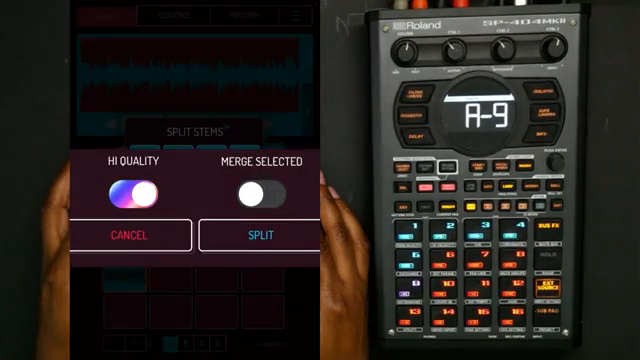 Verysickbeats Puts Koala Sampler’s New Stem Splitter to the Street Test
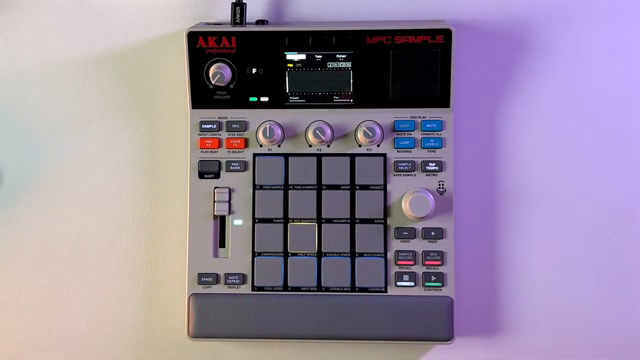 MPC Sample Reality Check: Sunwarper Spills the Good, the Bad & the Groovy
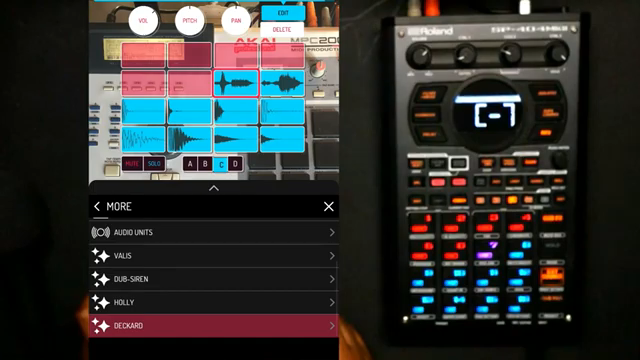 Verysickbeats Flips Vocals on Pads: Koala + SP‑404MKII Get ‘Fresh!’
 Island Beats & Koala Feats: Sunwarper’s Hawaiian Field Trip
 Verysickbeats Schools Us: Why Auto-Tune Can’t Hang With a Vocoder
 Verysickbeats Flips the Script: Koala Sampler Drum Chopping That Hits Like a Freight Train
 Verysickbeats Flips the Script: Koala Sampler’s AUv3 Update Is a Workflow Game Changer
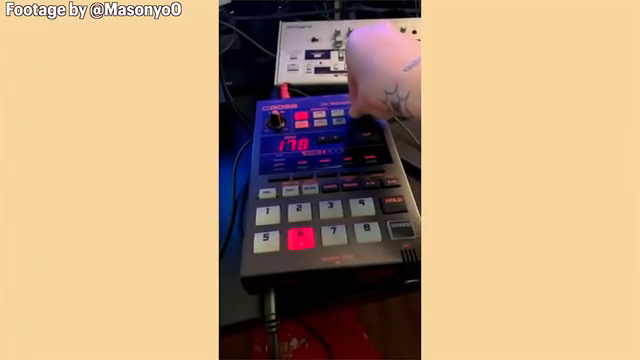 Sunwarper vs. The DAW: Why Portable Samplers Rule the Studio Streets
 Novation Peak in SCALER’s Live Rig: Digital Powerhouse at the Heart of Hybrid Performance
 sunwarper’s SP404 MK2: Five Years Deep and Still the Studio Chameleon?
 sunwarper vs. DAWless Mayhem: Patchbay to the Rescue
Watch on YouTube:
Latest articles
Watch on YouTube:
Visit the channel:
https://www.youtube.com/sunwarper
https://www.youtube.com/sunwarper
Links from sunwarper:
Lessons/Coaching: https://sunwarper.com/lessons
Sample Packs: https://soundsbysunwarper.bandcamp.com
Instagram: https://instagram.com/sunwarper
Facebook: https://www.facebook.com/SunwarperMusic/
Sponsored links:
If you purchase via these links, we may earn a small commission – at no extra cost to you. The link opens an Amazon keyword search, and results may vary depending on availability.
203 Mystrix Pro
🔗 Check price on Amazon
🔗 Check price on Amazon
Koala Sampler
🔗 Check price on Amazon
🔗 Check price on Amazon
MIDI Keyboard
🔗 Check price on Amazon
🔗 Check price on Amazon
Roland SP-404
🔗 Check price on Amazon
🔗 Check price on Amazon