Alright, fam—strap in. Verysickbeats just dropped a lesson that slices straight through the confusion: Auto-Tune and vocoders are not the same beast, and he’s here to show you why. JFilt brings his signature laid-back, no-nonsense style, laying out why vocoders slap harder than your average pitch-fixer. From crusty dry vocals to transformer-level soundscapes, he puts gear like the MicroKorg and Koala Sampler to work, showing off flavors that Auto-Tune just can’t season. If you’re ready to level up your beats and want to know why your next lofi banger needs a vocoder, this is the breakdown you don’t want to sleep on.
31. May 2026
RILEY
Verysickbeats Schools Us: Why Auto-Tune Can’t Hang With a Vocoder
Bleass Voices, EVOC 20 Polysynth, Koala Sampler, Logic Pro, MicroKORG, Vocoder V, Vocodine
Auto-Tune vs Vocoder: The Street Rules
Let’s clear the air: Auto-Tune and vocoders are two totally different flavors—like comparing cheap beer to a shot of top-shelf tequila. Verysickbeats kicks off with a shoutout to Teddy Riley and makes it crystal: vocoders twist your voice into robotic chords while Auto-Tune just keeps you from sounding like you missed the bus to choir practice. The distinction here isn’t just academic—if you want to sound like T-Pain, you need Auto-Tune, but if you want to go full Soundwave-from-Transformers, you need the vocoder magic.
There’s a reason most producers in the beat scene don’t reach for a vocoder first—it’s a little more involved than just slapping on a plugin. But JFilt’s got jokes and patience, breaking down the basics of each so you can finally stop embarrassing yourself at gear swaps. You get a taste of dry, raw vocals, then the Auto-Tune sauce: smooth, pitch-locked, but always staying in its lane. Bottom line? If you thought these two tools were cousins, this video will show you they’re not even from the same family barbecue.
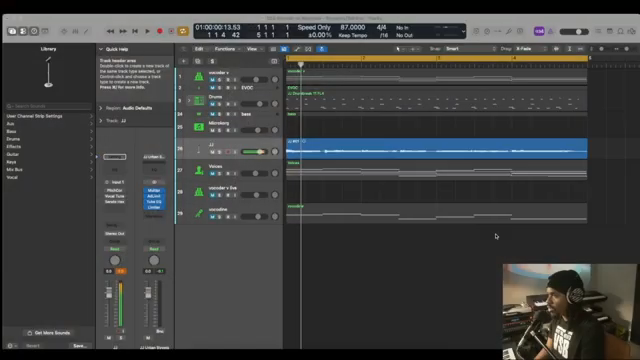
"Vocoders is not Auto-Tune."
© Screenshot/Quote: Verysickbeats (YouTube)
Vocoder Playground: MicroKorg, Vocodine & Friends
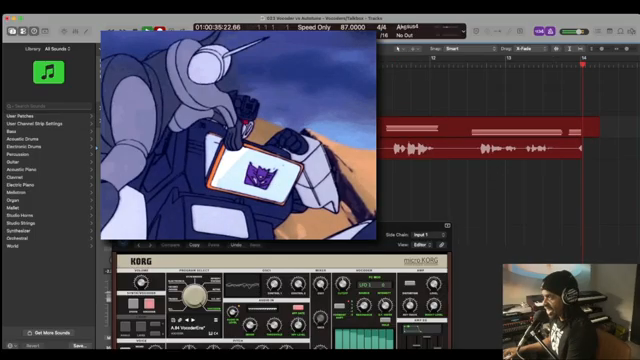
"Now I sound like Soundwave."
© Screenshot/Quote: Verysickbeats (YouTube)
Now we’re diving into the real party—Verysickbeats spins through a handful of vocoders that’ll make your next jam session sound like a sci-fi street parade. He fires up the MicroKorg VST, showing how you can route your mic, hit some keys, and boom—you’re a robot choir. The process is slick: arm a few tracks, press record, and you’re out here sounding like Soundwave on a boombap beat. Each plugin gives a different flavor, and JFilt’s not shy about calling out which ones hit and which ones are just collecting dust.
He doesn’t just flex MicroKorg—there’s the Bleass Voices plugin, Vocoder V, even the old Logic Pro EVOC 20 that’s about as updated as my first flip phone. The real treat? Vocodine, which takes the top box vibe and lets you bend and modulate your voice for wild results. One minute you’re laying down chords, the next you’re twisting your vocals with pitch bends. If you want to know what each plugin actually sounds like, stop reading and hit play on the video—no text can do those cyborg harmonies justice.
The Real-Time Showdown: Rich Vocals, Not Just Pitch Fixes
Here’s where the gloves come off. JFilt lines up Auto-Tune and vocoders side by side, so you can hear the difference with your own battered headphones. Auto-Tune? It smooths you out, keeps you in key, adds a little digital shimmer. But when the vocoder steps in, the sound goes from ‘budget karaoke’ to ‘alien funk band’ in no time. There’s width, movement, and a whole new texture that you just can’t fake with pitch correction alone.
The most fun comes when he throws the Koala Sampler into the mix. Yeah, Koala has a built-in vocoder—who knew? This isn’t just another plugin; it’s a whole new way to flip your vocals into something wild, especially for lofi heads looking to spice up their tracks. The video lays out how each tool stacks up, and trust me, you want to peep the live A/B if you want to hear the difference. Don’t just take my word for it—this is the kind of sound you have to feel rattling your old studio monitors.
Boombap Boosters: Vocoders in the Beatmaker’s Kitchen
Verysickbeats wraps it up by dropping some gems for the boombap and lofi crowd. He shows how easy it is to sprinkle vocoder sauce over your beats, taking a basic loop and flipping it into something that’ll make heads nod at the next open mic. Whether you’re layering thick robotic hooks or just adding a little shimmer to your background, vocoders add a whole new dimension that Auto-Tune just can’t touch.
It’s about workflow too—once you get the hang of routing, sidechaining, and those MIDI chords, you’ll be adding vocoder magic to your kit like hot sauce on street tacos. JFilt’s style is all about making it accessible, so even if you’re new to this, you’ll walk away with a couple of tricks to try on your next beat. Bottom line: if you want your tracks to stand out in a world of cookie-cutter lofi, it’s time to let the vocoder loose. Catch the full process on the video—some of these techniques have to be seen (and heard) to be believed.
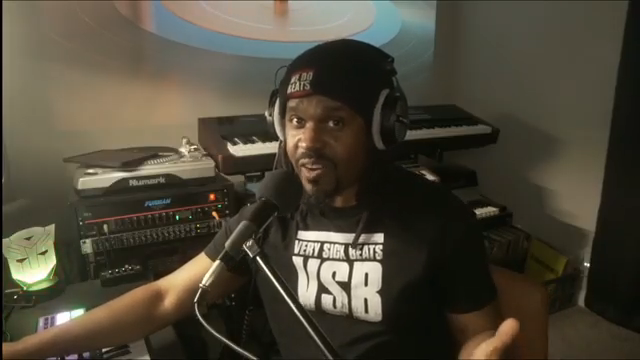
"Using Vocoders with boombap beats."
© Screenshot/Quote: Verysickbeats (YouTube)
This article is also available in German. Read it here: https://synthmagazin.at/verysickbeats-erklaert-warum-auto-tune-gegen-vocoder-alt-aussieht/
More articles about these products:
 sunwarper vs. Koala Sampler: Stem Splitter Showdown in a Budget Rave Bunker
 sunwarper’s SP-404MK2 Live Set: Turning Tracks Into a Rooftop Rave Weapon
 Verysickbeats Puts Koala Sampler’s New Stem Splitter to the Street Test
 SangsterSounds Digs Deep: Logic Pro’s Track Inspector Unleashed
 Verysickbeats Flips Vocals on Pads: Koala + SP‑404MKII Get ‘Fresh!’
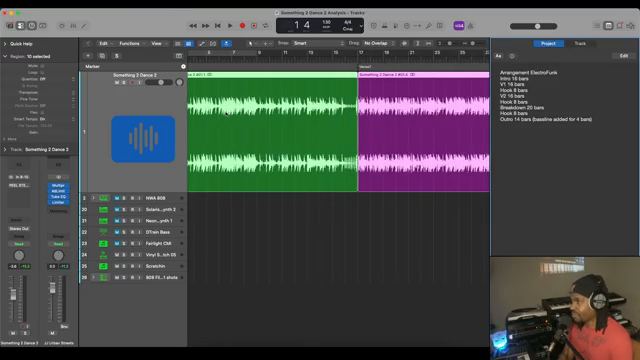 Verysickbeats Digs Into NWA’s Electro Funk Oddball—And Drops 808 Gems
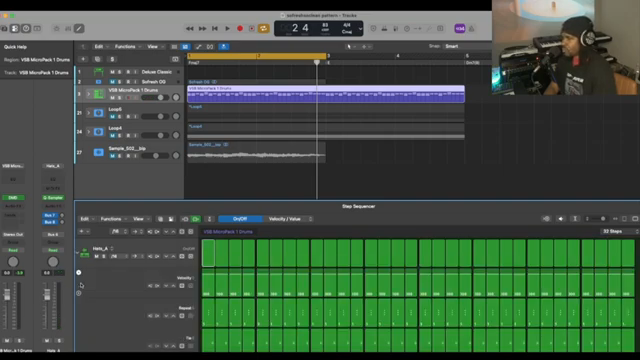 Verysickbeats Breaks Down That Organized Noize Drum Sauce
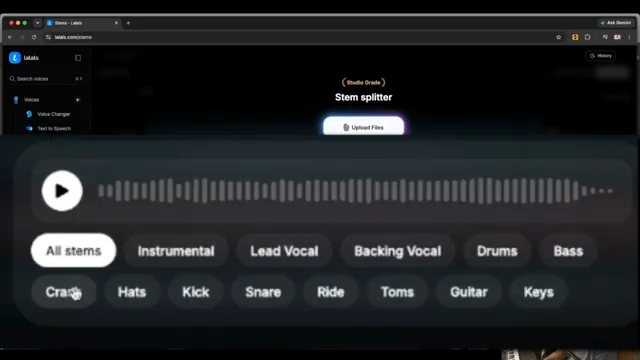 Verysickbeats Flips the Script: Vocal Stem Sorcery with Lalals
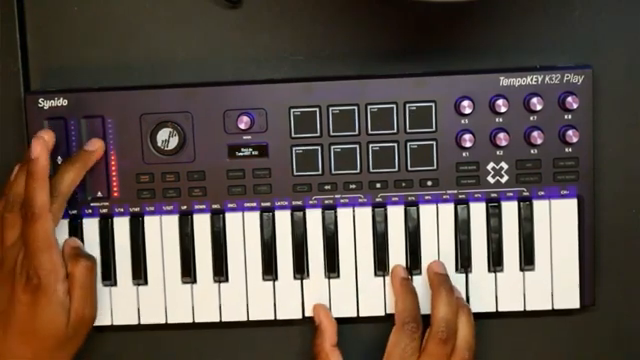 Verysickbeats Drops the Synido TempoKEY K32 Play: Pocket-Sized Heat or Street Toy?
 Island Beats & Koala Feats: Sunwarper’s Hawaiian Field Trip
 Chris Sangster vs. Logic’s Stem-Bounce Nightmare: EasyBounce to the Rescue
 Chris Sangster’s Region Inspector Rave: Logic Pro’s Best-Kept Workflow Weapon
Watch on YouTube:
Latest articles
Watch on YouTube:
Visit the channel:
https://www.youtube.com/Verysickbeats
https://www.youtube.com/Verysickbeats
Links from Verysickbeats:
Patreon: https://patreon.com/verysickbeats
Instagram: https://instagram.com/verysickbeats
Twitter: https://twitter.com/jfilt
Twitch: https://twitch.tv/verysickbeats
Discord: https://discord.com
Sponsored links:
If you purchase via these links, we may earn a small commission – at no extra cost to you. The link opens an Amazon keyword search, and results may vary depending on availability.
Bleass Voices
🔗 Check price on Amazon
🔗 Check price on Amazon
EVOC 20 Polysynth
🔗 Check price on Amazon
🔗 Check price on Amazon
Koala Sampler
🔗 Check price on Amazon
🔗 Check price on Amazon
Logic Pro
🔗 Check price on Amazon
🔗 Check price on Amazon
MicroKORG
🔗 Check price on Amazon
🔗 Check price on Amazon
Vocoder V
🔗 Check price on Amazon
🔗 Check price on Amazon
Vocodine
🔗 Check price on Amazon
🔗 Check price on Amazon