Jon Makes Beats is back, and this time Dawson’s driving the ship—through the neon-lit streets of FL Studio. Forget what you know about stiff DAWs; this joint’s got more vibe than a late-night taco truck. Dawson digs in with hardware controllers, flips samples like pancakes, and stitches up a beat with the kind of flair you only get from years of hustling in the groove game. If you’re still sleeping on FL Studio, wake up—the game’s changed and Jon’s crew is here to show you how it slaps.
11. July 2026
RILEY
Jon Makes Beats & Dawson: FL Studio Gets a Streetwise Upgrade
FL Studio’s Makeover: From Mom’s Laptop to Modern Playground
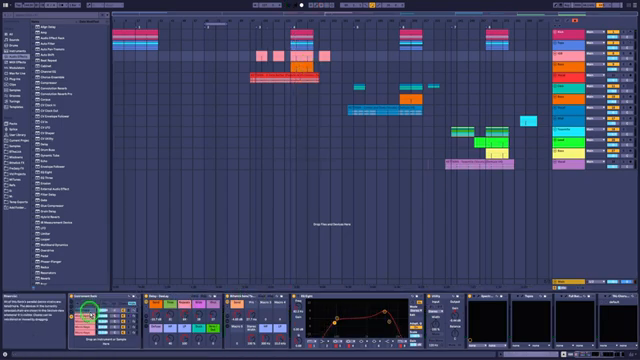
Dawson dives straight into FL Studio, and let me tell you, it’s not the crusty old interface you remember from sneaking beats after homework. He reminisces about starting out in 2004 on his mom’s laptop, but now FL Studio shines with a UI slicker than a fresh pair of kicks. The drag-and-drop vibe is almost like playing a video game, not wrangling with a spreadsheet.
What’s wild is how FL flipped the script with its free-for-all grid. You can toss audio and instruments wherever, then tie them up to mixer channels later—no more getting boxed in by old-school DAW logic. If you came up on other software, FL’s workflow might feel like learning a new dance, but man, it’s pure fun once you catch the rhythm.
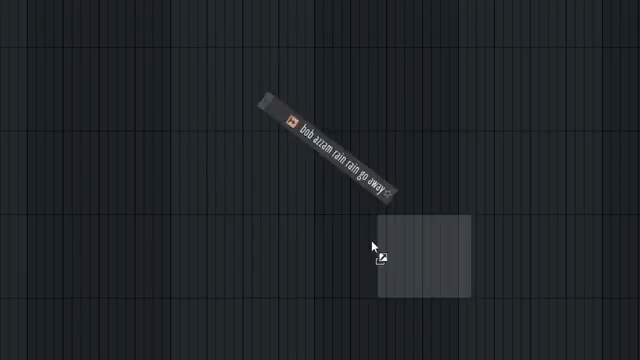
"This is like a video game. This is basically a video game UI."
© Screenshot/Quote: Jonmakesbeats (YouTube)
Hardware in the Mix: SP-44 and Montage M8X Join the Party
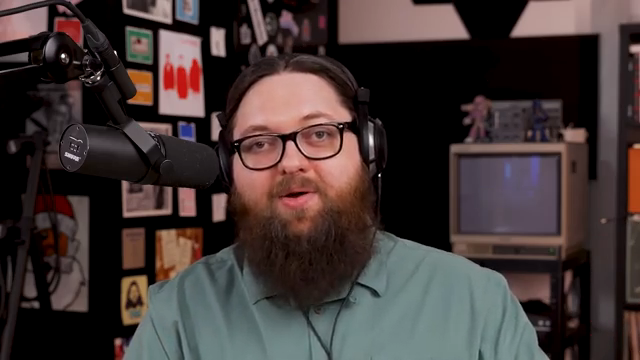
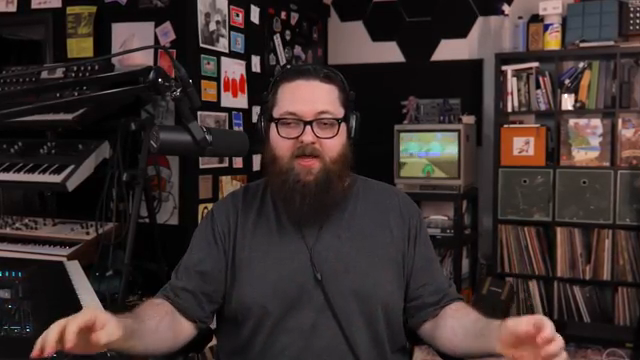
"I'm used to the tactility of hardware, so in order to get over that hump, I brought the SP-44 Mark II in as a MIDI controller."
© Screenshot/Quote: Jonmakesbeats (YouTube)
Dawson doesn’t leave his hardware roots at the door—he ropes in the Roland SP-44 Mark II and the Yamaha Montage M8X as MIDI controllers. This combo adds a layer of tactile magic that mouse-clickers just can’t touch. It’s the best of both worlds: hardware feel, software flexibility.
He jokes about the Montage being best used as a controller, keeping things light but practical. The result? A beat-making setup that’s as hands-on as flipping burgers at a block party, but with the power of a DAW behind every move. If you’re looking to bridge the gap between hardware swagger and DAW brains, this is how you do it.
Sample Chopping: Slicing Like a Sushi Chef
Chopping samples in FL Studio isn’t just easy, it’s downright addictive. Dawson’s hyped about how you can drag breaks right into the timeline, slice along the line, and even get crossfades without breaking a sweat. The way FL lets you overlay samples and play with their tails is like stacking flavors in a street cart burrito—messy, but oh so tasty.
He shows off the auto crossfade and smart slicing, calling out how it saves serious time versus the old-school click-and-drag surgery. The freedom to layer, reverse, and mash up breaks means you’re only limited by your imagination. Trust me, watching Dawson flip these samples is way more satisfying than reading about it—catch the video for the full sauce.
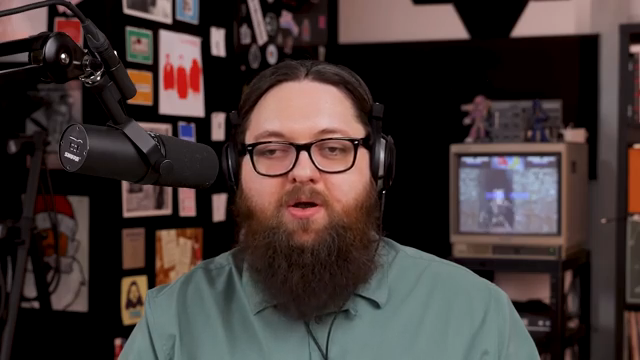
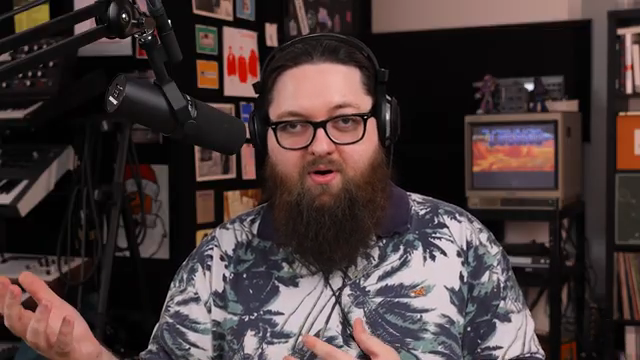
"And it's got the auto crossfade now. Didn't have any of this stuff before."
© Screenshot/Quote: Jonmakesbeats (YouTube)
Layering and Arranging: From Raw Loops to a Full Meal
Now comes the secret sauce—Dawson layers up drums, chords, bass, and leads until this beat’s thicker than Chicago pizza. He’s not shy about dropping plugins, coloring tracks, and tweaking on the fly. The FL piano roll gets its due props, and there’s plenty of playful debate on what color the drums should be—red, brown, or maybe just ‘fire.’
What makes Dawson’s approach slap is his taste for experimentation. He’s flipping chord voicings, playing with delay and chorus, and even duct-taping the mix together with a smile. If you’re the type who likes to break the rules and patch things up with a little creative chaos, this section is your jam. But honestly, the real flavor comes alive in the video—don’t let text ruin your appetite.
Nostalgia Reloaded: FL Studio Memories & Invitation
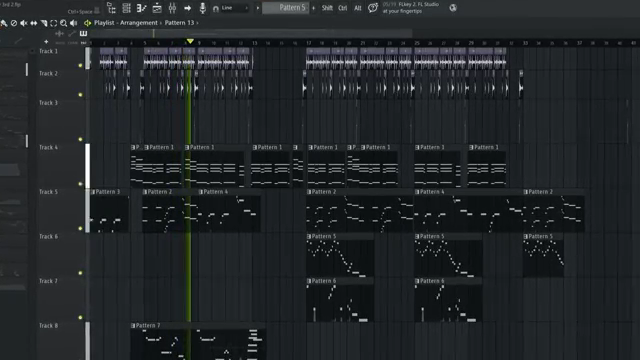
"That was really fun going down memory lane and checking out FL Studio again."
© Screenshot/Quote: Jonmakesbeats (YouTube)
Dawson wraps up by taking a stroll down memory lane, celebrating how FL Studio’s grown from a janky starter kit to a legit creative weapon. He invites everyone to tap into the community—Patreon, live streams, the whole nine. If you want more beats, more jams, and a crew that keeps it real, Jon Makes Beats is where you wanna be.
This article is also available in German. Read it here: https://synthmagazin.at/jon-makes-beats-dawson-fl-studio-bekommt-ein-strassen-upgrade/
More articles about these products:
 Chords Like Vapor: Bthelick Illuminates KETTAMA’s Sonic Spell
 Jon Makes Beats Turns Yoshi’s Island Into a Banger—Eggward on the SNES Sauce
 Jon Makes Beats: Why the MPC XL Is the Streetwise DAW You Didn’t Know You Needed
 Yamaha Synths Official Unveils Montage M8x: A Deep Dive into Expressive Power and Sound Design
 Yamaha Synths Official Delivers: Montage M8x as a Digital Performance Powerhouse
 Yamaha Synths Official Delivers: Analog-Style Soundcraft with the Montage M8X
 Lodewijk Vos (LØ): Navigating the DAW Nebula – A Composer’s Sonic Cartography
 Bolo Da Producer’s MPC Odyssey: From Crusty Pads to Platinum Beats
 BoloDaProducer Drops Knowledge Bombs with FL Studio
 AndertonsKeyboardDept Brings the Noise with Yamaha Montage 2.1 Update
 RapidFlow_Shop unleashes the workflow whirlwind in Ableton
 Yamaha Synths Official: CP-70 Heritage Meets MONTAGE M8x Innovation
Watch on YouTube:
Latest articles
Watch on YouTube:
Visit the channel:
https://www.youtube.com/jonmakesbeats
https://www.youtube.com/jonmakesbeats
Links from jonmakesbeats:
Join The Patreon: https://patreon.com/jonmakesbeats
Instagram: https://instagram.com/jonmakesbeats/
Sponsored links:
If you purchase via these links, we may earn a small commission – at no extra cost to you. The link opens an Amazon keyword search, and results may vary depending on availability.
FL Studio
🔗 Check price on Amazon
🔗 Check price on Amazon
Roland SP-44 Mark II
🔗 Check price on Amazon
🔗 Check price on Amazon
Yamaha Montage M8X
🔗 Check price on Amazon
🔗 Check price on Amazon