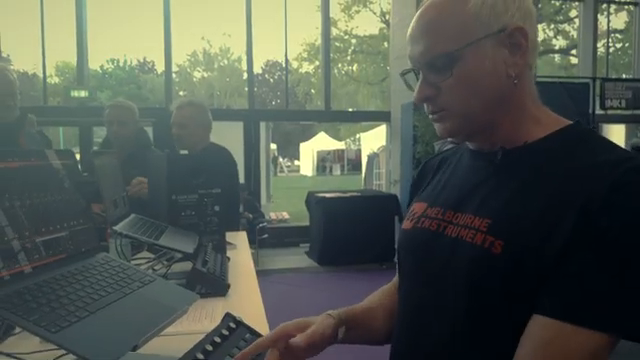
Voltage Labs, never ones to just show you another boring controller, throw down at Superbooth 2026 with the Melbourne Instruments Roto-Control—a DAW and MIDI controller that looks like it’s ready to run your studio or start a toaster-fight. Eight motorised, touch-sensitive encoders with haptic feedback, instant recall, and enough integration to make your mouse jealous. If you’re into live automation, deep mapping, or just want your gear to fight back a little, this one’s got your number. Don’t let the size fool you—this is a proper sonic street weapon.
18. May 2026
SPARKY
Voltage Labs Unleash the Roto-Control: Motorised Mayhem for Your DAW
Motorised Encoders: The Roto-Control’s Secret Sauce
Let’s get straight to the point: the Roto-Control isn’t just another MIDI box with a few knobs. It’s packing eight motorised, touch-sensitive encoders that actually fight back—thanks to haptic feedback and instant parameter recall. This means you can sweep, twist, and flick, and the Roto will physically snap back or notch into place, depending on what you’re controlling. No more getting lost in the sauce when you switch tracks or plugins—the encoders move to match your DAW’s state, so you’re always locked in.
Voltage Labs’ coverage makes it clear: this isn’t just a gimmick. The haptics aren’t just for show; they add real tactile feedback, like a notch at 12 o’clock for pan or 0 dB for levels. It’s the kind of detail that makes you wonder why every controller isn’t doing this. If you’re the type who likes your gear to feel alive under your fingers, this is the controller you’ve been waiting for.
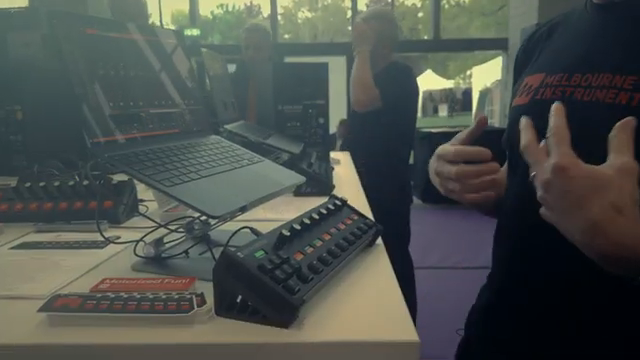
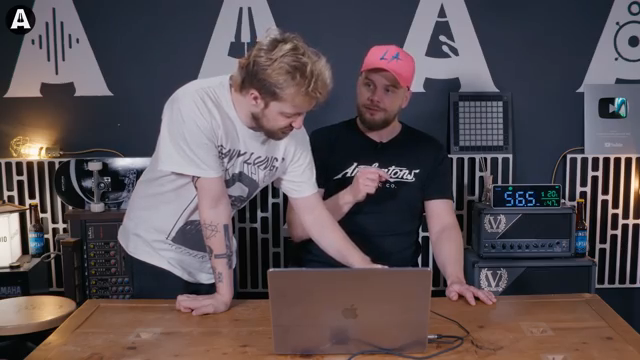
"It's kind of like a little buddy that follows you around in the mix."
© Screenshot/Quote: Voltage Labs (YouTube)
Three Modes, No Nonsense
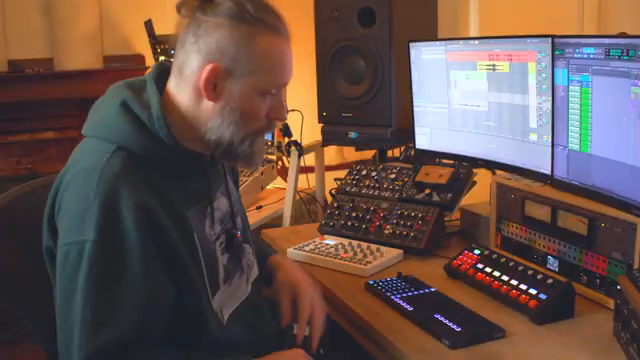
"It has three modes - mix mode, plug-in mode and MIDI mode."
© Screenshot/Quote: Voltage Labs (YouTube)
Roto-Control doesn’t mess about with modes. You get three: Mix, Plug-in, and MIDI. Mix mode is your main DAW playground—track names, colours, and mute states show up on the onboard screens, and you can flip between controlling volume, pan, or sends with a button press. Plug-in mode is for getting hands-on with your favourite VSTs, mapping controls in seconds and recalling them instantly. MIDI mode? That’s for your hardware boxes and old-school gear, with DIN 5-pin out back for proper connectivity.
Voltage Labs highlight how these modes aren’t just tacked on—they’re tightly integrated. Whether you’re in Ableton, Bitwig, or Logic, the Roto feels like it belongs. Cubase users, you’ll have to wait, but it’s coming. The point is, you can jump between software and hardware workflows without missing a beat, and that’s exactly how we like it.
Real-Time Control: Pop-Ups, Meters, and More
Here’s where things get spicy. The Roto-Control throws in pop-up values and audio level meters right on the device—no more squinting at your laptop screen. Touch a knob, and the value flashes up so you know exactly what you’re tweaking. Push play, and you get VU meters tracking your DAW’s action in real time. It’s a feature users have been begging for, and now it’s here.
The encoders don’t just move—they’re smart. Select a track, and the Roto follows, updating all the displays and meters instantly. Automation? No problem. The controller keeps up, showing you what’s happening as your mix evolves. It’s the kind of workflow boost that makes you wonder how you ever lived without it. For the full effect, you’ll want to see the meters and pop-ups in action—trust us, the video does it justice.
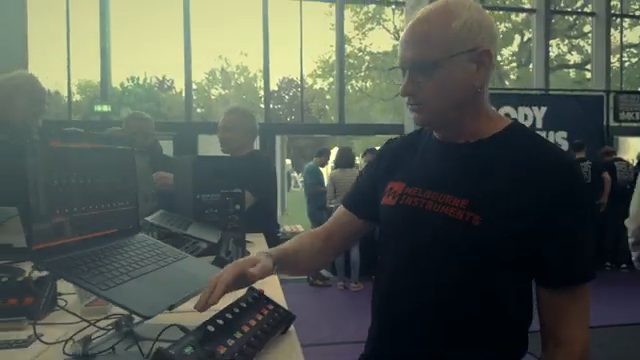
"When you touch it it momentarily pops up the value so you can see the value of the current setting without having to move it."
© Screenshot/Quote: Voltage Labs (YouTube)
Customisation: Make It Your Own
If you’re the sort who likes to tweak, the Roto-Control is your playground. Mapping controls is dead simple: touch a knob, assign a function, set your colours, and you’re done. The device remembers everything—even across computers and sessions. Got a favourite plug-in setup? Save it, share it, and load it wherever you go. It’s all about making the controller work for you, not the other way round.
Voltage Labs show off how you can add notches, change colours, and even lock the controller to a specific plug-in or track. With 64 setups onboard, you can prep for any live set or studio session. It’s versatility without the headache, and it means the Roto-Control can slip into just about any workflow—DAW, hardware, or hybrid.
Live Performance: Automation and Motion Madness
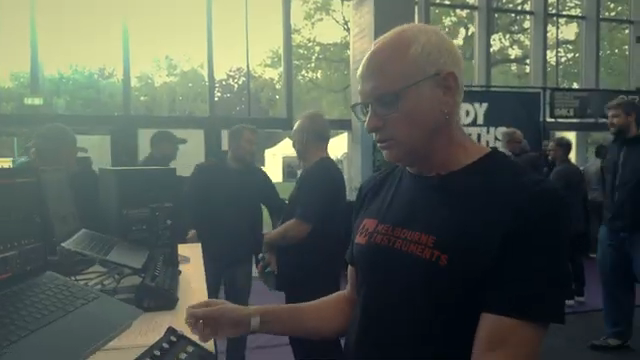
"It also has a motion recorder so if you record the motions of an OBS here's something's been recorded before and then when I play then it will play this back in a loop."
© Screenshot/Quote: Voltage Labs (YouTube)
This is where the Roto-Control flexes for the live crowd. With motion recording, you can capture knob movements and play them back in loops—perfect for automation-driven performances or those moments when you want your mix to go off the rails in style. Set loop lengths, sync to internal or external clock, and let the Roto do the heavy lifting while you focus on the crowd.
Voltage Labs don’t just talk about features—they show them in action. If you want to see how this controller can transform a live set, you’ll need to watch the video. The Roto-Control isn’t just for the studio hermit; it’s a proper performance tool, ready to bring some chaos to your next gig.
This article is also available in German. Read it here: https://synthmagazin.at/voltage-labs-entfesselt-den-roto-control-motorisierte-macht-fuers-daw-chaos/
More articles about these products:

Watch on YouTube:
Latest articles
Watch on YouTube:
Visit the channel:
https://www.youtube.com/voltage_labs
https://www.youtube.com/voltage_labs
Links from voltage_labs:
instagram: https://www.instagram.com/voltage.labs
Sponsored links:
If you purchase via these links, we may earn a small commission – at no extra cost to you. The link opens an Amazon keyword search, and results may vary depending on availability.
Melbourne Instruments Roto-Control
🔗 Check price on Amazon
🔗 Check price on Amazon