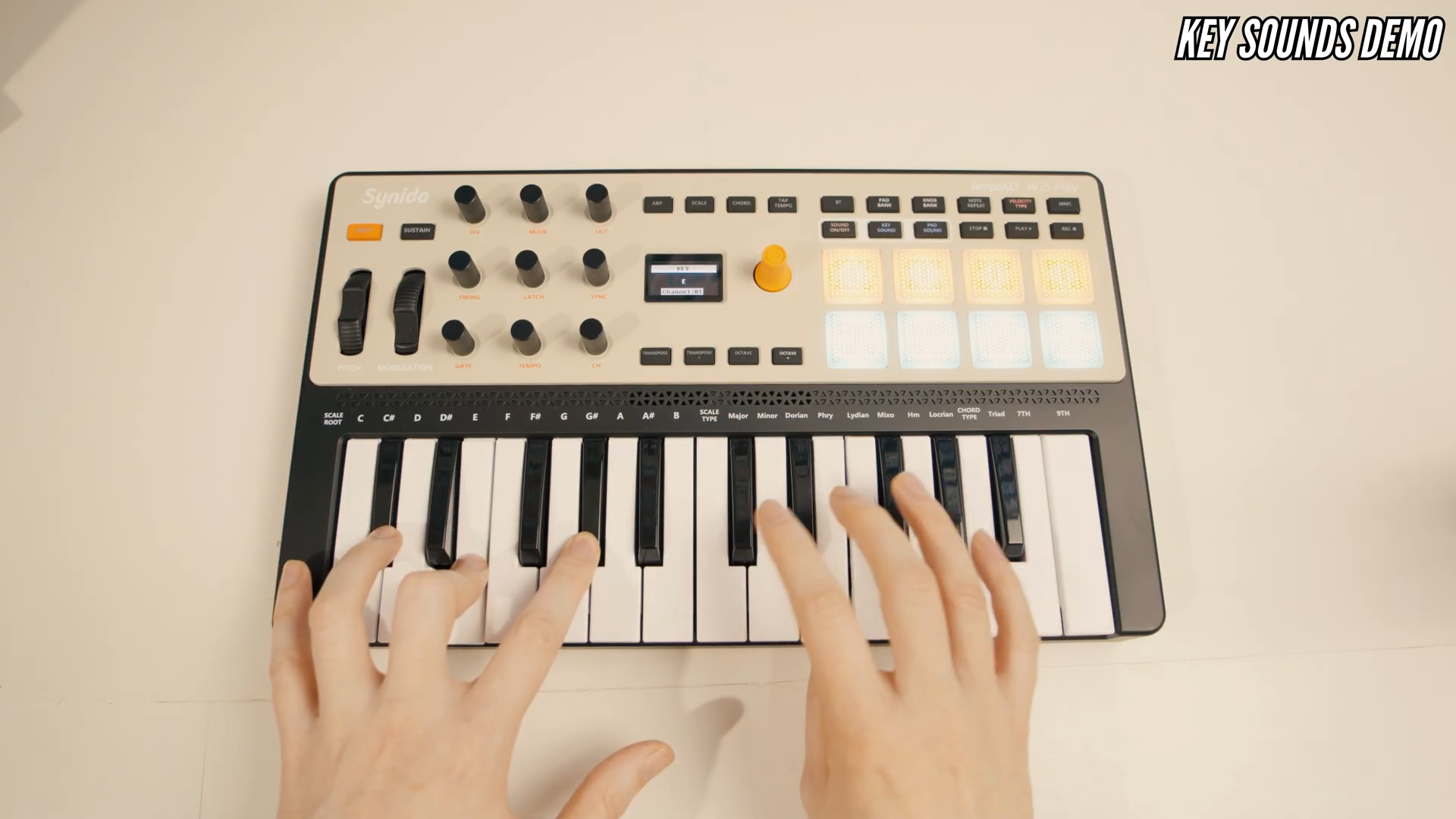
The musical idea is there, but the right softsynth isn’t open yet. It’s exactly this small interruption that makes Stamatis Stabos’s unboxing, tutorial, and demo video published on November 14, 2026, interesting: He doesn’t just present the Synido TempoKEY W25 Play as a remote control for other instruments. Its own sounds and a built-in speaker are meant to make the little keyboard an instrument in its own right. The computer can join in later.
The first note is already on board
© Screenshot: Stamatis Stabos (YouTube)
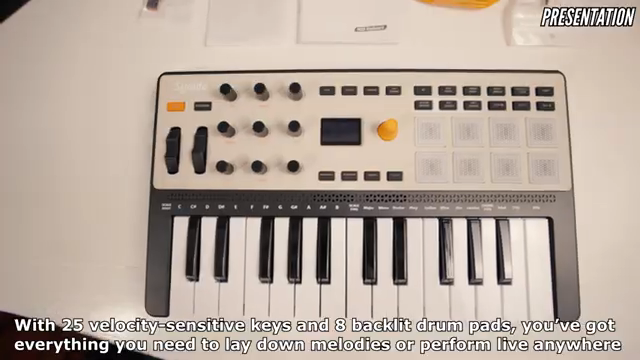
“allowing to play without a computer.”
© Quote: Stamatis Stabos (YouTube)
Stabos first unpacks the carrying case, cables, and adapters. But the crucial point of his presentation is, ironically, a connection that isn’t necessary: the one to the computer. He describes the W25 Play as a compact MIDI keyboard with built-in sounds and speaker. His concise wording highlights the practical benefit:
The 25 velocity-sensitive mini keys set the scope: a small instrument for melodies, chord ideas, and short practice sessions—not a piano replacement. There are also eight pressure-sensitive pads. What’s interesting is less the number of controls than the prospect of playing right away without additional sound generation. How loud or balanced the internal speaker is in a room, however, remains unanswered.
Synido TempoKEY W25 – Amazon keyword search
Search for this product on Amazon →
This link opens an Amazon keyword search. Depending on availability, other results may be shown.
Advertising – affiliate link. If you buy through this link, we may earn a commission – at no extra cost to you.
Practice without firing up the studio
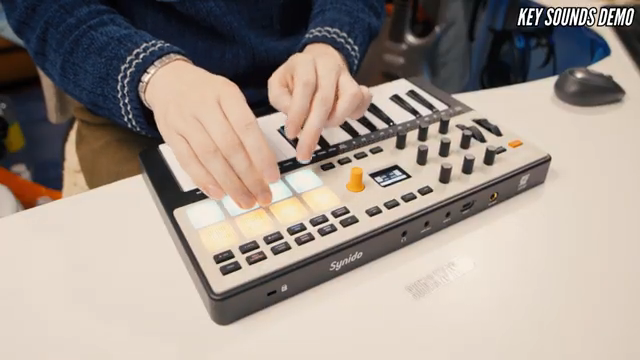
For practice, the speaker is just one option. Stabos also shows the headphone jack and explicitly mentions quiet playing as an application. It’s unassuming but practical: Your own practice time doesn’t have to become a shared listening experience for the whole household.
His tutorial remains pleasantly open to connections. He explains the audio path to an interface or powered speakers and demonstrates connecting to a smartphone or tablet. For synth apps, he switches off the internal keyboard sounds. Playing independently and controlling external sounds aren’t matters of faith here, but different operating modes. Doing without the computer doesn’t have to be a life philosophy.
© Screenshot: Stamatis Stabos (YouTube)
“For silent practice, connect your headphones to the headphone input.”
© Quote: Stamatis Stabos (YouTube)
When the keyboard becomes a control center
© Screenshot: TAETRO (YouTube)
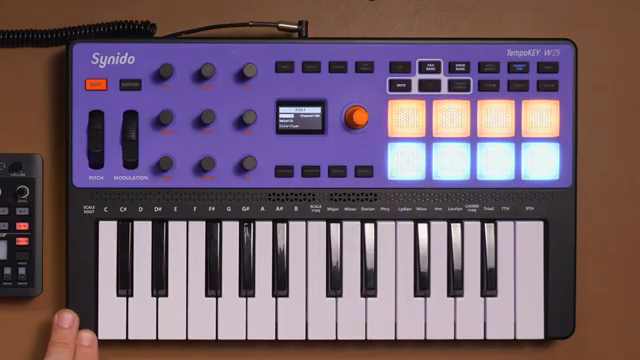
“I can actually edit all of the MIDI parameters that the tempo key will send to the hardware directly from the controller with no software and no computer connection needed at all.”
© Quote: TAETRO (YouTube)
How far a small setup can grow is shown by TAETRO in two Synido-sponsored videos. For him, the W25 works as a MIDI controller; the sounds come from external hardware. In his Roland P-6 video, he connects both devices via MIDI and assigns parameters of the granular engine to the rotary knobs. Crucial for his hardware approach: He edits the assignments directly on the controller.
The musically appealing moment comes when TAETRO uses sustain to hold a granular drone and changes its sound. The keys simultaneously control a selected keyboard sample, while appropriately configured pads continue to trigger granular sounds. Thus, the controller box becomes an additional playing layer. This is more than just more convenient menu operation: sound shaping becomes part of the performance.
Wireless doesn’t mean connectionless
In his Bluetooth MIDI video, TAETRO brings together the W25, FM1, and an iPhone. The MIDI meter app mediates between controller and sound generator, because the two devices can’t initiate the connection themselves. He sets the W25 as the source and the FM1 as the destination. The laptop stays out of the picture, but this setup still needs an intermediary.
TAETRO doesn’t skip over the stumbling block: Despite the connection being displayed, initially neither sound nor MIDI transmission occurs. He checks the receive channel and fully closes the app before reopening it. After that, transmission works in his demonstration. A workable solution—but a different level of immediacy than an instrument with its own sound engine.
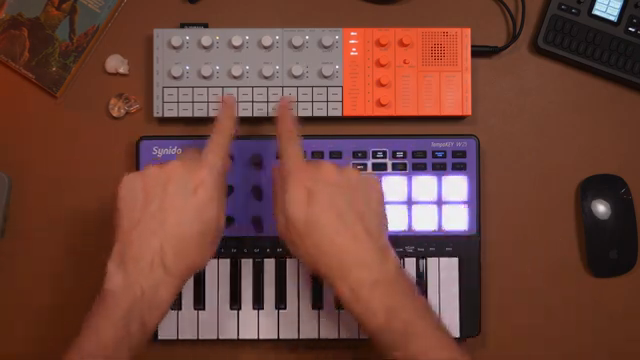
© Screenshot: TAETRO (YouTube)
“Essentially, the problem we're solving here today is that these two devices don't have a way of initiating a connection between each other.”
© Quote: TAETRO (YouTube)
The strongest idea behind the W25 Play isn’t that it can connect to as many devices as possible. It’s that for the first musical idea, none of them should be necessary. TAETRO shows what a small hardware setup can become. Stabos reminds us how little it might take to get started.
Synido TempoKEY W25 – Amazon keyword search
Search for this product on Amazon →
This link opens an Amazon keyword search. Depending on availability, other results may be shown.
Advertising – affiliate link. If you buy through this link, we may earn a commission – at no extra cost to you.
Videos for this article
All YouTube videos featuring the Synido TempoKEY W25
Primary – main topic (7)
 SYNIDO TempoKEY W25 PLAY Midi Keyboard Controller | Unboxing / Tutorial / Demo
 This Free App Solves Bluetooth MIDI’s Biggest Problem
 The Tempokey W25 Might Be the Perfect Match for the Roland P-6
 Before You Buy Ableton Move…Try This Instead
 Is the Synido TempoKey W25 Worth It? The Wireless MIDI Keyboard You Need
 Synido TempoKey W25 Usage Guide
 SYNIDO TempoKEY W25 Portable MIDI Keyboard Controller | Unboxing / Tutorial / Demo


