teenage engineering’s OP–XY just leapt forward with firmware update 1.2.0. This episode of Midnight Operations, filmed live in the NYC department store, walks through four major additions: the long-requested Drumline drum synth, a punchy new dynamic filter, long-awaited multi-channel USB audio routing, and a patch-level detune parameter. Jonas, the product owner, details how these features expand the OP–XY’s sound design palette and workflow, with live demos and honest talk about trade-offs. For digital groovebox fans and sound architects, this update is a big deal—and the video keeps it both playful and nerdy.
17. October 2026
LYRA
teenage engineering OP–XY 1.2.0: Drumline, Dynamic Filter & USB Audio—A Firmware Update Worth the Wait
Drumline Arrives: OP–XY’s Biggest Leap Yet
The OP–XY’s 1.2.0 firmware update opens with a headline feature: Drumline, a dedicated drum synthesizer that’s long been requested by the community. Jonas, the product owner, emphasizes this is more than a quality-of-life patch or bug fix—it’s a substantial expansion of the instrument’s architecture. Drumline is introduced as a native drum synth engine, sitting alongside the existing sampler, but now offering synthesis-driven percussion from the ground up.
Integration into the OP–XY workflow is thoughtful, with Drumline accessible via the preset browser and immediately available after updating the firmware. The video highlights that Drumline is not just a convenience add-on; it’s designed to feel like an organic part of the OP–XY ecosystem, supporting parameter locks, LFOs, and the instrument’s deep modulation and automation system. As always with teenage engineering, the design leans toward playful minimalism, but the impact on creative workflow is significant for anyone building beats or soundscapes directly on the device.
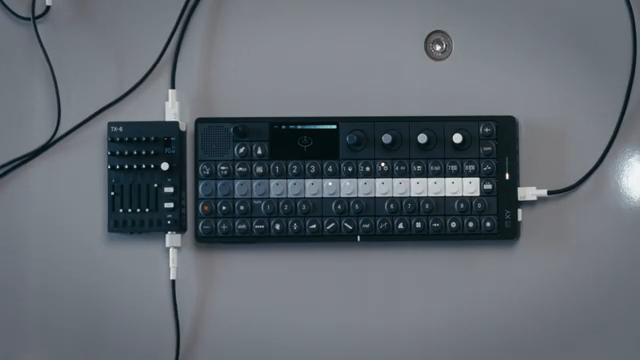
"I always wanted, you know, to do, as I said, I wanted to do this drum synth, and I think it's important to make sure that everything is nice and fun to add parameter locks to, to LFO, that type of stuff, to bring it into the whole ecosystem and the idea of the OPXY."
© Screenshot/Quote: Teenageengineering (YouTube)
Ten Engines, Infinite Flavors: Drumline’s Architecture
"In the end, I started making, like, really custom, it's basically, each of these is its own synth engine, so we have 10 new synth engines, but that allowed me to do these more kind of elaborate, like, custom things for each sound."
© Screenshot/Quote: Teenageengineering (YouTube)
Drumline isn’t a one-size-fits-all engine. Instead, it brings ten distinct synth models: kick, snare, hi-hat (versatile enough for cymbals and even cowbell territory), shaker, cabasa, clap, tom, resonator, tambourine, and a metallic FM-based voice. Each of the 24 drum slots can be assigned any model, and each key offers four direct parameters—pitch, length, punch (drive/distortion), and tone—unlocking a wide sound palette. The shift function allows quick access to the drum model selection, enabling users to reconfigure kits or experiment with unconventional layouts.
What stands out is the ability to modulate and parameter-lock every sound, making Drumline a playground for evolving rhythms and timbres. Jonas demonstrates how scrambling parameters can quickly generate new sounds, and how each engine is custom-built rather than a generic template, allowing for nuanced differences—like the tambourine’s random metallic artifacts or the shaker’s naturalistic swing. There’s even a dedicated page for kit-level tweaks, including attack smoothing and global randomness, which goes beyond traditional drum machine workflows.
Dynamic Filter: Punch, Crunch and Control
The update doesn’t stop at new synthesis engines. A new filter type, dubbed the dynamic filter, is added for per-track use. Unlike the classic ladder or state-variable options, this filter is designed specifically to add punch and character—especially to drums, but suitable for melodic content as well. The dynamic filter combines a low cut, high cut, built-in compressor, and a drive stage, letting users push sounds into crunchy, saturated territory without losing control.
The video acknowledges trade-offs: this filter operates per track (not per voice), so you won’t get individual voice filter envelopes. But for most real-world drum and groovebox scenarios, this is a fair exchange for the added punch and creative potential. Jonas demonstrates the filter breathing new life into old presets, highlighting its usefulness both for modern and vintage-flavored kits. As usual, teenage engineering’s UI keeps navigation direct—shift and a module button brings up the new filter, making advanced sound-sculpting feel immediate.
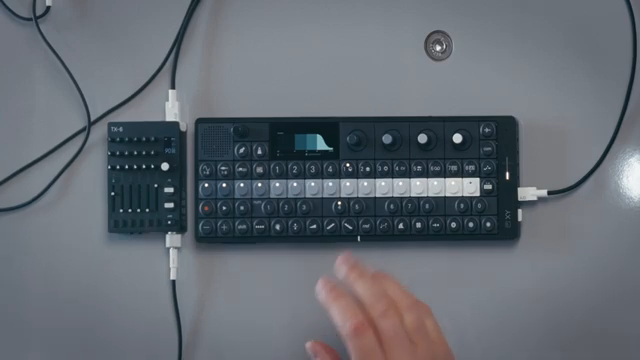
"It comes with a trade-off, it's not going to be able to run per voice like the filters do, so this is a per-track filter instead, so you wouldn't be able to do filter envelopes per voice."
© Screenshot/Quote: Teenageengineering (YouTube)
Multi-channel USB Audio: Studio-Grade Routing in a Portable Box
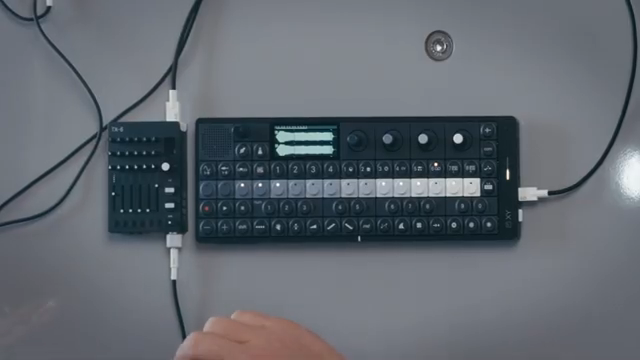
"It's not possible, and it's set to add multi-channel USB audio."
© Screenshot/Quote: Teenageengineering (YouTube)
One of the most requested features is finally here: full multi-channel USB audio. Previous OP–XY versions only supported stereo out, but with firmware 1.2.0, users can now route up to eight tracks, FX buses, tape, mic, line-in, and even the metronome independently over USB. This transforms the OP–XY from a standalone groovebox into a serious studio tool, perfect for DAWless rigs or hybrid setups.
The update introduces a mix matrix in the system settings, letting users assign each USB output to any combination of internal tracks or buses. Jonas points out that this flexibility comes with a technical caveat—voice stealing may occur slightly sooner due to higher CPU load—but the routing power is undeniable. The demo shows integration with the TX–6 mixer and third-party audio interfaces, allowing direct multi-track recording or complex live routing.
Mono/stereo configuration is supported per channel, and users can, for example, send the metronome to a drummer separately or isolate the auxiliary send for creative effects chains. The routing matrix is as straightforward as the rest of the OP–XY interface, making it approachable for both live performance and studio production.
Patch-Level Detune: Subtle Width, Tighter Mixes
The final feature, though small on paper, answers a long-standing user request: per-patch detune. Within the synth settings (shift + synth), users now find a detune parameter alongside the familiar transpose function. This allows for fine-tuning individual patches, whether to create stereo width, layer slightly detuned sounds, or match external instruments.
It’s a subtle but meaningful addition, especially for those seeking richer, more analog-feeling mixes or working alongside out-of-tune gear. The detune is easy to access and fits within the OP–XY’s hidden-settings philosophy—useful tweaks tucked away but always available for power users. As Jonas notes, it’s not a headline feature, but it rounds out an update focused on musical flexibility and direct control.
This article is also available in German. Read it here: https://synthmagazin.at/teenage-engineering-op-xy-1-2-0-drumline-dynamic-filter-usb-audio-ein-firmware-update-das-sich-lohnt/
More articles about these products:
 Noisegate Unpacks Teenage Engineering: Pocket-Sized Power with OP-1 Field, K.O. II & OP-XY
 Taylor Fiore Pits Eurorack Rings Against Max for Live: Who Rings Supreme?
 Rainy Tokyo Grooves: Taylor Fiore Works His Magic on the OP-XY
 SON WU Delivers: OP-XY’s Update Finally Sorts Its Sample Life
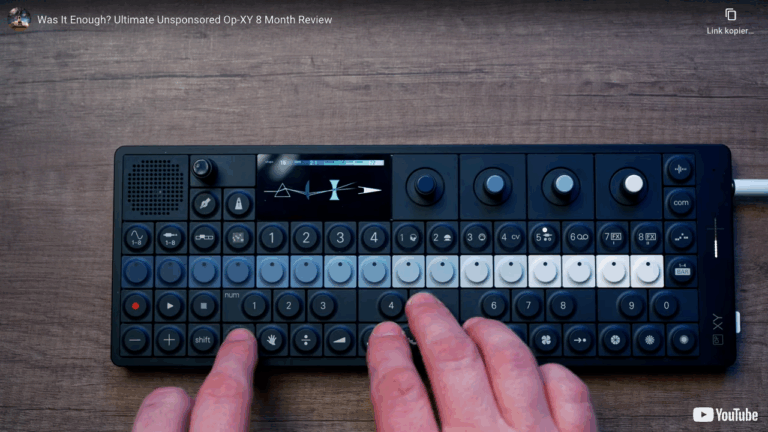 The Midlife Synthesist’s Exposé on the OP-XY: A Synth for the Brave
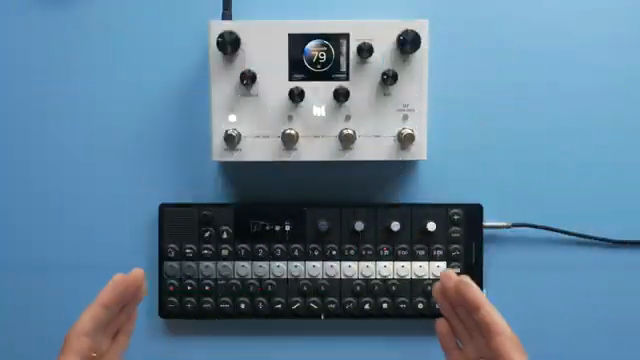 SONWU Gets Playful with the OP-XY and FX Pedals
Watch on YouTube:
Latest articles
Watch on YouTube:
Visit the channel:
https://www.youtube.com/teenageengineering
https://www.youtube.com/teenageengineering
Links from teenageengineering:
website: https://teenage.engineering
soundcloud: https://soundcloud.com/teenageengineering
instagram: https://instagram.com/teenageengineering
twitter: https://twitter.com/jugendingenieur
Sponsored links:
If you purchase via these links, we may earn a small commission – at no extra cost to you. The link opens an Amazon keyword search, and results may vary depending on availability.
Teenage Engineering OP-XY
🔗 Check price on Amazon
🔗 Check price on Amazon
Teenage Engineering TX-6
🔗 Check price on Amazon
🔗 Check price on Amazon