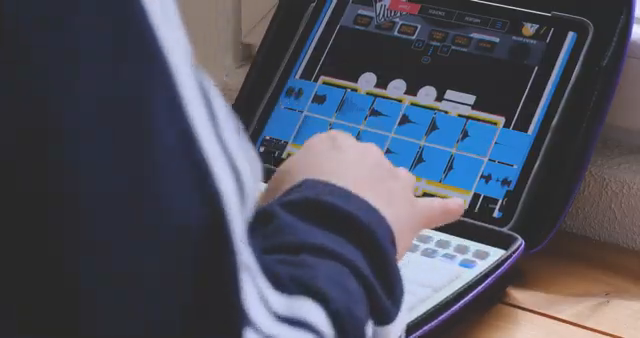
When it comes to mobile beat-making, Synido Tech’s TempoPAD C16 aims to redefine what a truly portable, DAWless rig can be. In this official video, the C16 is showcased as a compact, battery-friendly controller that slips easily into a backpack and promises a workflow that’s as at home in the park as it is in the studio. The creator demonstrates how the C16, paired with an iPad and Koala Sampler, forms the backbone of a nimble, all-in-one setup—highlighting not just the hardware’s physical resilience, but also its dual-mode connectivity and real-world performance. For anyone obsessed with workflow, latency, and the tactile feel of their gear, this video offers a clear, hands-on look at what Synido brings to the table.
29. April 2026
LYRA
Synido Tech’s TempoPAD C16: Portable Beatmaking Architecture Unpacked
Backpack-Ready: The Portable Rig Vision
The video opens with a clear demonstration of the Synido TempoPAD C16’s role as the centerpiece of a truly portable beat-making setup. The creator records directly into Koala Sampler on an iPad, powered solely by the tablet’s battery—no wall outlets, no tangled cables. The C16’s lightweight, compact form factor is emphasized, making it easy to slip into a backpack and take anywhere, whether that’s a park bench, a train seat, or a makeshift studio in the wild.
What stands out architecturally is how the C16 integrates with minimal gear: just the controller, an iPad, and optionally an audio interface like the SSL2 mk2. The setup is described as “fantastic” for mobility, with the option to run entirely off-grid using a power bank if needed. The creator notes that, while the audio interface isn’t strictly necessary, it can be powered directly from the iPad, reinforcing the all-in-one ethos. This rig is pitched as a legitimate alternative to more cumbersome grooveboxes, especially for those who value freedom of movement and spontaneous creativity.
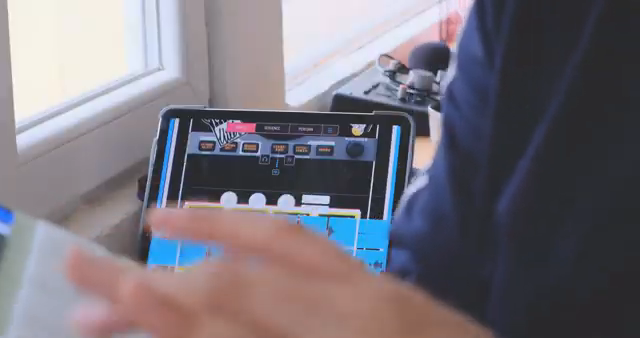
"I can carry this in a backpack and go anywhere with it."
© Screenshot/Quote: Synidotech (YouTube)
Dual Connection: Bluetooth Freedom vs. USB Precision
"The connection via USB has no latency whatsoever as per my experience."
© Screenshot/Quote: Synidotech (YouTube)
A central feature of the TempoPAD C16 is its dual connectivity: Bluetooth for wireless convenience and USB for zero-latency, high-precision playing. The creator candidly discusses the trade-offs, noting that Bluetooth introduces a perceptible latency—acceptable for laid-back, swing-heavy boom bap beats but potentially problematic at higher BPMs or for intricate finger drumming.
Switching to USB mode eliminates this latency entirely, making the C16 suitable for demanding, tempo-sensitive performances. The workflow flexibility here is key: users can prioritize portability and cable-free operation when sketching ideas, then plug in for more exacting tasks. This dual-mode approach is a thoughtful architectural choice, allowing the C16 to adapt to both casual and professional contexts without forcing a compromise on playability.
Build Quality and Pad Feel: Beyond Basic Plastics
The creator is quick to distinguish the TempoPAD C16 from the sea of generic plastic MIDI controllers. The unit is described as solid and heavier than it appears, with a tactile feel that surpasses many entry-level options. While the pads are not quite at the level of Akai’s legendary MPCs, they are praised for their softness and responsiveness. This attention to build quality and pad feel is more than cosmetic—it directly impacts the confidence and expressiveness of performance, especially in mobile or DAWless setups where every touch counts.
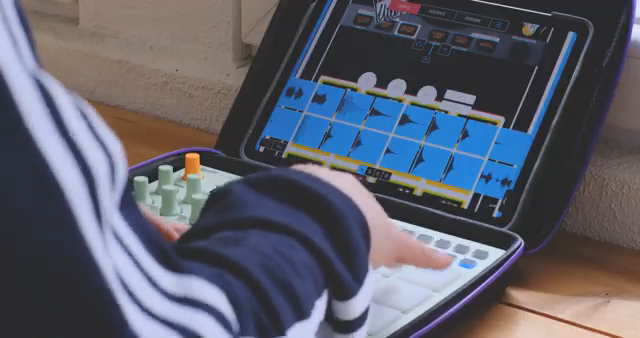
"It's not this plasticky shitty midi controllers that you see out there, this is it feels better."
© Screenshot/Quote: Synidotech (YouTube)
Workflow Hacks: Latency Management and Plugin Discipline
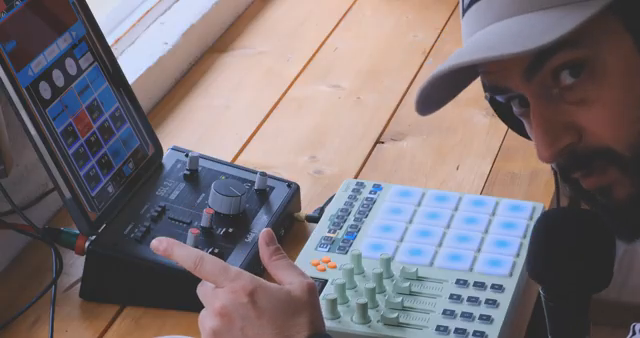
"The more plugins that you have, the more latency that you have."
© Screenshot/Quote: Synidotech (YouTube)
Latency is a recurring theme, especially when using Bluetooth. The creator offers practical advice: the more plugins running on your device, the greater the latency—even on an M1 iPad. To optimize performance, it’s recommended to minimize or eliminate plugins during live drumming, adding them later during mixing. This discipline ensures a tighter, more responsive playing experience, particularly crucial for DAWless workflows where real-time feedback is everything.
The video demonstrates this approach in action, with the creator preparing to record a beat over Bluetooth while keeping the plugin count to a minimum. This workflow-centric mindset is a hallmark of modern mobile production: balancing creative tools with the technical realities of latency and device limitations. The C16’s architecture supports this by offering both wireless and wired options, but the user’s plugin management becomes just as important as the hardware itself.
Real-World Integration: Koala Sampler and Creative Flow
The final section of the video moves from theory to practice, as the creator builds a beat in real time using the C16 and Koala Sampler. The integration is seamless: pads trigger samples with satisfying immediacy, and the workflow feels fluid and intuitive. There’s a clear synergy between the hardware and software, with the C16 acting as a natural extension of the creative process rather than a technical obstacle. This hands-on demonstration reinforces the C16’s value as a portable, DAWless solution for beatmakers who want to stay mobile without sacrificing expressive control.
This article is also available in German. Read it here: https://synthmagazin.at/synido-tech-tempopad-c16-mobile-beatmaking-architektur-im-praxistest/
More articles about these products:
 TAETRO’s Ableton FX Racks: Add Some Aussie Mayhem to Your Beats
 TAETRO’s Setup Showdown: DAW vs Sampler – Which Rig Packs the Punch?
 Verysickbeats Breaks Down No I.D.’s Genius: Sliders, Flutes, and the Synido Tempopad C16
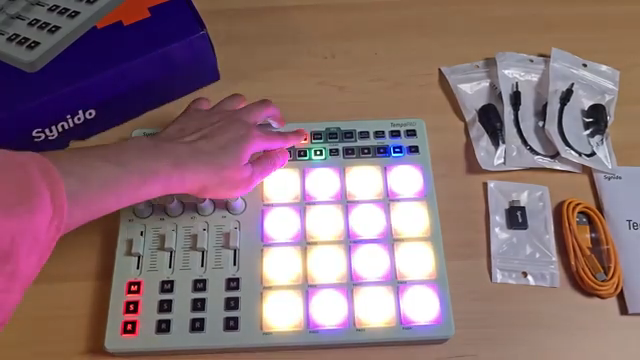 Synido Tech’s TempoPad C16: Wireless MIDI Control, Mapped for Modern Creators
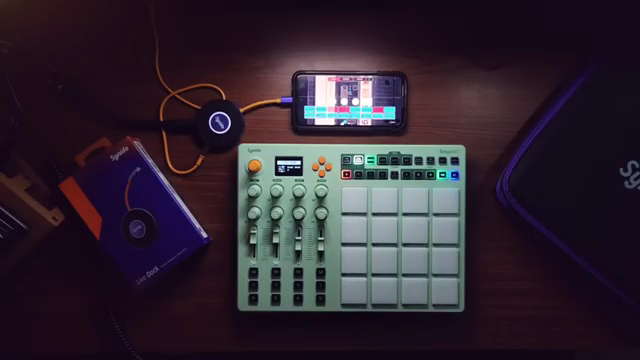 Synido Tech’s TempoPAD C16: Minimalism Meets Wireless MIDI for Koala Sampler
 lukemillionmusic Lays Down a Killer Studio Tour Update
 Synido Tech’s TempoPAD C16: Wireless MIDI Control Reimagined for Mobile and Studio Creators
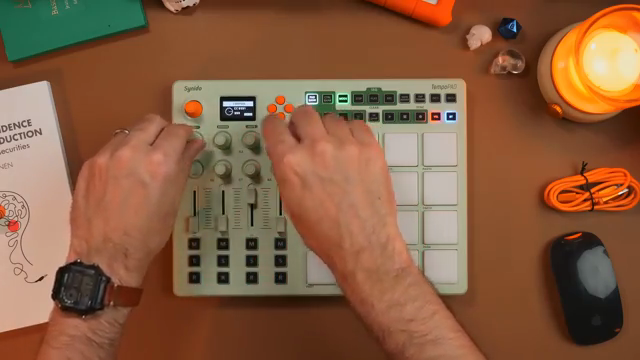 Taetro’s Take on the Synido TempoPAD C16: A Beatmaker’s Dream Come True
Watch on YouTube:
Latest articles
Watch on YouTube:
Visit the channel:
https://www.youtube.com/synidotech
https://www.youtube.com/synidotech
Links from synidotech:
website: https://www.synido.com
instagram: https://www.instagram.com/synidotech
facebook: https://www.facebook.com/109726971738618
linktree: https://linktr.ee/synidotech
Sponsored links:
If you purchase via these links, we may earn a small commission – at no extra cost to you. The link opens an Amazon keyword search, and results may vary depending on availability.
Synido TempoPAD C16
🔗 Check price on Amazon
🔗 Check price on Amazon