Joranalogue Audio Design’s Flow 3 is not your average filter—it’s an auto-dynamic analog Swiss army knife with creative patching in mind. In this official video, Simon walks through classic and less obvious module pairings, showing how Flow 3’s envelope follower, decay envelope and triple filter outputs play with other Joranalogue modules. From textured drones to sidechained percussion and clever looping tricks, we get a patch-by-patch look at what Flow 3 actually brings to a Eurorack system. If you like seeing how modules interact in real-world patches, this one’s for you.
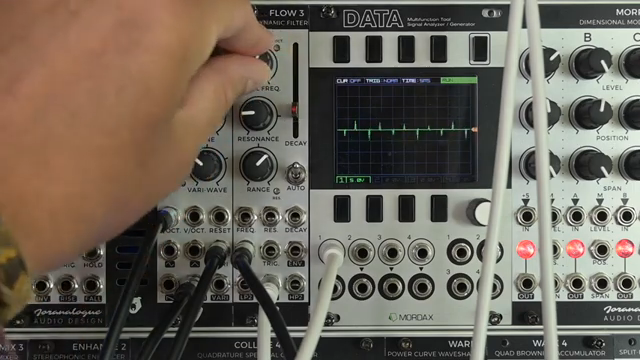
Meet Flow 3: More Than Just a Filter
Kicking off the demo, Simon introduces Flow 3 as Joranalogue’s take on the auto-dynamic filter. It’s presented as a module built for flexibility in the modular environment, not just for standard filtering duties. The emphasis is on the variety of ways it can be patched and the creative responses it can bring out in a system.
Flow 3 is positioned as a tool that thrives on interaction. Straight out of the gate, the video hints at its role as a hub for dynamic sound shaping, suggesting that pairing it with other modules is where things get especially interesting.
"In this video I will just pair up Flow 3 with a few other modules in our range to see how you can get interesting results from them."
© Screenshot/Quote: Joranalogue (YouTube)
Triple Outputs and Dynamic Control
"I think a band pass filter always sounds nicer with a little bit more resonance, this also compensates for the volume drop that a band pass output usually has."
© Screenshot/Quote: Joranalogue (YouTube)
The heart of Flow 3’s flexibility lies in its filter outputs: low pass, band pass, and high pass. Each output has its own character, and Simon makes a point of showing how switching between them can dramatically alter a patch’s tone. The band pass, in particular, is highlighted for its resonance tricks, which help compensate for the typical volume drop of band pass filtering.
But where Flow 3 veers into territory beyond the typical filter is with its integrated decay envelope and envelope follower. These built-in modulation sources aren’t just for modulating the filter cutoff—they can drive external modules, create percussion sounds, or be used as general utility envelopes elsewhere in a rack. The envelope output adds a layer of dynamic control, letting Flow 3 influence—and be influenced by—the wider system.
Flow 3 and Cycle 5: Textures, Rhythms and Percussion
Simon demonstrates a classic patch: Cycle 5’s PWM output is modulated by Generate 3 and piped through Flow 3, with the band pass output front and centre. The resonance dial is brought into play to add character and compensate for any band pass level dip—a subtle but worthwhile tweak. The video cycles through the various filter outputs, letting us hear the distinctive flavours each one brings to the table.
The patch is then sequenced, with rhythmic triggers coming from Step 8 and Orbit 3, lending a bit of modular unpredictability to the timing. By routing the same trigger signal into Flow 3’s Trigger input, Simon syncs the filter’s internal envelope with the sequence, creating percussive movement and dynamic responses. It’s a textbook example of how Flow 3 can serve both as a filter and as a dynamic, patch-controllable modulation source.
Complex Looping: Flow 3, Compare 2 and Select 2
One of the more inventive uses shown is looping Flow 3’s envelope with the help of Compare 2. While Flow 3’s decay envelope doesn’t cycle or loop natively, patching its output through Compare 2 allows you to create a feedback circuit: when the envelope drops to zero, Compare 2 triggers another cycle. Tweak the decay time manually or with CV, and suddenly Flow 3 becomes an LFO or even a crude VCO for modulating filter frequencies or other targets—neatly sidestepping its lack of a cycle switch.
The Select 2 pairing takes things further. By combining, inverting, or adding Flow 3’s various filter outputs via Select 2, complex waveforms and filter responses emerge. The video highlights not just standard notch filtering by mixing phase-inverted outputs, but also more advanced tricks: splitting the spectrum for different processing paths, running parts through additional modules like Warp 1, and creating drones with evolving timbral movement. It’s a showcase of how utility modules and clever patching can unlock hidden layers in an otherwise straightforward filter.
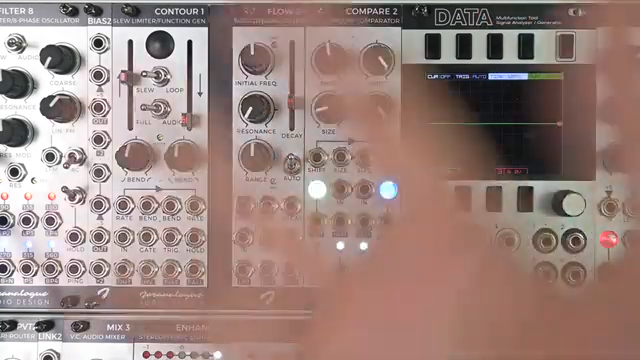
"Unlike the envelope in Contour 1, the decay envelope in Flow 3 does not have a cycle or loop setting, but with the help of Compare 2, we can indeed get it to loop."
© Screenshot/Quote: Joranalogue (YouTube)
Classic Subtractive: Flow 3 Meets Mix 3
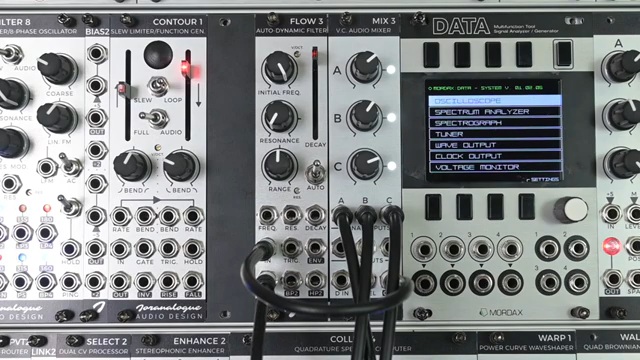
"Currently I'm sending 3 VCOs into Mix 3 and the mix output here is sent to the input on Flow 3 and we're monitoring the low pass output."
© Screenshot/Quote: Joranalogue (YouTube)
Rounding things off, Simon pairs Flow 3 with Mix 3 to illustrate a textbook subtractive voice chain. Three VCOs are mixed and sent through Flow 3’s low pass output for filtering. The frequency knob sweeps out highs, but the real magic comes when Flow 3’s envelope is patched to modulate both Mix 3’s VCA input and the filter cutoff. Triggers from Step 8 give the envelope rhythmic shape, and the result is a classic, dynamically modulated voice—all within the Joranalogue ecosystem.
As envelopes are shortened and sequences are introduced, Flow 3 drives both amplitude and timbral changes, delivering the familiar punch and movement of classic synth lines. It’s a demonstration of how even with minimal modules, Flow 3’s dual role as filter and envelope source makes it a workhorse for both experimental and bread-and-butter patches.
This article is also available in German. Read it here: https://synthmagazin.at/joranalogue-flow-3-ein-patch-orientierter-blick-auf-das-auto-dynamic-filtering/
More articles about these products:
 Frap Tools: Sam Sakr on Modular Textures, Noise, and the Art of Patchwork
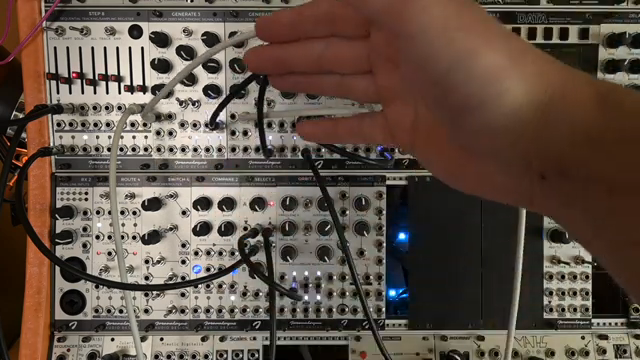 Joranalogue Audio Design: Random Steps the Lab-Grade Way with STEP 8 & SELECT 2
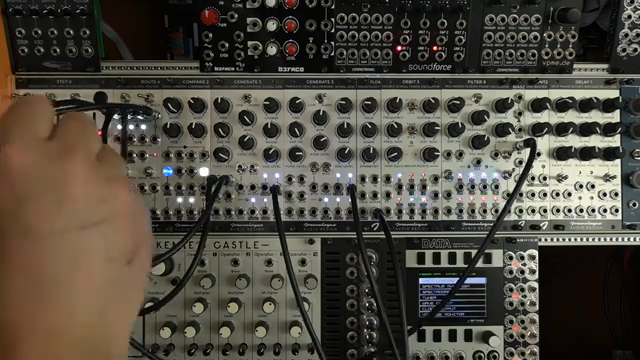 Joranalogue Audio Design: Sequencing Alchemy with STEP 8 and ROUTE 4
 Joranalogue Audio Design: Patch Experiments with On-Grid Random Gates
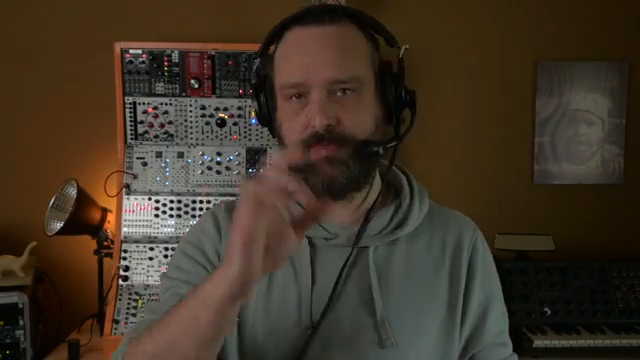 Joranalogue Audio Design’s STEP 8: One Sequencer, Many Voices – A Patch Walkthrough
Watch on YouTube:
Latest articles
Watch on YouTube:
Visit the channel:
https://www.youtube.com/joranalogue
https://www.youtube.com/joranalogue
Links from joranalogue:
website: https://joranalogue.com
facebook: https://facebook.com/joranalogue
twitter: https://twitter.com/joranalogue
soundcloud: https://soundcloud.com/joranalogue
modulargrid: https://www.modulargrid.net/e/vendors/view/578
instagram: https://instagram.com/joranalogue
Sponsored links:
If you purchase via these links, we may earn a small commission – at no extra cost to you. The link opens an Amazon keyword search, and results may vary depending on availability.
COMPARE 2
🔗 Check price on Amazon
🔗 Check price on Amazon
Cycle 5
🔗 Check price on Amazon
🔗 Check price on Amazon
Filter 8
🔗 Check price on Amazon
🔗 Check price on Amazon
Flow 3
🔗 Check price on Amazon
🔗 Check price on Amazon
Generate 3
🔗 Check price on Amazon
🔗 Check price on Amazon
Mix 3
🔗 Check price on Amazon
🔗 Check price on Amazon
Orbit 3
🔗 Check price on Amazon
🔗 Check price on Amazon
Pivot 2
🔗 Check price on Amazon
🔗 Check price on Amazon
SELECT 2
🔗 Check price on Amazon
🔗 Check price on Amazon
STEP 8
🔗 Check price on Amazon
🔗 Check price on Amazon
Warp 1
🔗 Check price on Amazon
🔗 Check price on Amazon