Frap Tools, the Italian modular maestros, take us on a deep-dive into Magnolia’s Oscillator 1, revealing a trove of nuanced sound design possibilities. This video goes beyond the basics, dissecting how features like True Zero FM, wavefolding, and flip sync interact in real-world patches. Expect practical tips, clever modulation tricks, and a few design insights that didn’t make it into the main tutorial. For anyone with a penchant for voltage-controlled surprises and sonic sculpting, this is an essential watch—and a testament to Frap Tools’ commitment to both technical depth and musical playfulness.
6. May 2026
MILES
Frap Tools Magnolia Oscillator 1: Patchable Mysteries Unfolded
Oscillator 1: The Heart of Magnolia’s Sonic Palette
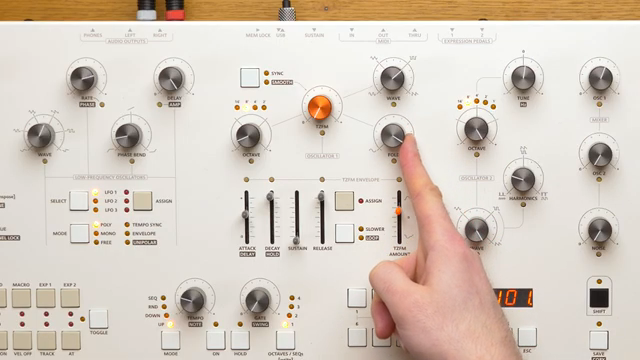
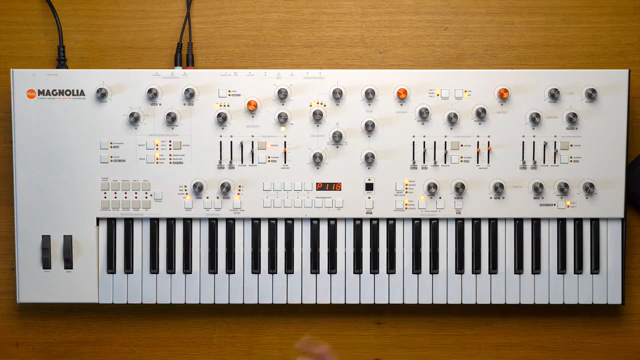
The video opens with Giovanni from Frap Tools introducing Oscillator 1, the first section of their new polysynth, Magnolia. While the main tutorial already covered the basic parameters, this segment promises a more exploratory approach—focusing on how these controls interact in practice. The intention is clear: to move beyond parameter lists and into the world of patching, blending, and real-world sound design.
From the outset, Oscillator 1 is positioned as a versatile and central tool for modular synthesis. Frap Tools’ design ethos—prioritising both sonic quality and user experience—shines through as the video sets up a journey into the subtleties of analog FM, waveform blending, and modulation. The stage is set for a hands-on, patch-oriented exploration.
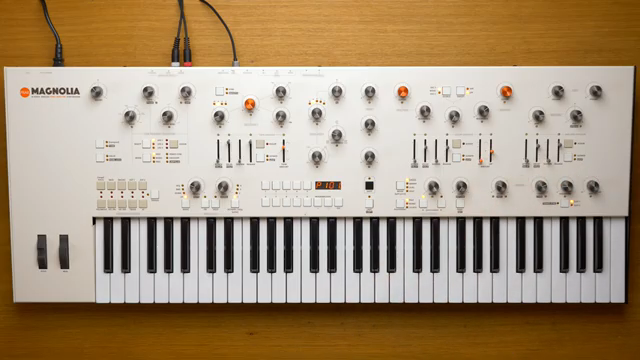
"Today I would like to talk a bit about how those parameters blend together and perhaps provide some ideas and insights for your sound design."
© Screenshot/Quote: Fraptools (YouTube)
True Zero FM, Wavefolding, and Flip Sync: A Trio of Sound Shapers
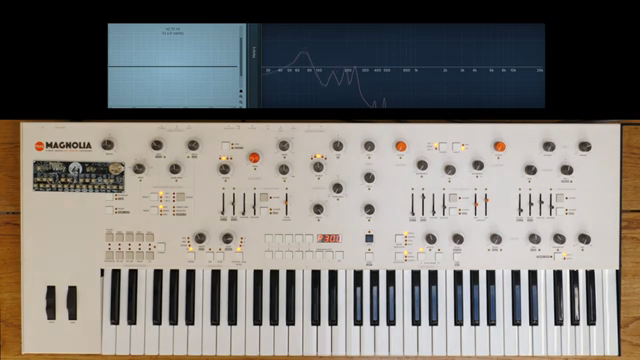
"If we were to use an oscilloscope, we would see that the waveform is actually flipping onto itself, but since it does not have any curved segment, it is impossible to fold it."
© Screenshot/Quote: Fraptools (YouTube)
First up is Magnolia’s True Zero FM, an analogue implementation that works on deviation rather than index. This means oscillator 2 modulates oscillator 1 by a Hertz interval, resulting in a bandwidth that remains consistent across the keyboard but sounds more pronounced in lower registers. The video demonstrates how this FM character shifts with pitch, and offers a practical tip: to mimic digital FM’s index behaviour, use keyboard tracking to scale the modulation amount as you play higher notes.
The wavefolder is next under the microscope. Not all waveforms are created equal in the eyes of a folding circuit—square waves, in particular, resist folding due to their lack of curved segments. The advice here is classic modular logic: blend in a triangle or sawtooth wave for a more organic, foldable shape. The difference is immediate, with richer, more animated textures emerging as soon as a hint of curvature is added.
Flip sync rounds out this section, offering a twist on the classic hard sync. Because Magnolia’s oscillator is triangle-core, sync inverts the waveform’s direction rather than resetting it, resulting in smoother sweeps without the usual pops. The video walks through examples, showing how this function interacts with other parameters—waveform, FM, and wavefolding—for a palette of both subtle and aggressive timbres.
Patch Practicalities: Blending, Tracking, and Texture Crafting
The demonstration moves into hands-on territory, showing how these features can be combined for complex results. For instance, blending waveforms before folding yields far more nuanced sweeps, and engaging sync while modulating with LFOs opens up evolving, harmonically rich textures. The interplay between smooth FM and traditional FM is highlighted, especially when using non-sine waveforms like squares, which benefit from the smoothing circuit to tame harshness.
Keyboard tracking is another area where Magnolia’s design stands out. Oscillator 1’s tracking can be set anywhere from 0% to 200%, allowing for everything from standard chromatic playability to experimental, non-linear pitch responses. This flexibility is particularly useful for sync and FM patches, where unconventional tracking ratios can lead to dissonant or microtonal results.
Throughout, the video emphasises real-world patching strategies: using envelopes, LFOs, and macro controls to dynamically shape the oscillator’s response. The result is a toolkit that encourages experimentation, rewarding those who aren’t afraid to twist a few knobs and see what voltage brings.
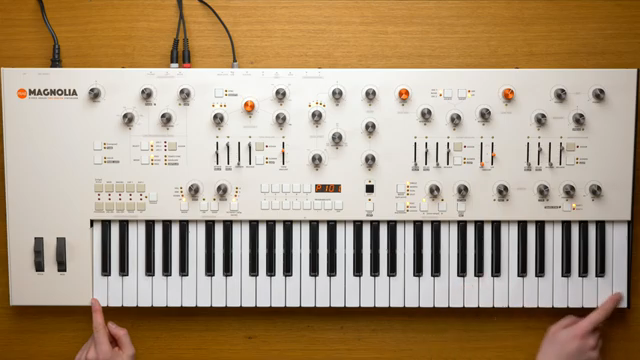
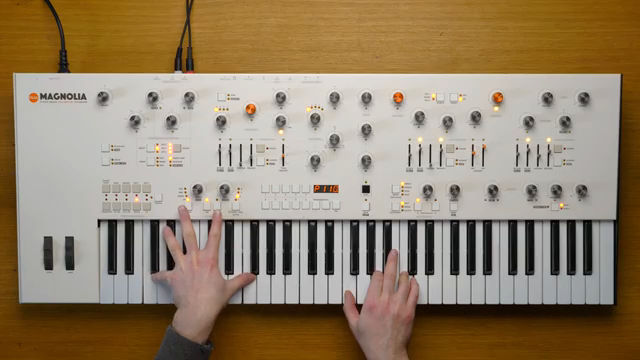
"If we press a C, we will get a C. If we press a C one octave higher, we will get a C one octave higher."
© Screenshot/Quote: Fraptools (YouTube)
Modulation Mastery: Smooth Pitch Changes and FM Management
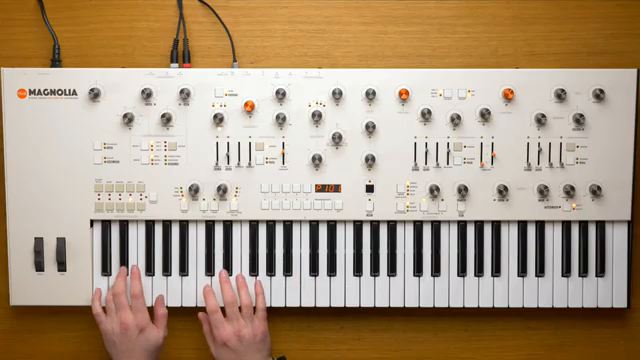
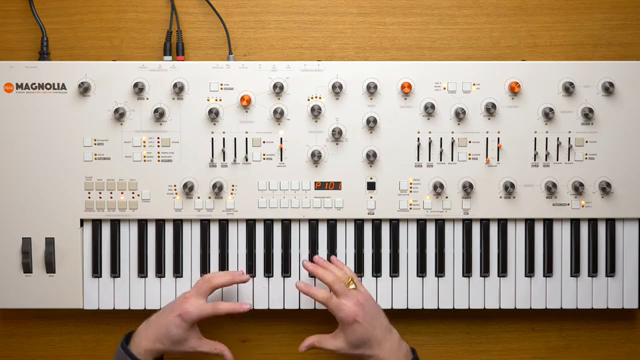
"It only jumps by octaves. However, it is possible to achieve this feature by using other modulation controls, for example the macro knob or the mod wheel."
© Screenshot/Quote: Fraptools (YouTube)
A key tip for users: unlike Oscillator 2, Oscillator 1 lacks a dedicated fine-tune knob. However, continuous pitch control is still possible by routing modulation sources—such as the macro knob or mod wheel—to the octave parameter. The macro knob, being bipolar, allows for precise, centre-zero modulation, enabling smooth pitch sweeps ideal for FM or sync effects.
The video also demonstrates assigning the macro knob to the True Zero FM parameter, unlocking further expressive control. These modulation techniques are essential for extracting the full range of timbres from Oscillator 1, especially in live or evolving patches where hands-on control is paramount.
Encouragement to Explore: Magnolia’s Open Invitation
As the tutorial wraps up, Frap Tools encourages users to dive deeper into Magnolia’s oscillator section. The emphasis is on exploration—trying out combinations of sync, FM, wavefolding, and tracking to discover new sonic territory. This ethos is typical of Frap Tools’ approach: design as an invitation to experiment, rather than a rigid set of instructions.
Ultimately, Oscillator 1 is presented not just as a sound source, but as a dynamic playground for voltage-driven creativity. The video’s closing message is clear—Magnolia’s architecture rewards curiosity, and the only real limit is the patcher’s imagination.
This article is also available in German. Read it here: https://synthmagazin.at/frap-tools-magnolia-oszillator-1-patchbare-geheimnisse-enthuellt/
More articles about these products:
 Starsky Carr’s £15,000 Synth Soup: Analog Royalty, Now in Your Serum
 Frap Tools Magnolia: Glitch Drums, Modular Style – A Patch Analysis
 Frap Tools: Four Arpeggio Tweaks That Break the Grid
 Devin Belanger’s Superbooth 2026: Five Synths That Slap (and a Few That Don’t)
 Devin Belanger’s Synth Prophecies: Niche Machines, AI Nightmares, and Brand Mashups
 Frap Tools Magnolia: Analogue FM Piano Synthesis Demystified
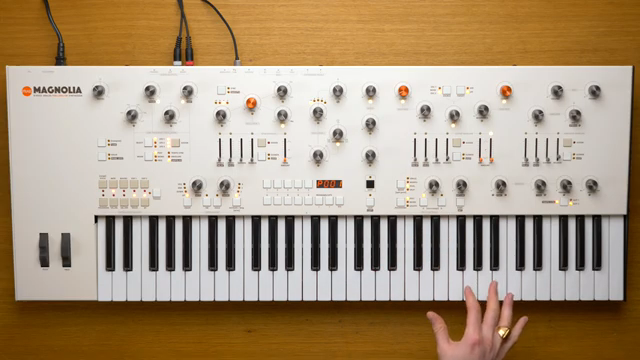 Frap Tools Magnolia: Reverse Engineering Presets Without a Screen
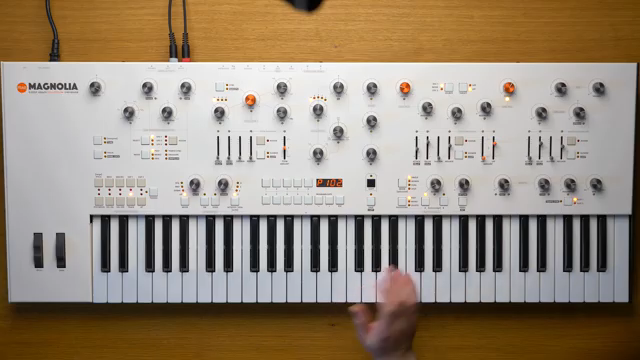 Frap Tools Magnolia: Precision Meets Patchable Warmth
 Frap Tools Magnolia: Analogue Polyphony with a Modular Mindset
 Superbooth 2025 Highlights with JorbLovesGear: The Hits and Misses
 Superbooth 2025: Devin Belanger’s Synth Picks that Slap!
 StarskyCarr Dives into Frap Tools’ Magnolia – A Modular Madness Unleashed
Watch on YouTube:
Latest articles
Watch on YouTube:
Visit the channel:
https://www.youtube.com/FrapTools
https://www.youtube.com/FrapTools
Links from FrapTools:
website: https://frap.tools
instagram: https://instagram.com/fraptools
facebook: https://www.facebook.com/fraptools
twitter: https://twitter.com/fraptools
soundcloud: https://soundcloud.com/fraptools
Sponsored links:
If you purchase via these links, we may earn a small commission – at no extra cost to you. The link opens an Amazon keyword search, and results may vary depending on availability.
Frap Tools Magnolia
🔗 Check price on Amazon
🔗 Check price on Amazon