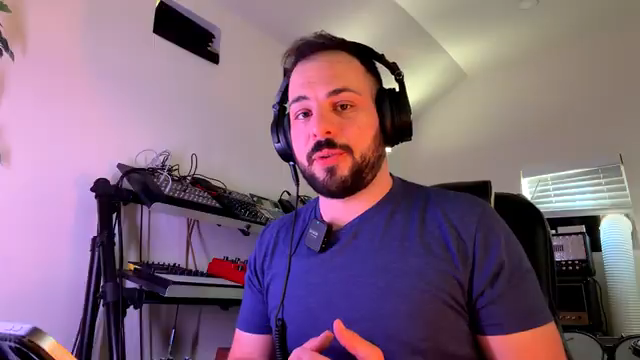
Let’s face it – samplers are wicked fun, but sound design on them can feel like sculpting with a plastic spoon. Sunwarper, LA’s king of dusty textures, takes a hard look at this creative gap and throws an iPad into the mix. No endless plugin menus, no DAW-induced existential crisis – just one tablet, a clever MIDI controller, and a workflow that lets you keep your hands dirty. If you’re tired of your sampler’s limits but allergic to boring screens, this is the hack you need.
26. July 2026
SPARKY
sunwarper’s iPad Hack: How to Make Your Sampler Actually Interesting
Samplers: The Good, The Bad, The Boring
Samplers have given electronic producers a much-needed creative injection over the years, but let’s be real: when it comes to building sounds from scratch, they’re about as inspiring as a grey Monday. Sunwarper lays out the core truth – samplers are made to flip sounds, not conjure them out of thin air. Sure, you can wring some synth lines or percussion out of the built-in generators, but after a few rounds, it all starts to feel a little… beige. The spark fades, you crave something dirtier, more versatile, less like poking a calculator with a stick. That’s the creative gap – and if you’re not filling it, your beats start to sound like reheated leftovers.
iPad to the Rescue – But Not How You Think
Instead of binning the sampler or surrendering to DAW overload, sunwarper reaches for an iPad – not as a DAW replacement, but as a sharp tool for a single job: sound design. This isn’t about abandoning hardware or getting lost in a sea of apps; it’s about giving each part of your rig a clear role, keeping the workflow nimble and focused. The iPad becomes the sound engine, the mad scientist’s lab for drums, synths, and all those weird little noises you wish your sampler could generate.
By limiting the iPad’s role to sample creation, sunwarper sidesteps the endless scrolling and plugin rabbit holes that plague most DAW sessions. Each sound is crafted, mangled, and prepped before it ever hits the sampler’s pads. It’s the best of both worlds: digital flexibility without the creative gridlock. And let’s be honest, if you’re still using your sampler for all your drums and synths, you’re missing out on the chaos an iPad can unleash.
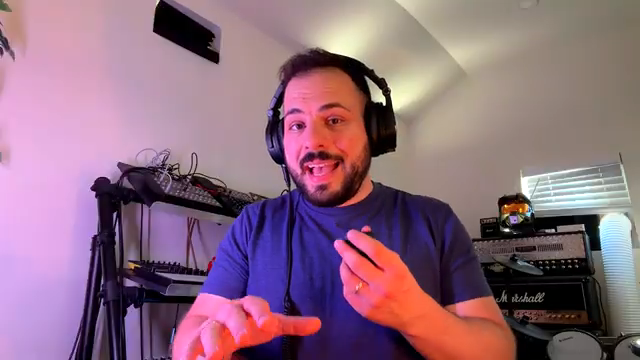
"I think I accidentally stumbled into one of my favorite workflows."
© Screenshot/Quote: Sunwarper (YouTube)
App Attack: Sound Design Without the DAW Drama
Cranking up the iPad, sunwarper dives into dedicated apps – think Minimoog emulations and Logic Pro for iPad. But don’t get it twisted: Logic isn’t the main stage here, just a quick pit stop for sculpting and effecting sounds. The trick is to use each app as a sound maker, not as a sprawling DAW playground. Play with oscillators, layer effects, or just grab a preset and twist it until it’s unrecognisable – all fair game.
The process is fast, hands-on, and, crucially, doesn’t drag you into menu hell. Once the sounds are brutalised to taste, it’s a simple hop over to the sampler via USB, with the external source armed and ready to record. Want lo-fi grit, Juno chorus, or a pinch of cassette flavour? Save those tricks for the sampler’s effects – no need to drown your samples in reverb tails before they even touch the pads. The video breezes past the deep dives, but trust me: the real madness is in the hands-on demo, not in a paragraph.
MIDI Controller: The Secret Weapon
"Pairing it with a small MIDI controller has really opened up the possibilities and the performance capabilities of this setup."
© Screenshot/Quote: Sunwarper (YouTube)
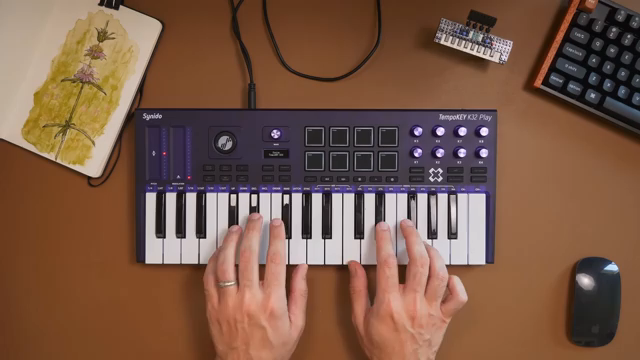
Let’s not pretend playing synth lines on a glass screen is fun. Sunwarper’s solution is to pair the iPad with a Synido TempoKey K32 Play – a compact MIDI controller that’s actually playable. Wireless, velocity-sensitive, and loaded with just enough controls to keep things interesting, it turns the iPad from a touchscreen toy into a proper performance rig. Bonus: the controller even packs its own sounds, so you can still jam when the iPad’s battery dies (and it will). This little keyboard fixes the one big gripe with tablets – the feel, the flow, the ability to bash out ideas without your fingers slipping off virtual keys. If you’re still tapping out basslines with your thumbs, you’re doing it wrong.
Hardware Meets Digital: The Hybrid Groove
With the iPad cranking out fresh samples and the MIDI controller keeping things tactile, sunwarper’s workflow lands in that sweet spot: all the hands-on fun of hardware, all the flexibility of a digital toolkit. Samples are zapped from the iPad to the SP-404, chopped, pitched, and slapped through effects until they’re completely unrecognisable. The sampler’s limitations become an advantage – you get the instant feedback, the ability to twist, reverse, and mangle in real time, but with source material that didn’t come out of the same old preset bin.
Arrangements start on the sampler, but if a mix needs a final polish or a bit of post-production trickery, the whole thing can bounce back to the iPad for stem splitting and further abuse. It’s a workflow that encourages chaos, rewards hands-on experimentation, and absolutely refuses to let screen fatigue kill your vibe. If you want to see the chaos in action, you’ll need to catch the video – words can only take you so far into the bunker.
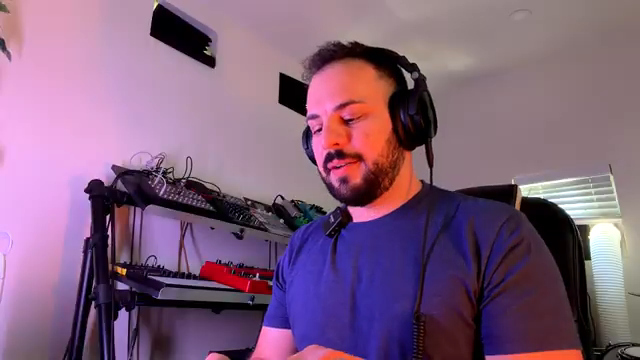
"There's this tactile response. You can actually make changes and feel those changes and just adjust knobs, move things around."
© Screenshot/Quote: Sunwarper (YouTube)
This article is also available in German. Read it here: https://synthmagazin.at/sunwarpers-ipad-hack-wie-dein-sampler-endlich-spannend-wird/
More articles about these products:
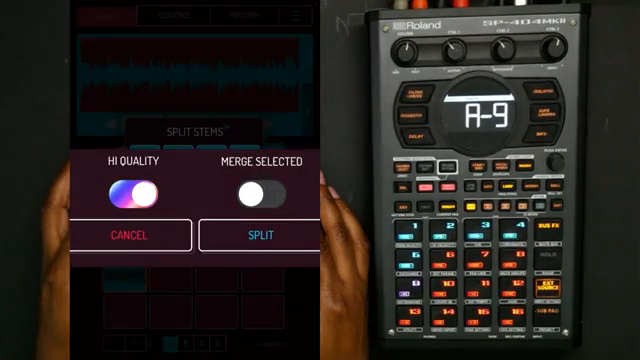 Verysickbeats Puts Koala Sampler’s New Stem Splitter to the Street Test
 LNA Does Audio Stuff: Making Beats on the Cheap with Ableton Note—Beach Edition
 Verysickbeats Digs Into NWA’s Electro Funk Oddball—And Drops 808 Gems
 Molten Music Technology Goes Full Throttle: July 2026’s Sonic Mayhem
 TAETRO vs. Creative Block: Chasing Beats with the MPC Sample & TempoKEY K32 Play
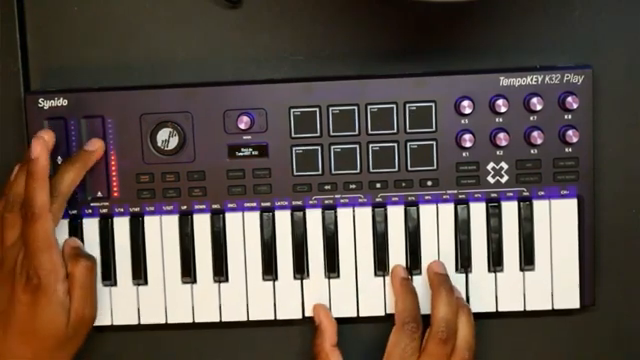 Verysickbeats Drops the Synido TempoKEY K32 Play: Pocket-Sized Heat or Street Toy?
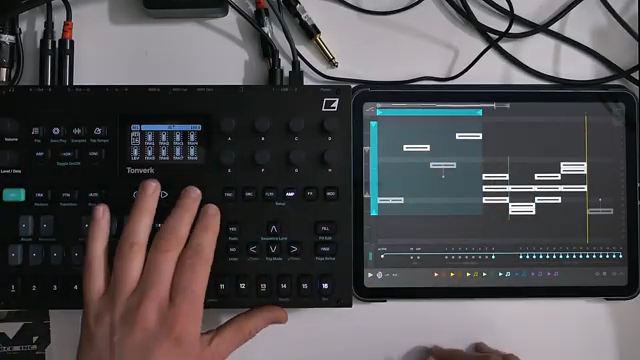 iPad, Apps & Grooveboxes: Audio Tutorial Experts Turn Your Studio into a Gameboy Factory
 Defmod Network’s iPad Beatdown: When Cheap Gear Slaps Hard
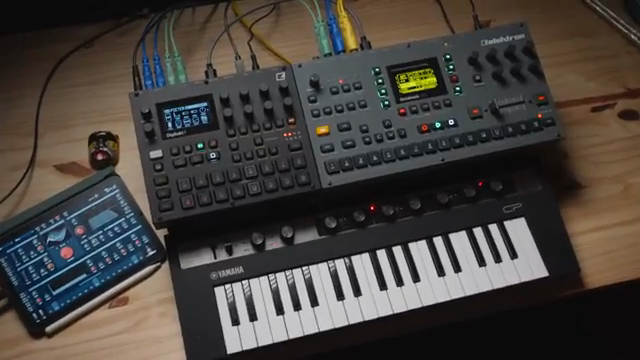 RickyTinez Shows Off Sampling Heaven
Watch on YouTube:
Latest articles
Watch on YouTube:
Visit the channel:
https://www.youtube.com/sunwarper
https://www.youtube.com/sunwarper
Links from sunwarper:
Lessons/Coaching: https://sunwarper.com/lessons
Sample Packs: https://soundsbysunwarper.bandcamp.com
Instagram: https://instagram.com/sunwarper
Facebook: https://www.facebook.com/SunwarperMusic/
Sponsored links:
If you purchase via these links, we may earn a small commission – at no extra cost to you. The link opens an Amazon keyword search, and results may vary depending on availability.
iPad
🔗 Check price on Amazon
🔗 Check price on Amazon
SP-404
🔗 Check price on Amazon
🔗 Check price on Amazon
Synido TempoKEY K32 Play
🔗 Check price on Amazon
🔗 Check price on Amazon