ROLI’s latest video brings together the tactile Airwave Player and the formidable Equator2 engine, opening up a new chapter for hands-on sound design. With the full Equator2 editor now embedded inside Airwave Player, users can finally go beyond presets and sculpt their own expressive patches. ROLI’s Sound & Innovation Manager Marcus walks us through the essentials: from navigating the multi-layered UI to harnessing the power of dimension curves, LFOs, and the unique Airwave gestures. For those curious about hybrid synthesis, modulation routing, and performance-driven workflows, this video is a revealing look at how ROLI’s architecture empowers both experimentation and control.
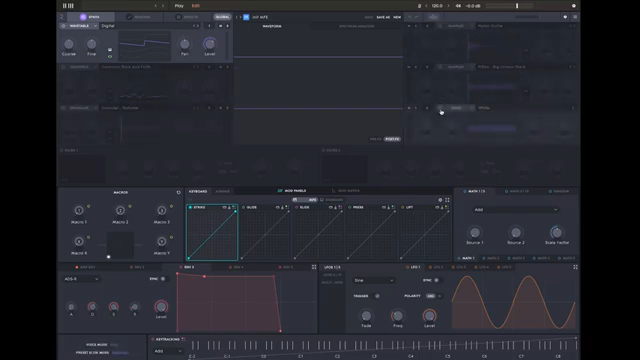
23. April 2026
LYRA
ROLI Airwave Player Meets Equator2: A Hybrid Sound Design Playground
Hybrid Horizons: Airwave Player Meets Equator2
ROLI’s Airwave Player, now equipped with the full Equator2 editor, marks a significant leap for users eager to move beyond factory presets and into the world of custom sound creation. The video opens with Marcus, ROLI’s Sound & Innovation Manager, introducing this new capability and setting the stage for a hands-on exploration. The integration means users can access the deep synthesis architecture of Equator2 directly within the Airwave Player, blending tactile control with a robust hybrid engine.
This union is more than a technical upgrade—it’s a workflow transformation. By embedding Equator2’s editor, ROLI empowers musicians to shape their own sonic landscapes, leveraging both traditional keyboard gestures and the unique Airwave dimensions. The video makes it clear: this isn’t just about tweaking sounds, but about building them from the ground up, with all the expressive nuance that ROLI’s 5D touch paradigm allows.
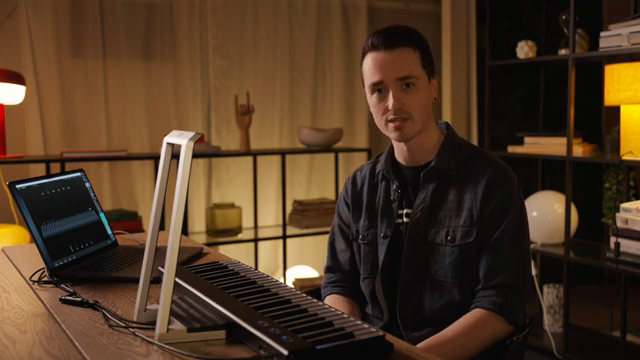
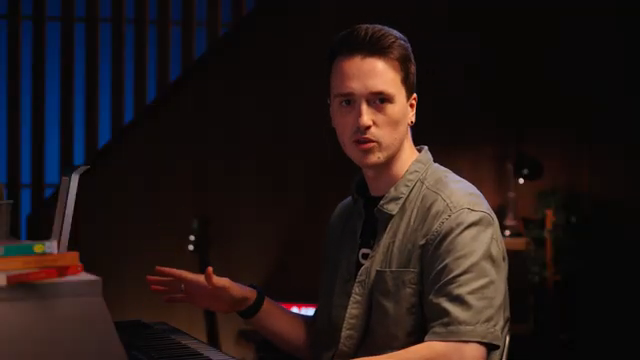
"We've now included the full Equator 2 editor within Roly Airwave Player."
© Screenshot/Quote: Weareroli (YouTube)
UI Deep Dive and Sound Source Alchemy
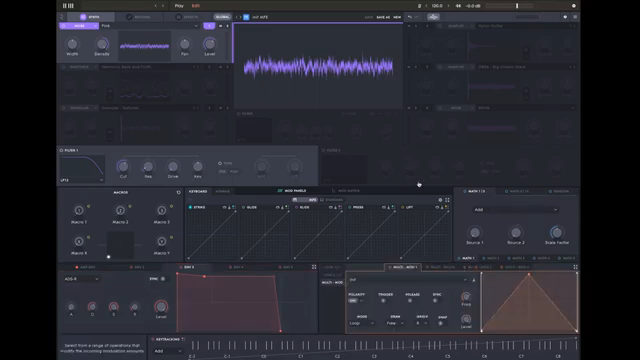
"Each sound can be made up of six independent sound sources."
© Screenshot/Quote: Weareroli (YouTube)
The walkthrough begins with a guided tour of the Airwave Player’s interface, highlighting its layered structure and visual feedback. Users are greeted by a visualizer view that displays hand position, keyboard layout, and the currently active dimension—a helpful touch for those navigating multidimensional control. The left panel offers preset browsing, but the real magic happens when the edit button is pressed, revealing the full Equator2 interface within the Airwave Player.
At the heart of the engine are six independent sound source slots, each capable of hosting different synthesis modes: wavetable for classic synth tones, sampler for both analog and acoustic samples, granular for experimental textures, and noise for additional flavor. The video demonstrates how these sources can be routed through filters and effects, with flexible routing options allowing sounds to bypass filters or be processed in parallel chains. This modularity is key for constructing layered, evolving patches.
Patch creation is shown step by step, starting with a wavetable base and expanding into sampler and granular layers. The interface’s central section dynamically updates to provide detailed controls for each selected source, streamlining the workflow. The ability to solo modules, copy and paste sources (with or without modulation assignments), and access an extensive sample browser all contribute to a workflow that encourages both experimentation and precision.
Modulation: Dimension Curves, LFOs, and Envelopes in Action
Modulation is the lifeblood of expressive sound design in the ROLI ecosystem, and the video puts this front and center. Marcus demonstrates how envelopes, LFOs, and the all-important dimension curves can be assigned to virtually any parameter, either by direct drag-and-drop or via contextual menus. This flexibility allows for nuanced control over everything from pitch sweeps to filter cutoff dynamics.
The dimension curves section is particularly powerful, mapping both keyboard gestures (like strike and press) and Airwave-specific dimensions (such as air raise, tilt, and glide) to modulation targets. The video illustrates how these assignments can be fine-tuned with custom curves, enabling non-linear responses and sophisticated performance behaviors. The result is a system where every gesture can be harnessed for dynamic, evolving sound.
"Perhaps the most important, the dimension curves here."
© Screenshot/Quote: Weareroli (YouTube)
Creative Workflows: Layering, Textures, and Airwave Performance
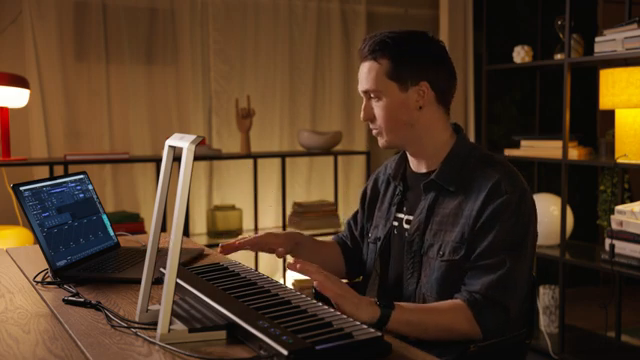
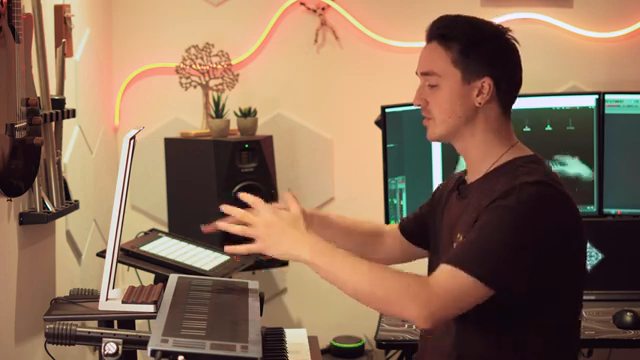
"We actually have these assignable on and off lag controls for each of the dimensions and these are really useful especially for the airwave dimensions."
© Screenshot/Quote: Weareroli (YouTube)
The video’s core is a practical demonstration of building a complex patch from scratch, layering multiple sound sources and leveraging the Airwave dimensions for real-time control. Marcus adds a sampler-based Rhodes sound for percussive attack, atmospheric textures via additional samplers, and a granular engine driven by vocal samples for rhythmic interest. Each layer is routed and processed independently, with effects chains tailored to their sonic role.
Airwave dimensions—like air glide, flex, grasp, and slide—are assigned to parameters such as level, grain rate, and effect wetness, allowing for gestural morphing of the soundscape. The video shows how to use curves to control the onset and offset of these gestures, ensuring smooth transitions and avoiding abrupt cutoffs when hands leave the air. This approach makes the instrument feel alive, responding organically to both subtle and dramatic movements.
Performance macros and keyboard dimensions are also integrated, with assignments for velocity, pressure, and strike shaping envelope attack and filter behavior. The end result is a patch that can be played rhythmically, swelled atmospherically, and transformed in real time—all without menu diving or losing sight of the underlying architecture.
Saving, Mod Matrix, and the Invitation to Explore
As the patch nears completion, Marcus demonstrates the process of saving custom presets, complete with tagging for easy organization. The workflow encourages users to experiment, iterate, and build a personal library of hybrid sounds that fully exploit both the Airwave and Equator2 architectures.
The video concludes with a look at the modulation matrix, where all assignments are displayed in a single view for easy balancing and refinement. ROLI’s invitation to share creations and join the community underscores the collaborative spirit of this platform. While the video doesn’t cover every Equator2 feature, it provides a compelling entry point for those ready to dive into hybrid sound design and performance-driven workflows.
This article is also available in German. Read it here: https://synthmagazin.at/roli-airwave-player-trifft-equator2-ein-hybrid-sounddesign-spielplatz/
More articles about these products:
Watch on YouTube:
Latest articles
Watch on YouTube:
Visit the channel:
https://www.youtube.com/WeAreROLI
https://www.youtube.com/WeAreROLI
Links from WeAreROLI:
website: https://roli.com
instagram: https://www.instagram.com/we.are.roli
twitter: https://twitter.com/WeAreROLI
facebook: https://www.facebook.com/ROLI
Sponsored links:
If you purchase via these links, we may earn a small commission – at no extra cost to you. The link opens an Amazon keyword search, and results may vary depending on availability.
ROLI Airwave Player
🔗 Check price on Amazon
🔗 Check price on Amazon
ROLI Equator2
🔗 Check price on Amazon
🔗 Check price on Amazon