Arturia’s KeyLab mk3 has always aimed to be more than just a MIDI controller—it’s a central command station for both studio and stage. With Update 1.5, Arturia doubles down on its commitment to performance workflows, introducing deep Apple MainStage integration, a reimagined Analog Lab Multi interface, and a host of UI improvements. This official walkthrough highlights how the mk3’s robust hardware and evolving software ecosystem are designed to keep pace with demanding creative environments. We take a close look at what’s new, how it changes the day-to-day experience, and where Arturia’s flagship stands in the ever-competitive world of hybrid controllers.

20. May 2026
LYRA
Arturia KeyLab mk3 Update 1.5: Performance-Driven Refinement for the Modern Controller
Flagship Foundations: Build and Integration
Arturia positions the KeyLab mk3 as its flagship MIDI controller, and the video wastes no time reinforcing this status. Available in 49, 61, and 88-key versions, the mk3 is built with a weighted keybed, solid wood sides, and a metal chassis—features that speak directly to its road-ready ambitions. The 88-key variant even boasts a full aluminium build, underscoring Arturia’s focus on durability for gigging musicians. This robust construction is paired with a deep integration ethos: the controller is designed to connect seamlessly with Arturia’s own software instruments and effects, as well as DAWs and third-party plugins.
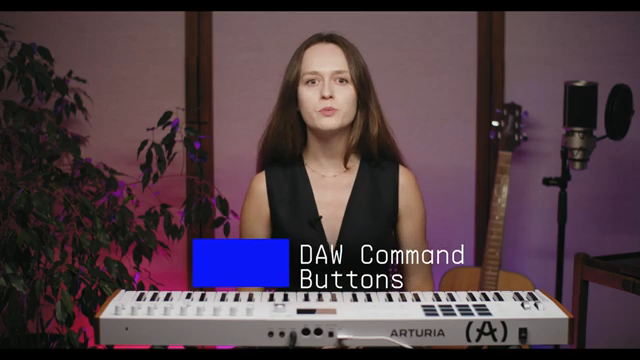
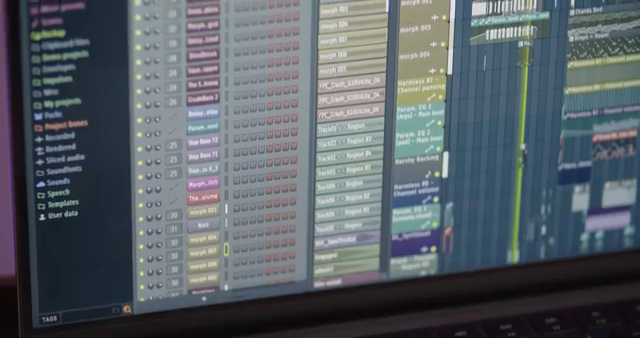
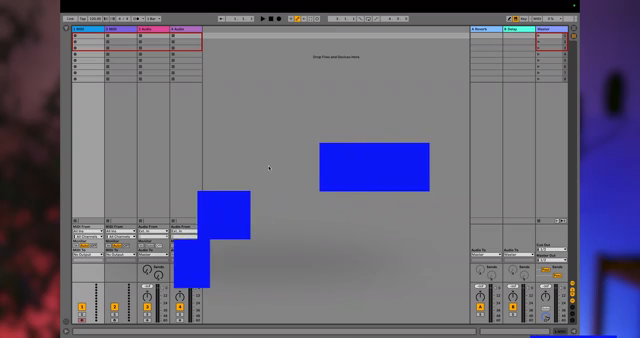
The video demonstrates how the KeyLab mk3’s controls—knobs, faders, pads, and contextual buttons—are pre-mapped for immediate use across major DAWs like Ableton, FL Studio, Logic, Cubase, and Bitwig. Arturia’s tailored scripts enable laptop-free DAW control, making the mk3 a true hub for both studio and live workflows. Beyond physical build and software reach, the onboard creative features such as chord mode and an arpeggiator (with a randomization function) are highlighted as tools for sparking new ideas and breaking creative ruts. The bundled software suite further cements the mk3’s role as a comprehensive package for producers and performers alike.
MainStage Integration: Seamless Set Navigation
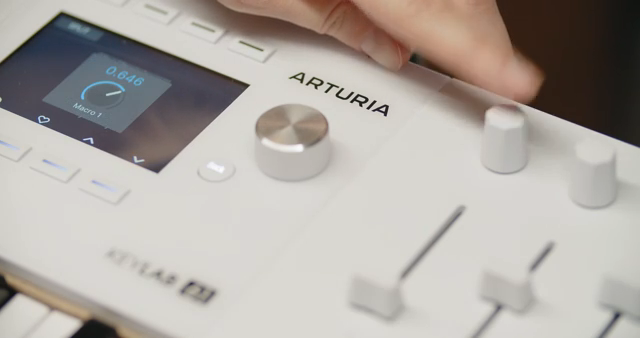
Update 1.5’s headline feature is its enhanced integration with Apple MainStage, targeting performers who rely on this software for live gigs. The new integration script allows users to browse sets and patches directly from the KeyLab mk3’s display, eliminating the need to glance at a laptop mid-performance. This is a significant workflow improvement for keyboardists who need to stay focused on their playing rather than menu-diving on a computer.
Navigation is handled via four contextual buttons, providing direct access to previous/next sets and patches. The transport section is also fully mapped, including stop, play, record, tap tempo, and metronome controls, while fader 9 gives hands-on control over MainStage’s master output. The video positions this as a major step towards a laptop-free, performance-centric rig, with all essential controls available at the keyboard itself. For those interested in deeper setup, Arturia provides a dedicated tutorial, but the core message is clear: MainStage users now have a much smoother, more integrated experience.

"With the new integration script, your patch list lives right here on the Keylab MK3's display."
© Screenshot/Quote: Arturiaofficial (YouTube)
Analog Lab Multi Workflow: Visuals and Layering Reimagined
"The new screen gives you a clear visual overview of your parts, what's active, what's layered, what's mapped to which zone of the keyboard."
© Screenshot/Quote: Arturiaofficial (YouTube)
The update brings a substantial overhaul to the Analog Lab Multi workflow, which is central to building complex performance patches. The redesigned interface now offers a clear visual overview of all active parts, layers, and keyboard zones, making it much easier to manage intricate setups from the controller itself. For keyboardists who rely on layered and split sounds, this visual clarity is a major upgrade.
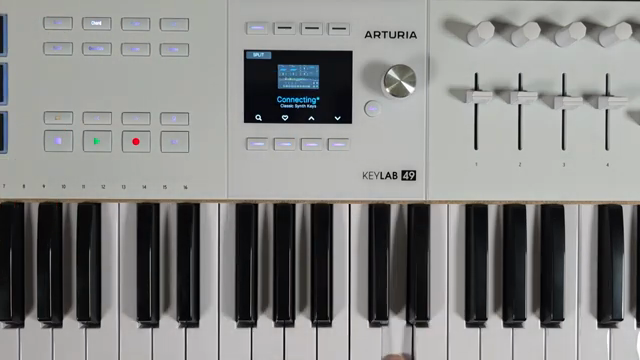
A standout addition is the new Split View, which graphically displays exactly where splits occur on the keyboard and which sounds are assigned to each zone. This eliminates guesswork and allows for real-time adjustments without leaving the controller. The workflow is now more immediate, enabling users to prep, visualize, and tweak their multis on the fly—a boon for live performers and anyone building complex patches in Analog Lab.
Navigation and UI: Cleaner, Faster, Smarter
Arturia has refined the KeyLab mk3’s user interface with a focus on speed and clarity. Menus are now cleaner, and new icons have been added for V-Collection 11 instruments, making it easier to identify sounds at a glance. The update also introduces on/off icons and other subtle UX improvements that collectively make a noticeable difference in day-to-day use.
Key areas like the Chord and Arp menus, Settings page, and Rename function have all received visual and navigational upgrades. Features such as enabling Strum in Chord mode, activating Scale in the Arpeggiator, and assigning contextual buttons are now more accessible. The result is a workflow that feels more immediate and less encumbered by menu-diving, which is especially valuable when performing or quickly sketching ideas.
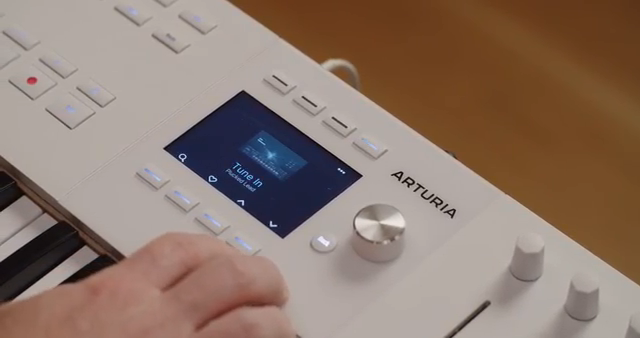
"Small things, but they add up fast when you're on stage and thinking about music instead of menus."
© Screenshot/Quote: Arturiaofficial (YouTube)
Arturia’s Update Philosophy: Ongoing Value for Creators
The video closes by emphasizing Arturia’s commitment to ongoing support and product evolution. Rather than releasing hardware and moving on, Arturia continues to listen to user feedback and deliver meaningful updates—Update 1.5 being a prime example. This approach not only extends the lifespan of the KeyLab mk3 but also increases its value over time for both new and existing users.
The update is free and immediately available, reinforcing Arturia’s philosophy of building instruments that grow with their users. With new MainStage integration, improved Analog Lab visuals, and a more streamlined interface, the KeyLab mk3 is positioned as a serious, future-proof controller for demanding creative workflows. The message is clear: this is a performance update designed to keep the mk3 at the center of modern hybrid setups.
This article is also available in German. Read it here: https://synthmagazin.at/arturia-keylab-mk3-update-1-5-performance-orientierte-verfeinerung-fuer-den-modernen-controller/
More articles about these products:
 Sanjay C’s FLkey 2 Review: OLEDs, Endless Encoders, and a MIDI Mutiny
 XNBeatsMusic Takes Us Deep Into The Arturia KeyLab MK3
 Arturia KeyLab mk3: Súbelo Neo’s Hybrid Workflow for Reggaeton Innovation
 Arturia KeyLab MK3: Deep-Dive into Seamless Ableton Live Integration
 Arturia KeyLab mk3 Meets FL Studio: Seamless Integration for Modern Producers
 Arturia KeyLab MK3: Unlocking Creative Workflows with Arp, Scale, and Chord Modes
 Arturia KeyLab mk3: Seamless Ableton Live Integration, Workflow Unleashed
 Arturia KeyLab mk3: Digital Control, Creative Flow – A Deep-Dive with Arturia
Watch on YouTube:
Latest articles
Watch on YouTube:
Visit the channel:
https://www.youtube.com/ArturiaOfficial
https://www.youtube.com/ArturiaOfficial
Links from ArturiaOfficial:
website: https://www.arturia.com
instagram: https://instagram.com/arturia_official
twitter: https://twitter.com/ArturiaOfficial
soundcloud: https://soundcloud.com/arturia-official/albums
Sponsored links:
If you purchase via these links, we may earn a small commission – at no extra cost to you. The link opens an Amazon keyword search, and results may vary depending on availability.
Arturia KeyLab MK3
🔗 Check price on Amazon
🔗 Check price on Amazon