Sunwarper dives headfirst into the Roland P-6’s infamous auto-chop limitation and comes out swinging with a workaround that’s pure groovebox street smarts. If you’ve ever wanted to wrestle more control from your P-6’s sample slicing, this video is your new cheat code. Expect quick-fire tips, a bit of clunkiness, and some proper hands-on beat surgery. Sunwarper’s LA-drenched, no-fluff style keeps things moving, and by the end, you’ll be itching to try parameter locks yourself. Don’t expect a bedtime story—this is more like a rave in a toolbox.
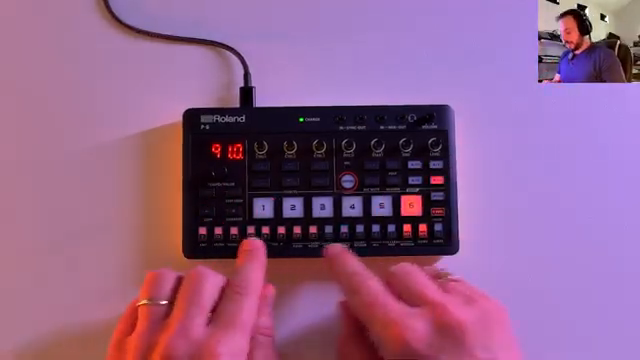
Auto-Chop: Fast But Frustrating
The Roland P-6 comes out swinging with a rapid-fire auto-chop feature, letting you slice samples in seconds. It’s the kind of tool that makes you think you’re about to drop the hottest beat of the week—until reality bites. The catch? You can’t move those slice points. Once the P-6 has guessed where your chops should be, you’re stuck with its choices, pops, clicks and all.
For anyone who likes their samples tight and their edits precise, this is a deal-breaker. You want to nudge a transient or dodge a rogue snare? Tough luck. The P-6’s auto-chop is a speed demon, but it’s got the finesse of a sledgehammer. If you’re after control, you’ll need to look elsewhere—or get creative.
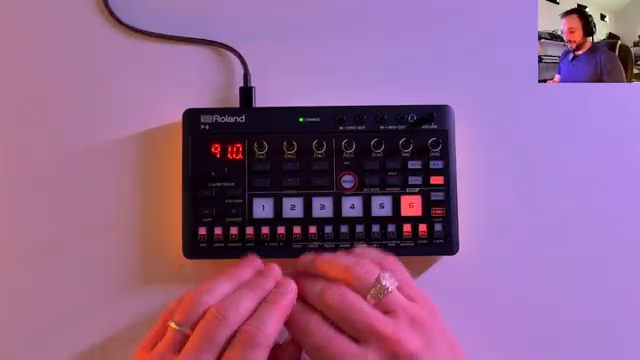
"We can't change where these chops start and end at all."
© Screenshot/Quote: Sunwarper (YouTube)
Parameter Locks: The Secret Weapon
"We can actually change the start and end point on a per step basis."
© Screenshot/Quote: Sunwarper (YouTube)
Sunwarper doesn’t just moan—he brings a workaround that’s as clever as it is hands-on: per-step parameter locks on the step sequencer. Instead of letting the P-6 dictate your sample fate, you can manually set the start point for each step, slicing by ear. It’s a bit clunky, sure, but it puts the power back in your hands.
The process isn’t exactly plug-and-play. You’ll need to keep the record button on, tweak each step, and pay attention to avoid global changes. It’s not for the faint-hearted, but if you want to break free from the auto-chop’s shackles, this trick turns the P-6 into a proper sample-mangling street weapon.
Manual Slicing: Flexibility Unleashed
With parameter locks, you’re no longer chained to the P-6’s auto-chop algorithm. You can shift start points, adjust velocity, and even mess with microtiming—all on a per-step basis. It’s like taking a sledgehammer to the old workflow and building something far more flexible from the rubble.
This approach isn’t just about control—it’s about creativity. Want a ghost note buried in the mix? Drop the volume on a single step. Need a bit of shuffle or a filter trick to carve out space? It’s all doable. The only limit is how far you’re willing to push the P-6’s step sequencer. It’s messy, it’s experimental, and it’s exactly the kind of chaos we love.
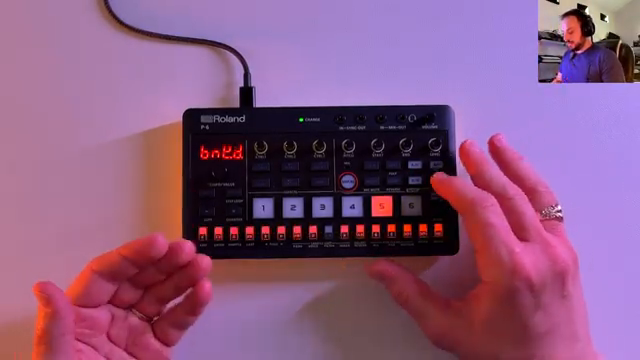
"We're not locked into the chops that AutoChop makes."
© Screenshot/Quote: Sunwarper (YouTube)
The Walkthrough: Beat Surgery in Action
Sunwarper doesn’t leave you hanging—he walks through the whole process, from setting up the sequence to tweaking filter settings and layering kicks. You get a front-row seat to the beatmaking surgery, with every parameter tweak and happy accident on display. There’s a bit of trial and error, a dash of filter resonance, and plenty of groove.
If you want to see the real magic—how those parameter locks transform a basic chop into something unique—you’ll need to watch the video. Some tricks just don’t translate to text; you’ve got to hear the difference to believe it.
Sound Test: Proof in the Pudding
The proof, as always, is in the sound. Sunwarper demos the results, showing how personalised start points and step tweaks breathe life into the beat. The difference is night and day compared to the rigid auto-chop output. It’s a reminder that sometimes, the best workflow is the one you hack together yourself.
If you’re serious about making the P-6 your own, this is the kind of trick that turns frustration into inspiration. Don’t just take our word for it—let your ears be the judge.
This article is also available in German. Read it here: https://synthmagazin.at/sunwarper-vs-roland-p-6-chop-game-gehackt/
Watch on YouTube:
Latest articles
Watch on YouTube:
Visit the channel:
https://www.youtube.com/sunwarper
https://www.youtube.com/sunwarper
Sponsored links:
If you purchase via these links, we may earn a small commission – at no extra cost to you. The link opens an Amazon keyword search, and results may vary depending on availability.
Roland P-6
🔗 Check price on Amazon
🔗 Check price on Amazon