Oxi Instruments E16: Build the controls as you play
The OXI Instruments E16 is a MIDI controller with configurable scenes and pages. Creator examples show controls being set up directly on the device, mappings being configured in Ableton, and mobile use via a Bento USB host. One creator also points to a limitation: it has no faders.
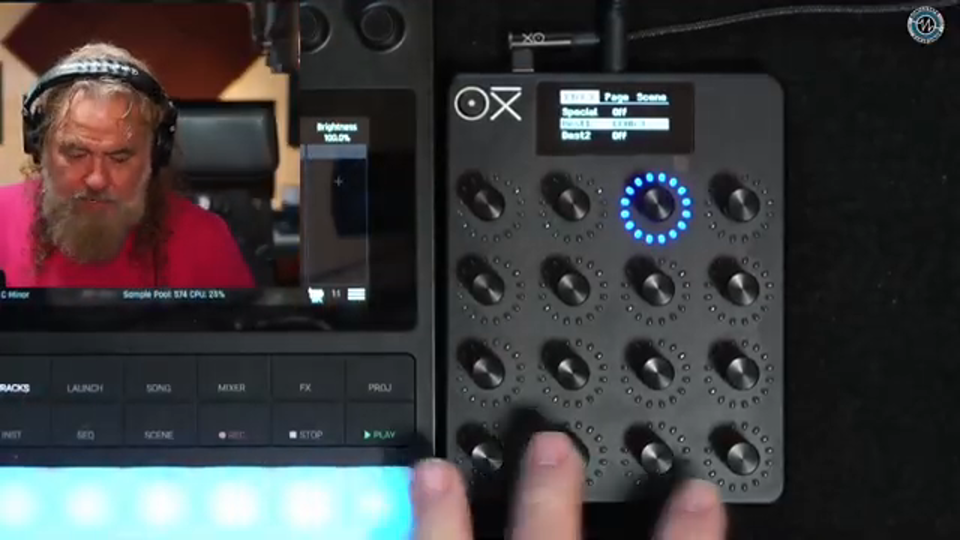
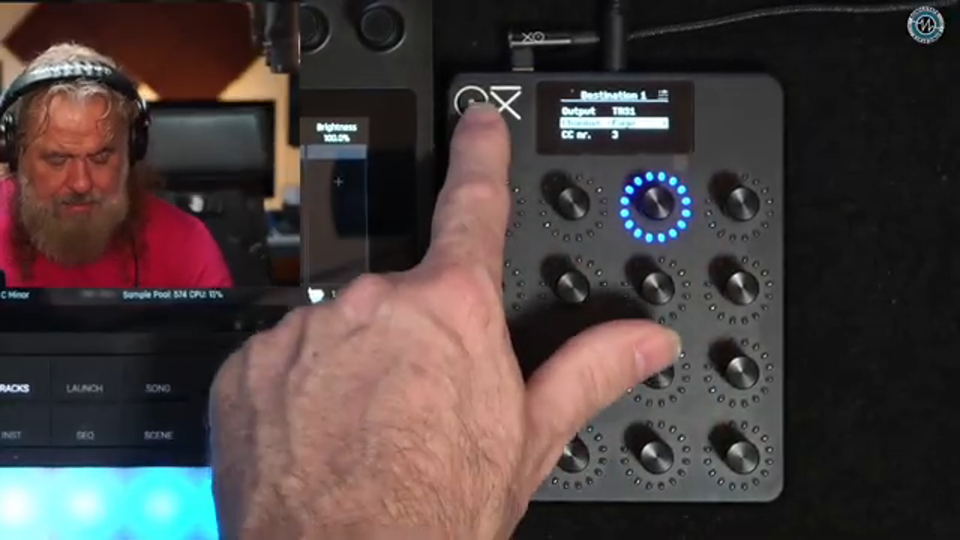
Instead of planning every control at a computer, decide in the moment what access the performance needs. One creator describes configuring the controls directly on the device as a more organic way to shape the way they play.
The Midlife Synthesist
„it's way more fun and organic to do it directly on the device as you're playing and as the need for certain controls arise according to your performance.“
OXI E16: Focus MIDI feedback and develop custom control ideas
The manufacturer firmware improves interaction with multiple MIDI destinations. Recent Lua extensions also provide room for custom control logic.
+
A knob should move the intended synth and display that instrument’s feedback. In a setup with several MIDI devices, that association matters: the current manufacturer firmware makes E16 controls respond only to feedback from the device they send to. It also fixes relative encoders failing to send messages in certain circumstances. Musically, that helps when moving between instruments and software while one compact surface handles different jobs. The broader creative foundation lies in the other recent Lua additions: scripts can process incoming notes and controllers, access the internal clock and store data persistently per scene. One possible application is custom control logic that reacts to played notes and recalls its settings when a scene returns. This GitHub project is OXI’s official release channel, combining these extensions with specific corrections to everyday controller operation.
Compatibility and limitations
Official firmware for the OXI E16. Management and updates use the OXI App for PC/Mac. The documented Lua additions require the corresponding current API; compatibility does not extend to other OXI devices.
Script memory is limited; large scripts can fail during compilation. MIDI feedback requires suitable responses from the destination device. Back up scenes before changes; the activity evidence does not replace stability testing.
Note Seq turns the 16 encoders into a scale-based sequencer. The Lua collection combines this new role with rhythmic, chord and modulation ideas.
+
Sixteen rotary controls can also become sixteen steps of a melody. Charles Vestal’s Lua collection adds Note Seq to the E16: each encoder sets a pitch within a scale, while pressing it mutes that step. Changing the root or scale preserves the scale degrees and gives the whole phrase a different harmonic colour. This suggests driving an external synth with a short motif and reshaping its progression during a performance. The collection also covers rhythmic and modulation duties, including Euclidean drum sequences and LFOs. Its TB-3PO acid generator explicitly derives from the O&C/Phazerville applet, originally created by Logarhythm. All scripts belong to one project story. The attraction is changing the musical role of the same surface through scenes and scripts. For Note Seq, however, only checks against a simulated E16 API are documented so far.
Compatibility and limitations
For OXI E16 with Lua API 1.3.0 or later; scenes and scripts are managed through the OXI App. External sound generation uses MIDI. The collection requires the manufacturer firmware.
Note Seq has only been tested against an API mock. Earlier versions of other scripts ran on hardware with firmware 1.2.0; the newer clock and push/release versions still need hardware checks. Limited compilation memory can prevent loading.
OXI E16: Refine custom scripts with an editor and console
Direct loading from the script editor and visible error messages shorten the path to custom E16 control logic. Scene management and backups remain in the same tool.
+
A custom MIDI idea usually grows through small revisions: change a script, try it on the E16, read its output and adjust it again. OXI’s desktop app shortens that loop with direct loading from the script editor and a console for output and errors. For musicians designing their own controller logic, this creates a clearer workspace on the computer. One possible application is a script linking several parameters according to a personal performance rule; the console helps reveal how it responds. The app also remains the official workshop for scenes and instrument definitions. Named parameters help with set preparation, and scenes can be transferred between computer and device and backed up. The current release also fixes potential scene loss when renaming changes only capitalization. This story follows the path from a musical idea to a prepared E16 scene and its traceable revision.
Compatibility and limitations
Official desktop app for Windows and macOS with explicitly documented E16 functions. Connects to the E16 over USB. Lua capabilities also depend on the API provided by the installed device firmware.
Back up scenes before changes. Other MIDI applications or virtual machines can capture USB access. Instrument definitions must match the destination device’s MIDI mapping. Large scripts can exceed device memory despite successful editing.
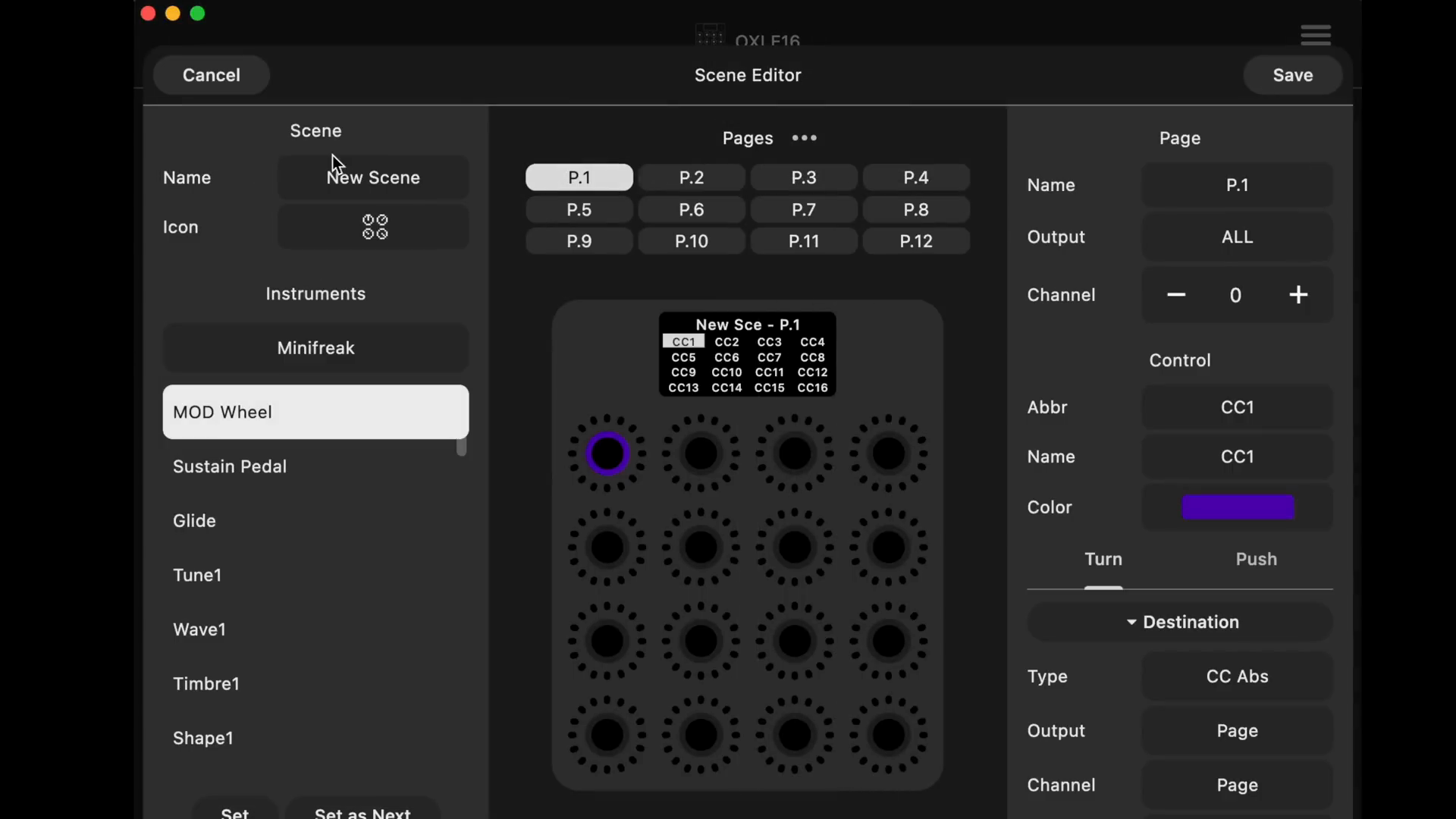
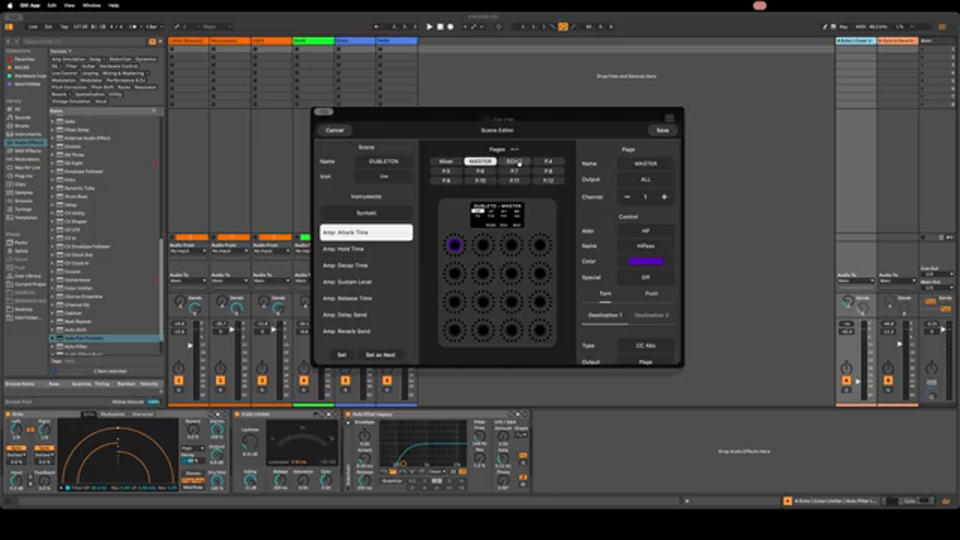
In an Ableton mapping demonstration, OXI Instruments shows how an additional page on MIDI channel 2 can reuse the mixer page’s CC numbers without, as the speaker explains, conflicting with it.
„since I don't want to change all the CC one by one, but keep as is for convenience, I set the MIDI channel to number 2, this means that it will not conflict with all the same CC value that are on the mixer page,“
Gaz from SonicLAB says there is not much missing, but specifically notes the absence of faders. For some applications, he says, the faders on the Novation controller he compares it with are better suited.
Read the full statement
„So I mean, you know, I think there's not a lot missing on this. Obviously, there's no faders. So the The novation does have faders and faders are better for some features than yeah“
An S4 user wants the E16 to make an existing project more playable. But changing scenes alters its sound: stored controller values are transmitted, many of them set to zero. In a March 2026 discussion, the user finds the relevant switch in the system menu and later confirms the fix.
+
An existing, carefully developed S4 project needs some additional controls. But changing an E16 scene alters the project: in a post dated March 1, 2026, the user reports that the controller transmits its stored values, many of which are set to zero. This overwrites the S4’s settings. It is a practical obstacle for live use: changing scenes should switch access to parameters without changing the sound state.
In the same thread, the user finds a setting: “Transmit Params” can be turned off in the system menu. At first, they only say they will try it. After another participant responds positively, they confirm on March 2 that it works. The solution comes down to a small choice: when a scene is selected, the E16 should initially keep its prepared values to itself.
A Bitwig user moves preset browsing onto the E16: open the browser, scroll through sounds, and select one. The link is the Generic Flexi controller script. In the September 2026 account, the mapping also persists across projects, giving the controls a specific role in sound selection.
+
Sound selection involves operating the browser and its presets before touching a synthesizer. On September 12, 2026, a Bitwig user describes moving that process onto the E16. They use Generic Flexi, a DrivenByMoss controller script that translates MIDI CC messages into Bitwig commands.
After setting up and activating the script, they can open the browser, scroll through presets, and select one using the E16’s controls. The mapping’s persistence also matters to their workflow: according to their account, the settings are not lost when a project is closed and also work in another project. Another participant responds that they already use a Moss script and want to try the approach. That does not yet establish that they have successfully reproduced it.