OXI Instruments returns with a deep-dive into the OXI One MKII’s multitrack mode, showing how this flagship sequencer can be the nerve center for composing everything from melodic lines to full tracks. In this official walkthrough, the Spanish innovators demonstrate how their hardware-centric design philosophy enables hands-on, multi-instrument arrangements, leveraging up to 64 independent tracks. The focus is on workflow: from note editing and randomization to performance macros and track management, the OXI One MKII is presented as a tool for both structured composition and spontaneous creativity. If you’re looking to understand how digital sequencing architectures can reshape your studio or DAWless rig, this episode is essential viewing.
16. April 2026
LYRA
OXI Instruments OXI One MKII: Multitrack Mode as the Heart of Hybrid Sequencing
From Rhythms to Melodies: OXI One MKII’s Multitrack Mindset
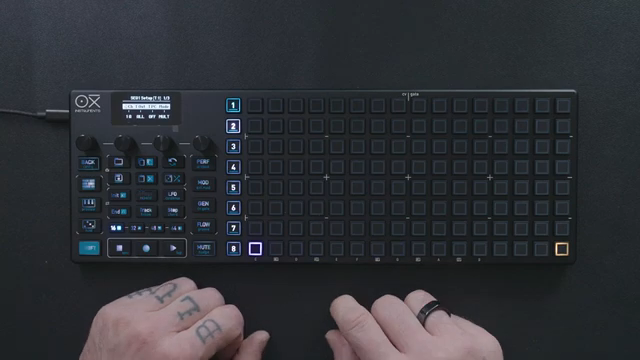
The video opens by moving beyond the obvious rhythmic applications of multitrack sequencing, positioning the OXI One MKII as a tool for composing melodic lines, chords, and even complete tracks. OXI Instruments frames the MKII not just as a rhythm machine, but as a versatile sequencer capable of handling complex musical structures within a single, unified workflow.
By leveraging the multitrack layout, users are shown how to build up arrangements step by step, using the same sequencer to trigger multiple voices or instruments. The demonstration makes it clear that the OXI One MKII’s design is about reducing friction—allowing musicians to sketch, refine, and expand musical ideas without jumping between devices or software environments.
64 Tracks, Infinite Possibilities: Editing and Experimentation
A core highlight is the ability to access up to 64 fully independent tracks by setting each sequencer to multitrack mode. This architectural choice is not just a numbers game—it’s about enabling granular control over every element in an arrangement, from note data to velocity, gate length, and logic conditions.
The video walks through two main editing approaches: direct step editing using encoders, and a column view that allows for focused manipulation of notes, velocity, gate, and repetition. Users can introduce groove, accent, and randomization, making the sequencer equally adept at tight, programmed patterns and more organic, evolving textures.
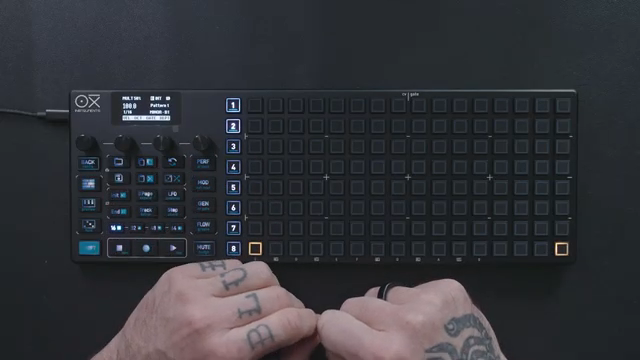
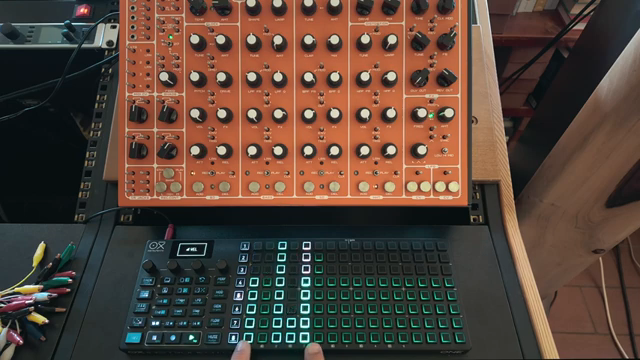
"If you set each sequencer to multitrack, you get a total of 64 fully independent tracks."
© Screenshot/Quote: Oxiinstruments (YouTube)
Creative Workflows: Chords, Decoupling, and Performance Tools
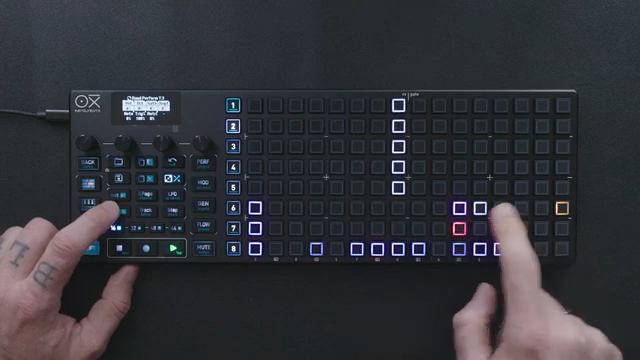
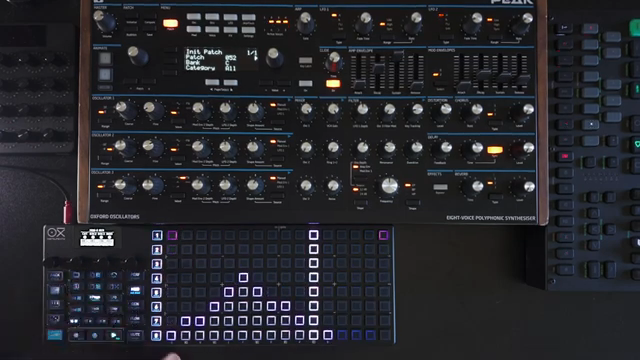
"This could already be a great way to perform a piece of music."
© Screenshot/Quote: Oxiinstruments (YouTube)
The demonstration shifts into creative territory by layering tracks for chord progressions and experimenting with track lengths. By decoupling tracks—assigning different step counts to each—users can generate polyrhythmic and evolving musical structures, which can be locked back in sync at any time for more traditional arrangements.
Adding melodic leads and basslines is straightforward, with the workflow emphasizing hands-on control: muting tracks, previewing notes, and using the random generator to inject new material. The randomization engine is shown as a fast way to generate high-register melodic content, with bias and density settings for nuanced results.
Performance tools are woven throughout, from muting and resyncing tracks to using the random generator for both subtle variation and dramatic changes. The ability to manage multiple instruments and voices from a single sequencer is presented as a key strength, supporting both studio composition and live improvisation.
Multitrack Mode as a Compositional Game-Changer
The video underscores how multitrack mode can fundamentally change compositional approaches. By assigning tracks to different MIDI channels and note offsets, users can control drums, bass, leads, and more—all within a single session. This flexibility is demonstrated by building a full arrangement, with each track dedicated to a specific instrument or role.
Track management features like muting, soloing, and looping are highlighted as essential for live performance and on-the-fly arrangement. The OXI One MKII’s interface is shown to support fast, tactile control, making it a compelling option for those who want to move fluidly between composition and performance.
Practical Applications: From Rhythms to Full Arrangements
The final segment ties the workflow together with practical examples, showing how the sequencer can be used to generate everything from basic rhythms to intricate melodic sequences and layered textures. The use of the performance page for muting, soloing, looping, and fill functions is demonstrated as a way to keep arrangements dynamic and engaging.
Throughout, the OXI One MKII is positioned as a sequencing hub suitable for diverse musical styles and production techniques. Whether in the studio or on stage, its multitrack capabilities are shown to support both structured songwriting and exploratory, generative approaches. The video concludes by emphasizing the instrument’s role as a creative catalyst, inviting users to push beyond conventional sequencing workflows.
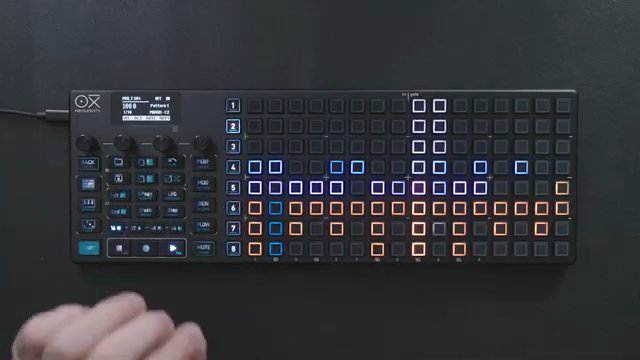
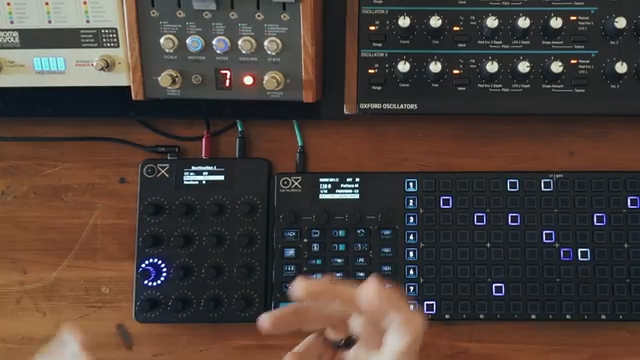
"You can also go to the performance page to mute or solo tracks."
© Screenshot/Quote: Oxiinstruments (YouTube)
More articles about these products:
 OXI Instruments: Polyrhythmic Grooves with the OXI One mkII’s Decoupled Velocity and Gate
 OXI Instruments OXI One mkII: Mod Lanes Unleashed
 OXI Instruments E16: Dual MIDI Destinations Demystified
 OXI Instruments: Architectural MIDI Connections with the OXI ONE MKII
 OXI Instruments Reinvents Sequencing: Stochastic Mode on the OXI One MKII
 OXI Instruments OXI One MKII: CV & Gate Wizardry for Modular Setups
 OXI Instruments: Saga Mode on the OXI One MKII – Escaping the Grid with Nigrán 2.0
 OXI Instruments OXI One MKII: Modulation Lanes Unleashed
 OXI Instruments OXI One MKII: Multitrack Mode Unleashed
 OXI Instruments OXI One MKII: Pattern Navigation Reimagined
 OXI Instruments OXI One MKII: Architecting Inspiration with the Random Generator
 OXI Instruments OXI One MKII: Accumulators Unleashed
Watch on YouTube:
Latest articles
Watch on YouTube:
https://www.youtube.com/oxiinstruments
Links from oxiinstruments:
Sponsored links:
If you purchase via these links, we may earn a small commission – at no extra cost to you. The link opens an Amazon keyword search, and results may vary depending on availability.
🔗 Check price on Amazon