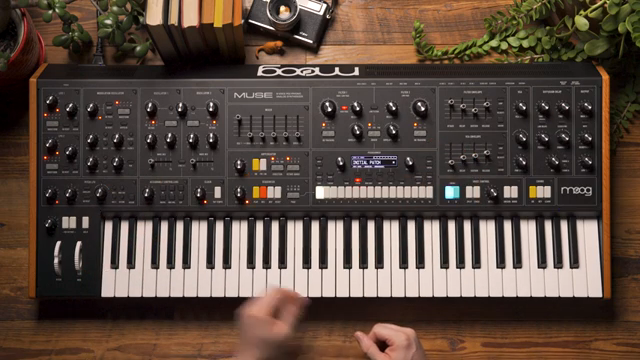
Moog Music’s Muse steps into the spotlight as a performance-focused instrument, and this official video dives deep into its macro control architecture. The manufacturer walks us through how Muse’s macro knob, mod wheel, and LFO amplitude controls can be assigned to multiple parameters for radical patch morphing and expressive modulation. Starting from an initialized patch, the demo showcases real-time assignment, nuanced modulation mapping, and creative workflows that let users shape sound dynamically. For those interested in digital control meeting analog flavor, this is a revealing look at how Muse’s macro system translates to hands-on performance and sound design.
2. August 2024
LYRA
Moog Music Muse: Macro Performance Controls and Morphing Workflows Unveiled
Muse Macro Controls: The Performance Architecture
Muse is introduced as a performance instrument with a strong emphasis on macro controls, designed to facilitate expressive modulation and patch morphing. The video immediately establishes that there are four macro performance controls available: the macro knob, the mod wheel, and the amplitude knobs for LFO 1 and LFO 2. Each of these can serve as a central point for modulating multiple parameters at once, allowing for sweeping changes in sound with a single gesture.
This approach is clearly aimed at performers and sound designers who want to move beyond static patches. By enabling a single control to affect several destinations, Muse encourages dynamic interaction and on-the-fly transformation, which is particularly valuable in live and DAWless setups. The video’s focus on macro controls sets the stage for a workflow where morphing and modulation are not just possible, but integral to the instrument’s identity.
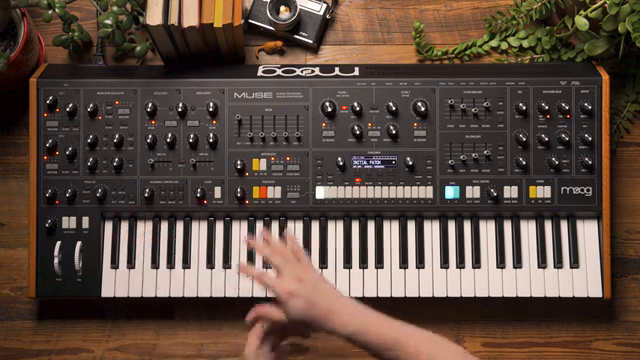
"A single control that's able to modulate multiple panel parameters so that we can get some pretty radical morphing of our patches mid performance."
© Screenshot/Quote: Moogsynthesizers (YouTube)
Assigning the Macro Knob: Filters, Oscillators, and Beyond
"Even just using the macro to control a single parameter can be really powerful."
© Screenshot/Quote: Moogsynthesizers (YouTube)
The demonstration begins with an initialized patch—a single oscillator sawtooth with wide-open filters and a touch of envelope release—serving as a blank canvas. The presenter walks through the process of assigning the macro knob to control filter 2’s cutoff via the assignable controller section. This quick-assign workflow is immediate: pressing the macro button, turning the desired parameter, and setting modulation depth. Even with just one parameter assigned, the macro knob offers a powerful way to sweep filter cutoff without disturbing the original knob setting, which is ideal for live tweaks.
Building on this, the macro knob is then assigned to filter 1’s cutoff as well, with a different modulation depth, and resonance is increased for a more dramatic sweep. The result is a bandpass-like response, but with a twist: both filters move in parallel yet with different amounts, creating a unique filter interaction. The macro is finally set to control oscillator 2’s level, and the oscillator is tuned a fifth above oscillator 1, allowing the macro to introduce a new interval as it morphs the patch. This layered assignment demonstrates how Muse’s macro system enables complex, evolving textures with minimal effort.
Editing Modulation: MOD MAP, Response Curves, and Slew
The video shifts to the MOD MAP, where modulation assignments can be fine-tuned for deeper control. Here, the response curve of each macro assignment is adjusted—filter 1’s cutoff, for example, is given a higher modulation amount for a more pronounced sweep. The MOD MAP interface allows users to hear changes in real time by holding a note and tweaking values, ensuring precise tailoring of modulation depth and behavior.
A key feature highlighted is the ability to apply mathematical functions like slew to each slot. By adding slew to the macro’s control over oscillator 2’s mix and filter 1’s cutoff, the movement of these parameters is smoothed out, introducing a slight delay before they reach their destination. This creates a more organic, staggered morphing effect, where parameters arrive at their targets at different times, adding nuance and expressivity to performance gestures.
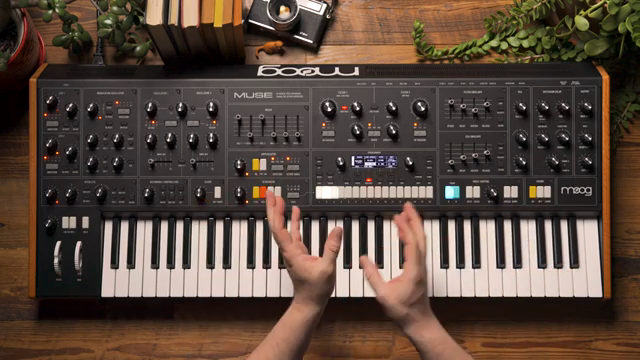
"This can just be a nice way to make it move a little bit more slowly so that all the parameters arrive at their destination at differing times."
© Screenshot/Quote: Moogsynthesizers (YouTube)
Creative Macro Workflows: Mod Wheels, LFOs, and Meta Modulation
"It opens up a really deep and amazing sort of expressive nature to Muse particularly when performing on stage."
© Screenshot/Quote: Moogsynthesizers (YouTube)
The final segment explores advanced creative workflows enabled by Muse’s macro system. The video demonstrates how modulation sources can be quickly swapped—assigning the same macro routings to the mod wheel instead of the macro knob, or splitting duties between the two for independent morphing layers. This flexibility allows performers to control up to 16 parameters with a single control, or distribute control for more nuanced interactions.
Additionally, the amplitude knobs for LFO 1 and LFO 2 can themselves act as macro controls, modulating multiple destinations from a single point. The presenter notes that these macro sources can even be cross-modulated, with the macro knob and mod wheel influencing LFO amplitudes for deeply layered modulation schemes. This architecture opens up a wide palette of expressive possibilities, particularly for live performance, where rapid, coordinated changes are essential.
This article is also available in German. Read it here: https://synthmagazin.at/moog-music-muse-macro-performance-controls-und-morphing-workflows-enthuellt/
Watch on YouTube:
Latest articles
Watch on YouTube:
Visit the channel:
https://www.youtube.com/MoogSynthesizers
https://www.youtube.com/MoogSynthesizers
Links from MoogSynthesizers:
website: https://moogmusic.com
instagram: https://instagram.com/moogsynthesizers
facebook: https://www.facebook.com/moogmusicinc
twitter: https://twitter.com/moogmusicinc
Sponsored links:
If you purchase via these links, we may earn a small commission – at no extra cost to you. The link opens an Amazon keyword search, and results may vary depending on availability.
Moog Muse
🔗 Check price on Amazon
🔗 Check price on Amazon