Elektron’s Digitakt II receives a significant upgrade with OS 1.10, and the official Elektron channel wastes no time showcasing the headline features. This isn’t just a bugfix patch—think new filter types, expanded modulation, mono sampling, and workflow enhancements that push the Digitakt II further into hybrid territory. As always, Elektron’s nerdy-yet-musical approach is on full display, focusing on how these digital tools translate into real-world creative workflows. We break down what’s demonstrated, what’s implied, and where the update leaves room for further exploration.
21. March 2025
LYRA
Elektron Digitakt II OS 1.10: A Deep-Dive into the New Digital Arsenal
A Fresh Digital Canvas: What OS 1.10 Brings to Digitakt II
Elektron’s Digitakt II OS 1.10 update lands with a clear mission: to expand both the sound design and performance capabilities of this already formidable sampler. The official video wastes no time, immediately diving into the new features and setting the tone for a release that’s more evolution than mere maintenance. There’s a sense that Elektron is listening to its user base, delivering not just fixes but meaningful creative tools.
From the outset, the focus is on features that impact both the sonic palette and the hands-on workflow. The update introduces a new filter, additional modulation sources, and sampling enhancements—all aimed at giving users more ways to shape, control, and perform their sounds. This isn’t just about adding more options; it’s about deepening the instrument’s architecture in ways that matter for real-world music-making.
Filters, Modulation, and Mono Sampling: The New Core Tools
The star of the update is the new Comb Positive filter. Unlike its Comb Negative sibling, which produces hollow, tube-like resonances, Comb Positive introduces metallic, string-like overtones using positive feedback. The video highlights a clever workflow tip: holding the function button while adjusting frequency moves the feedback tones in octaves of C, and with key tracking set to 100%, the filter can be played melodically—essentially turning it into a pseudo-synth engine.
Modulation gets a significant boost with the addition of key tracking as a source. Users can now route incoming note values—whether from an external MIDI controller or Digitakt II’s own keyboard mode—to up to four different parameters per track, each with independent positive or negative offsets. This opens up nuanced sound design, such as inverting filter envelope depth or dynamically shaping filter cutoff based on pitch. Mono sampling is another practical addition: users can now sample from either the left or right input individually, or sum both to mono, making it easier to integrate multiple mono synths or external sources into a Digitakt-centric workflow.

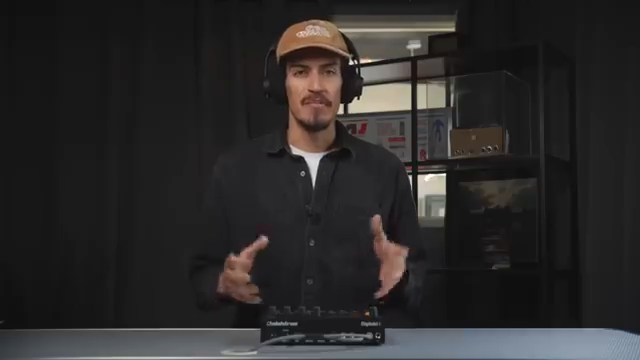
"The Comb Positive filter uses positive feedback to introduce metallic sounding, pitch-tuned resonant overtones."
© Screenshot/Quote: Weareelektron (YouTube)
Track Swap: Reimagining Track Management
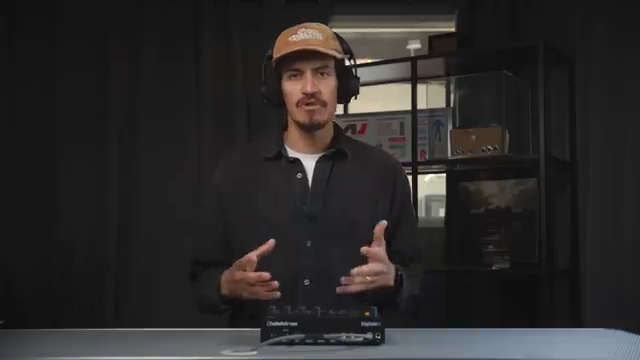
"This helps when organizing tracks to perform live, or just to keep things tidy while making music."
© Screenshot/Quote: Weareelektron (YouTube)
Track Swap is a deceptively simple but powerful addition. It allows users to instantly exchange all settings, presets, and sequencer data between any two tracks. This is especially useful for live performers who need to reorganize their sets on the fly, or for studio users seeking a tidier project structure without losing their meticulously crafted patterns. The process is straightforward: access the track setup menu, select Track Swap, and hold the two desired track trig keys until the swap is confirmed. It’s a small workflow tweak with outsized impact for those who like to keep their sessions fluid and adaptable.
Sequencer Upgrades: Parameter Locks and Overdub Mode
The sequencer, always a core strength of Elektron machines, gets even more flexible in OS 1.10. Parameter locks can now be applied to all active trigs on a page or track in one go—a boon for those who want to quickly inject variation without laborious step-by-step editing. The video demonstrates how holding a trig and page or trig and track enables rapid parameter changes across multiple steps.
Another welcome addition is the overdub option for live recording mode. Instead of overwriting existing trigs, users can now layer new notes on top—ideal for building up complex MIDI sequences or adding melodic lines over sustained chords. These enhancements further cement Digitakt II’s reputation as a performance-friendly, composition-ready groovebox.
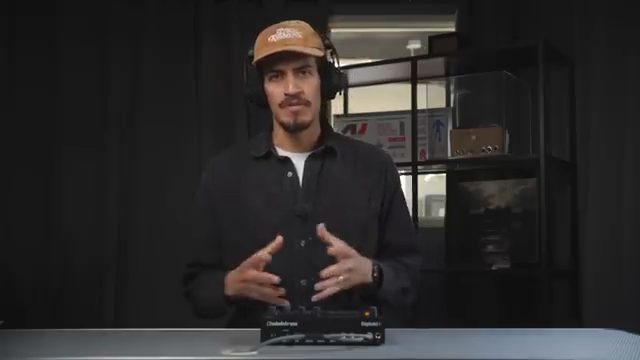
"This allows notes to be recorded on top of existing trigs instead of overwriting them."
© Screenshot/Quote: Weareelektron (YouTube)
Digitakt II OS 1.10: More Than the Sum of Its Parts
Taken together, the OS 1.10 update transforms Digitakt II into an even more versatile creative hub. The new filter and modulation options invite deeper sound exploration, while workflow enhancements like Track Swap and overdub recording streamline both live and studio use. Elektron’s approach remains focused on empowering users to shape their own digital playground, and this update is a clear step forward—though, as always, the true test will be how these features integrate into diverse real-world setups.
This article is also available in German. Read it here: https://synthmagazin.at/elektron-digitakt-ii-os-1-10-ein-architektur-update-fuer-die-digitale-groovebox/
Watch on YouTube:
Latest articles
Watch on YouTube:
Visit the channel:
https://www.youtube.com/WeAreElektron
https://www.youtube.com/WeAreElektron
Links from WeAreElektron:
website: https://www.elektron.se
twitter: https://twitter.com/WeAreElektron
facebook: https://www.facebook.com/WeAreElektron
instagram: https://instagram.com/weareelektron
Sponsored links:
If you purchase via these links, we may earn a small commission – at no extra cost to you. The link opens an Amazon keyword search, and results may vary depending on availability.
Digitakt II
🔗 Check price on Amazon
🔗 Check price on Amazon